 Loura
Loura
My coworker was pretty lazy today 🐈⬛
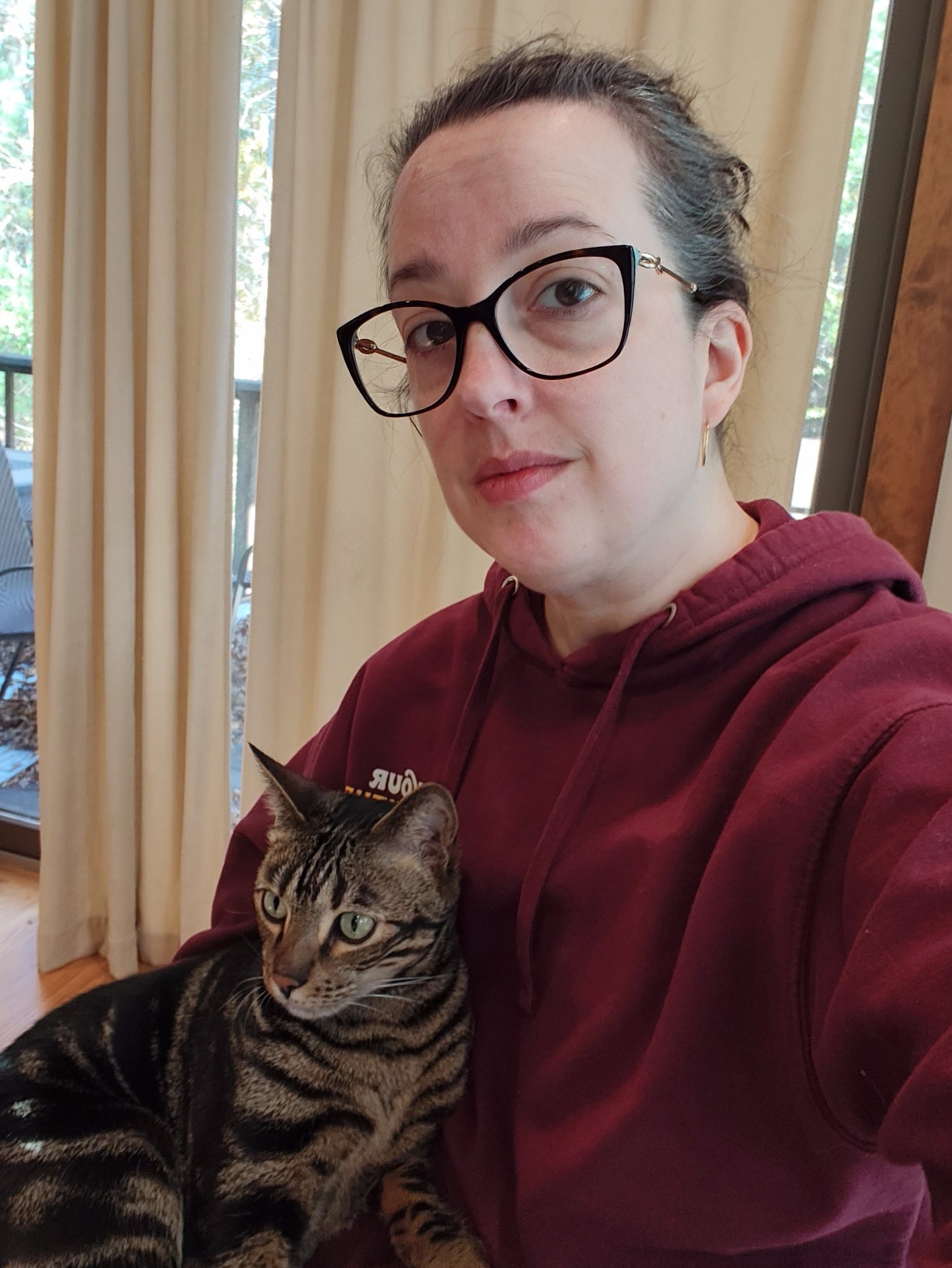
Selfie a day for a year, day 55: Oct 23, 2026 edition.
Even though it’s late, I still need to practice.
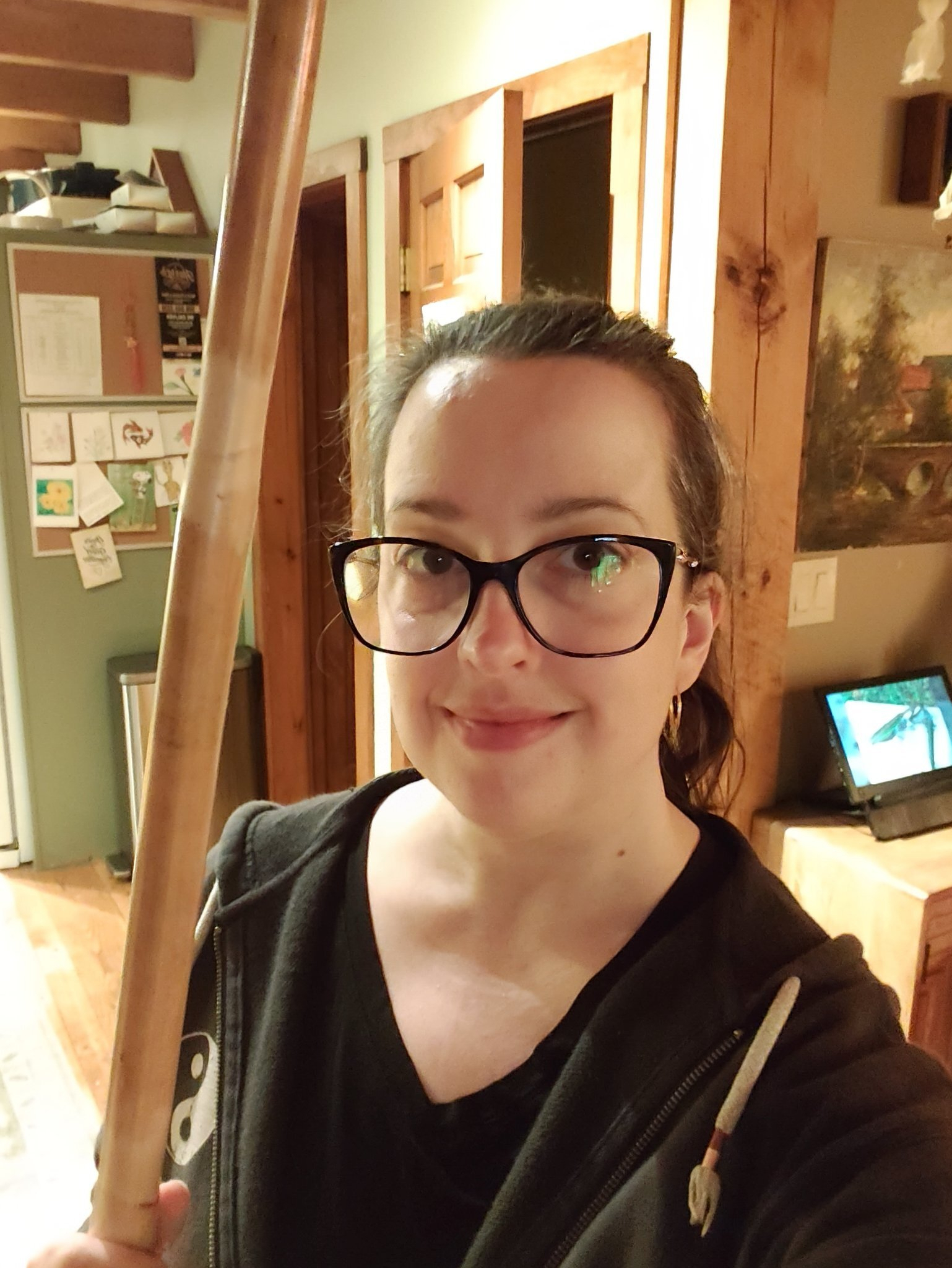
Selfie a day for a year, day 54: Oct 22, 2026 edition.
Two hours in the gym. I have a tai chi tournament in a little over two weeks. Yikes.
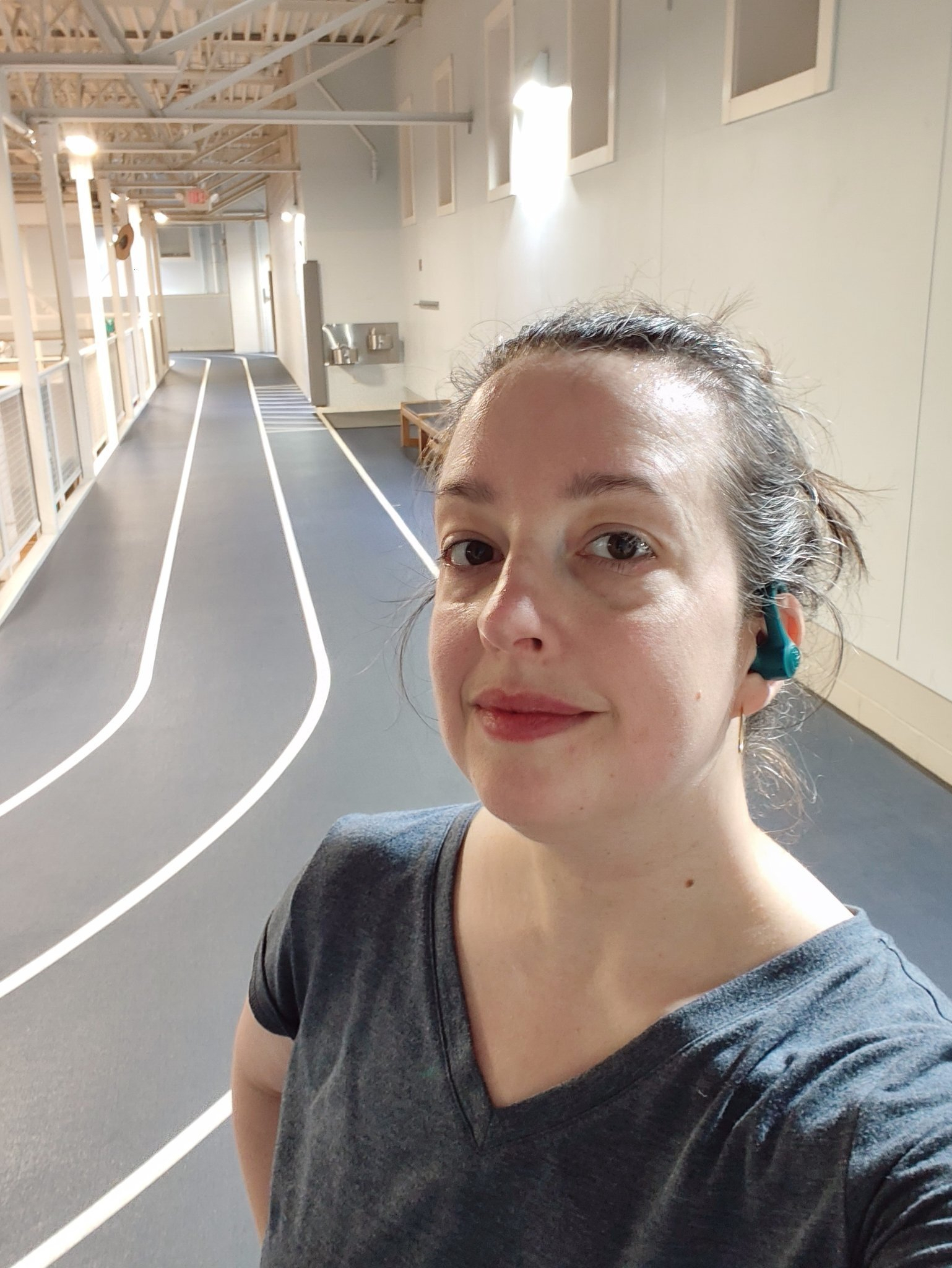
Selfie a day for a year, day 53: Oct 21, 2026 edition.
Another workout done.
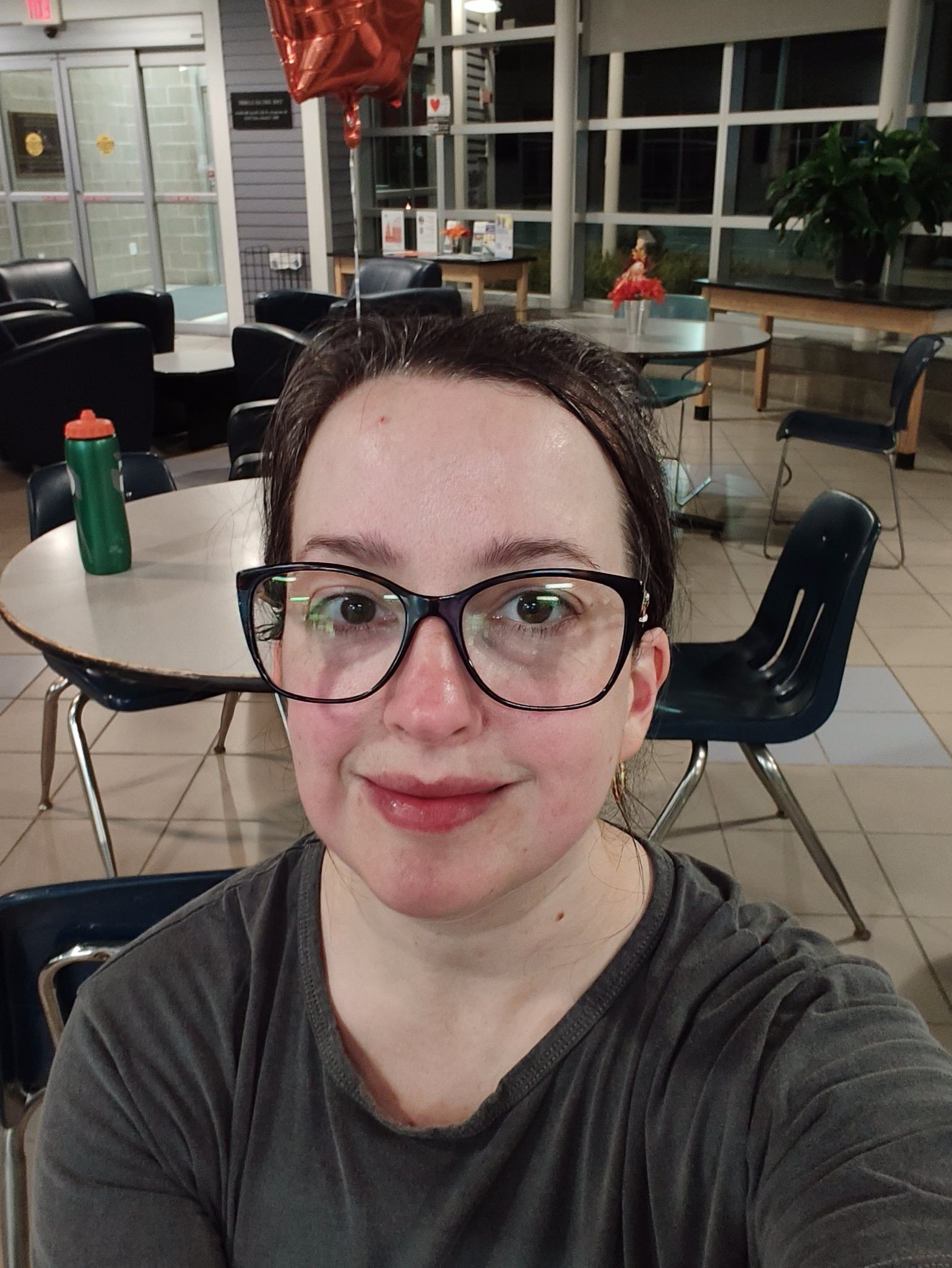
Selfie a day for a year, day 52: Oct 20, 2026 edition.
Boo!
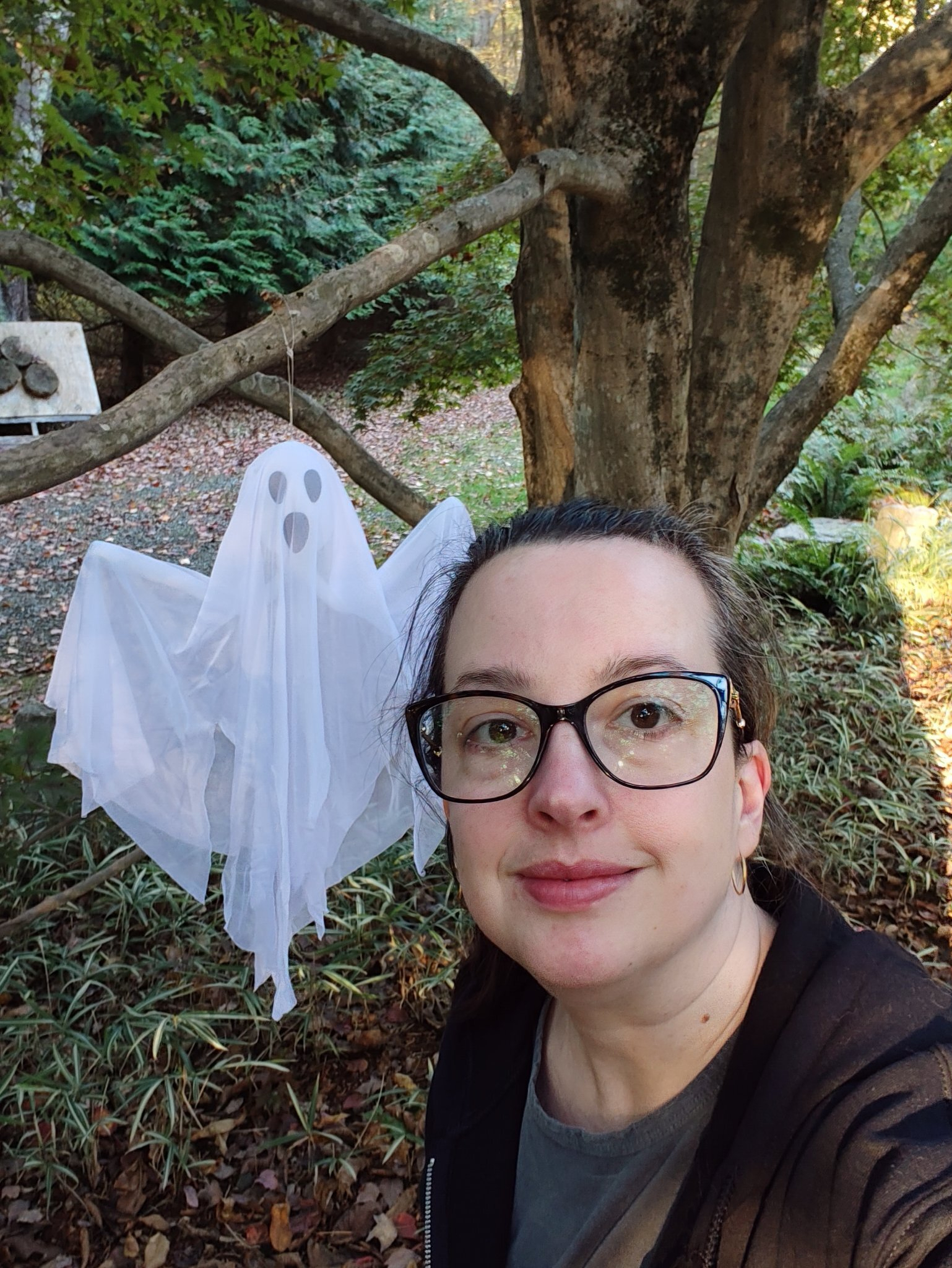
Selfie a day for a year, day 51: Oct 18, 2026 edition.
I’m enjoying a fall outing with the kids.
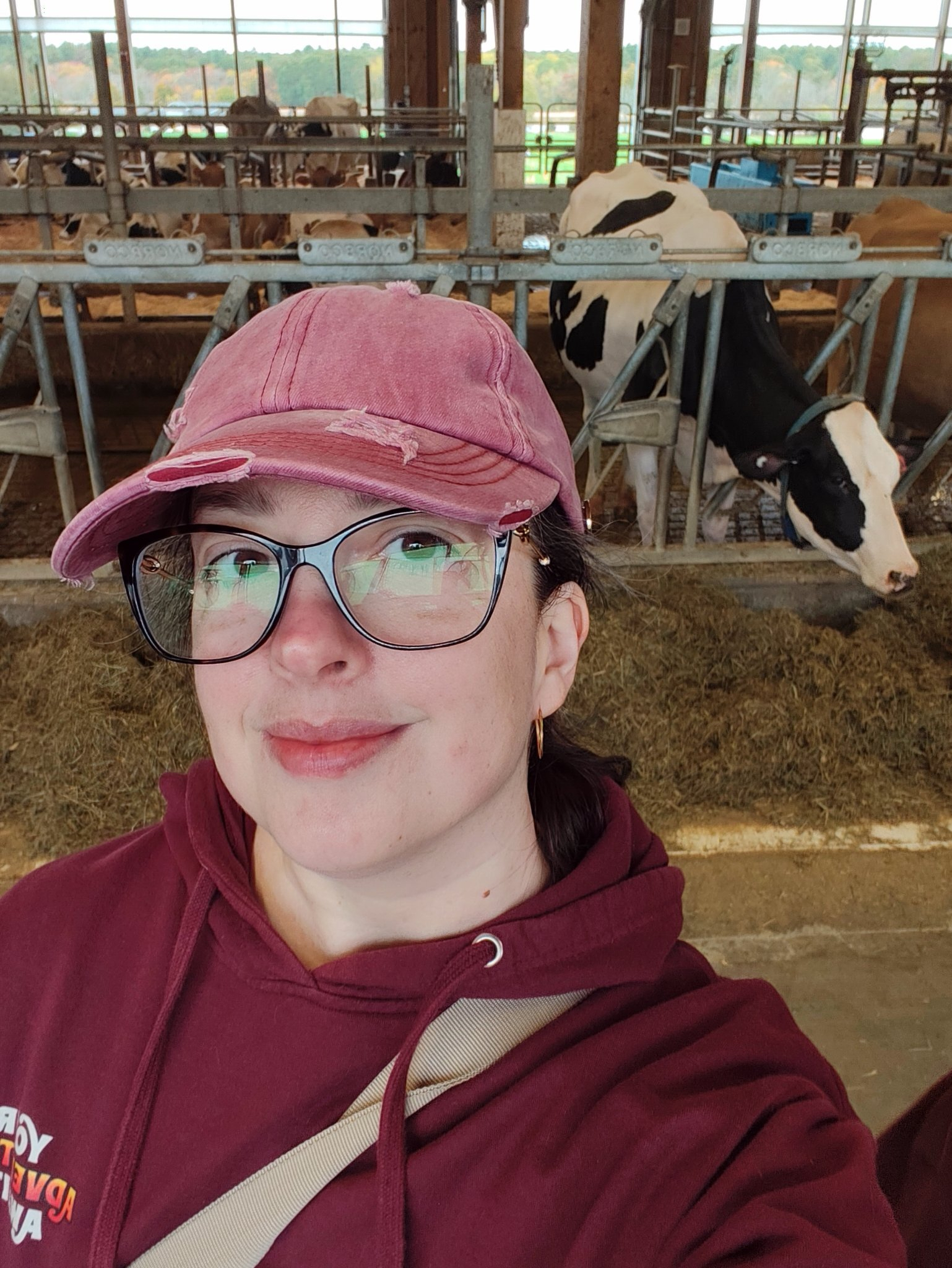
Selfie a day for a year, day 50: Oct 17, 2026 edition.
Once again waiting to pick up a kid from swim practice.

Selfie a day for a year, day 49: Oct 16, 2026 edition.
Finally feeling better and getting Maui cuddles.
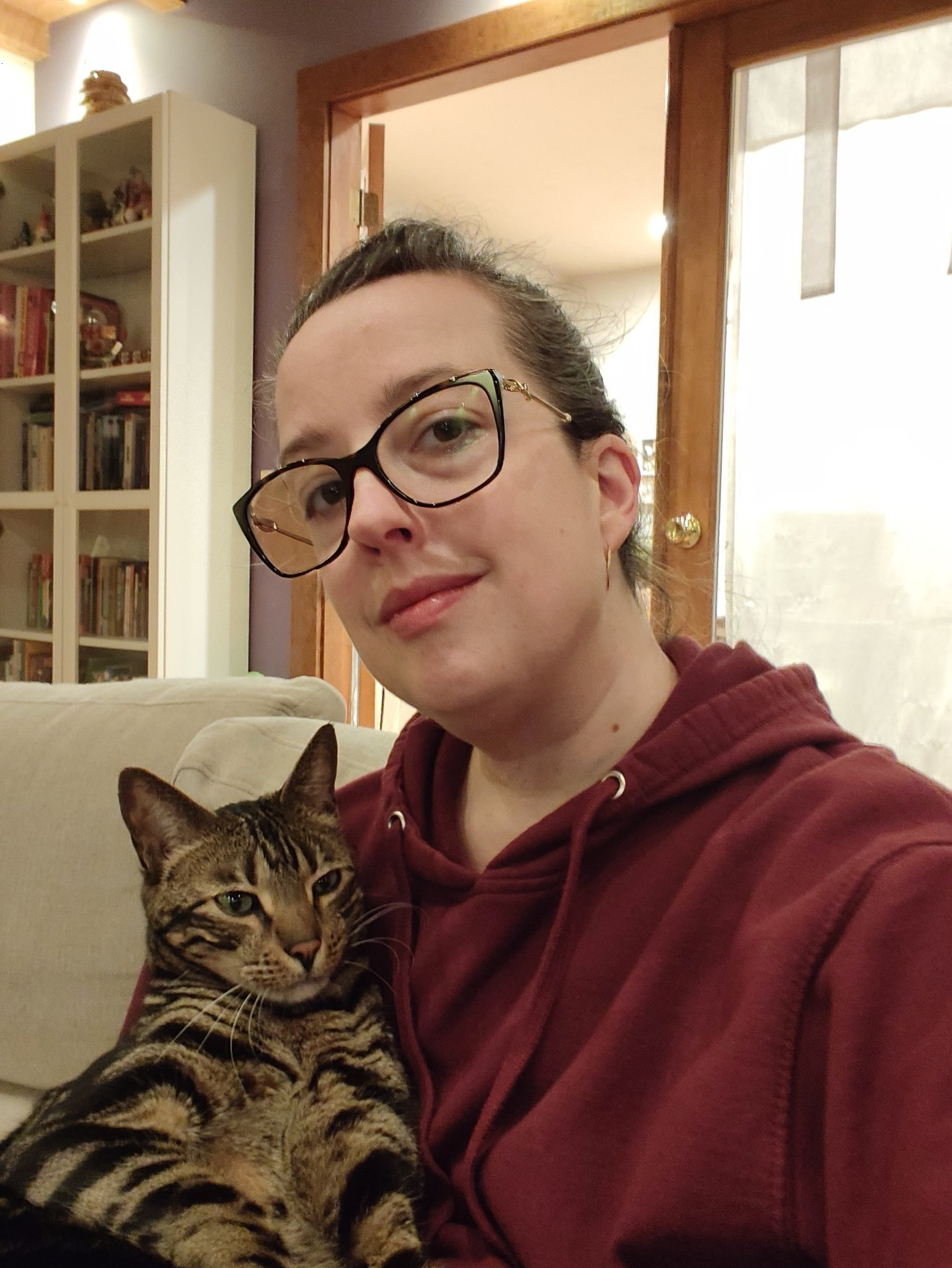
Selfie a day for a year, day 48: Oct 15, 2026 edition.
I underestimated the amount of colds my kid starting high school would bring home.
It was rainy today so we took the time to put up Halloween decorations.

Selfie a day for a year, day 47: Oct 11, 2026 edition.
Selfie a day for a year, day 46: Oct 10, 2026 edition.

I need to get a little more consistent with these selfie a day posts. Just another day waiting around in a car.
Selfie a day for a year, day 45: Oct 8, 2026 edition.
I’m just waiting for my dinner, pizza, to finish cooking.

Selfie a day for a year, day 44: Oct 7, 2026 edition.
Just waiting for the kids.
Liked OOHH - this is exciting.. Sending a webmention to: a post by Loura by John PHI⑊PIN
It was a long day running the kids around.

Selfie a day for a year, day 43: Oct 5, 2026 edition.
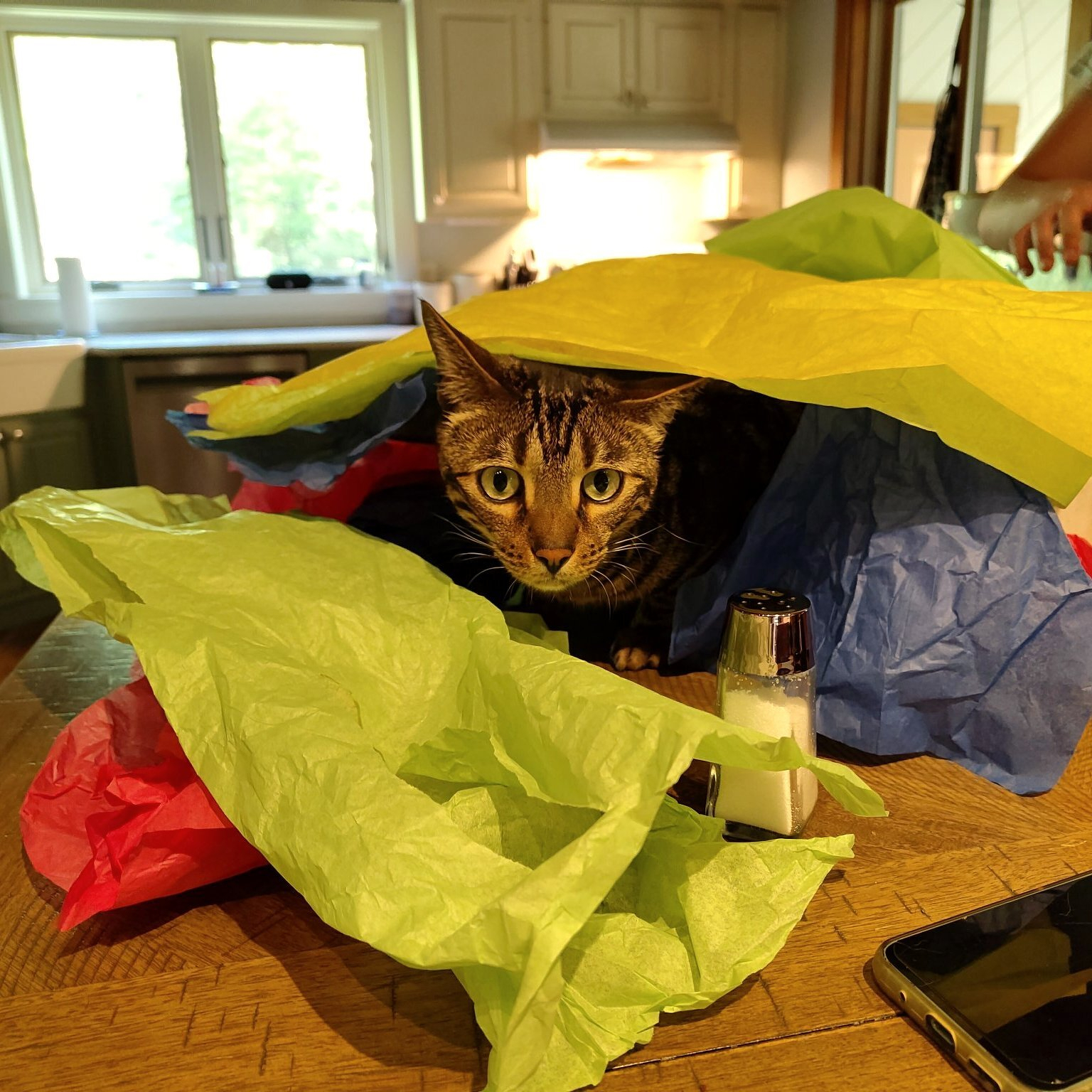
Caturday 🐈⬛
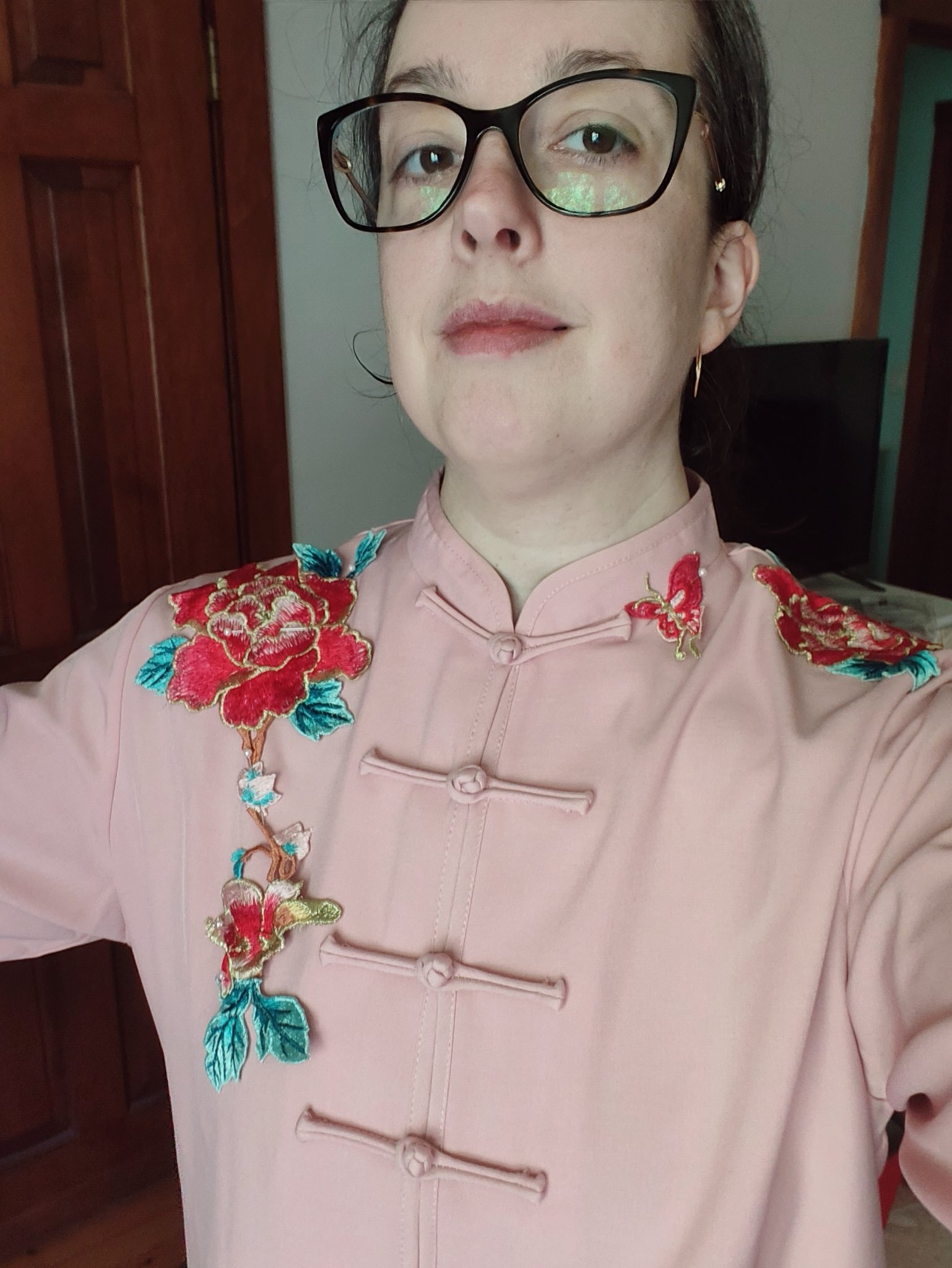
I’m starting sewing down the appliqué for the front of my jacket. I’m hoping to finish it this weekend.
Selfie a day for a year, day 42: Oct 3, 2026 edition.
I took a long lunch break and visited my favorite garden nursery with my sister and cousin.

Selfie a day for a year, day 41: Oct 2, 2026 edition.
An awful workday followed by a wonderful tai chi class. Its amazing how tai chi can turn my day around.

Selfie a day for a year, day 40: Oct 1, 2026 edition.
My workout is done. Now I’m waiting for my son to finish swim practice.

Selfie a day for a year, day 39: Sep 30, 2026 edition.
I’m feeling a bit better today. Migraine plus a head cold isn’t a fun combination.

Selfie a day for a year, day 38: Sep 29, 2026 edition.
It’s a rainy morning so I stopped in to grab a coffee before running errands all day.
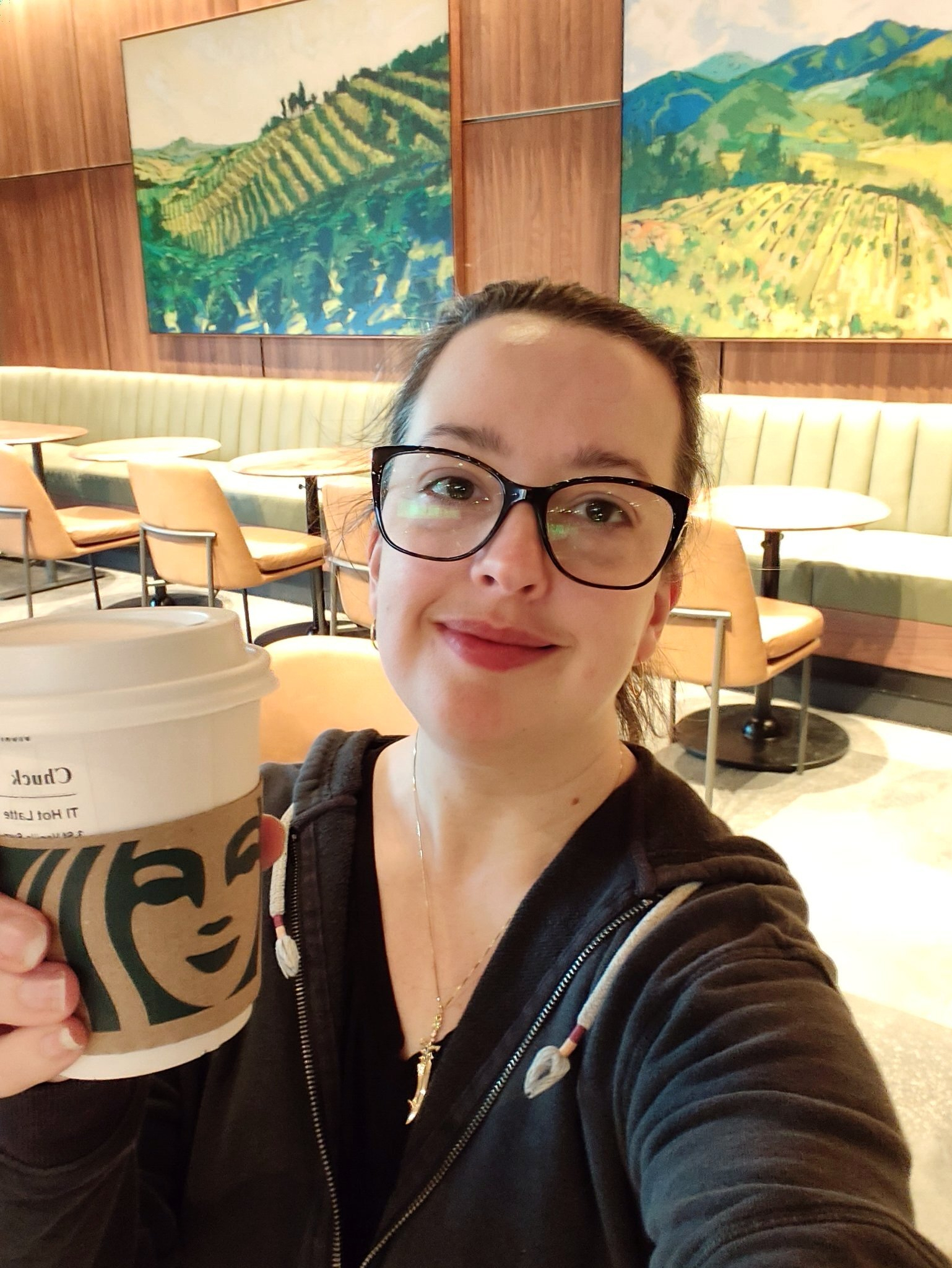
Selfie a day for a year, day 37: Sep 27, 2026 edition.
I’ve noticed I tend to tilt my head to one side on these selfies. So I’m doing the opposite.
Selfie a day for a year, day 36: Sep 25, 2026 edition.

What would it be like if I left a blog draft open on my desktop and I just listed stuff?
Let’s find out. Morning I started out looking for something interesting to read while I let the test suite at work run. I stumbled across this Why is the human body so crap except for the liver? which I found fascinating. It would be nice to be able to sleep in as long as my son does. I was up at 5:00am. He stumbled out at 8:30am. Why did I think buying fish oil gummies was a good idea? I like taking my vitamins in gummy form. This might be the exception to that rule. I’ve been slowly working on some improvements…
Testing if micro.blog sends out u-like-of. This will be deleted at somepoint.
It’s been long day but I still remembered to take a selfie.
Selfie a day for a year, day 35: Sep 24, 2026 edition.

Random thoughts as I wait around
I really like mint tea. I drink it everyday. There is something satisfyingly about weeding At this point I’ve been writing code in some fashion for half my life Kdrama’s are fun It’s back to boot weather and I love it Jewelry is fun to…
Waiting.
Selfie a day for a year, day 34: Sep 23, 2026 edition.

Selfie a day for a year, day 33: Sep 21, 2026 edition.
It’s a Monday. Relaxing on the couch watching a show with my son.

I practiced tai chi this morning and afternoon. Now I’m prepping for a D&D game tonight .
Selfie a day for a year, day 32: Sep 20, 2026 edition.

Today included three hours of tai chi, a coffee break, grocery shopping, an hour of yard work, house cleaning, and organizing my digital photos. Time to rest.
Selfie a day for a year, day 31: Sep 19, 2026 edition.
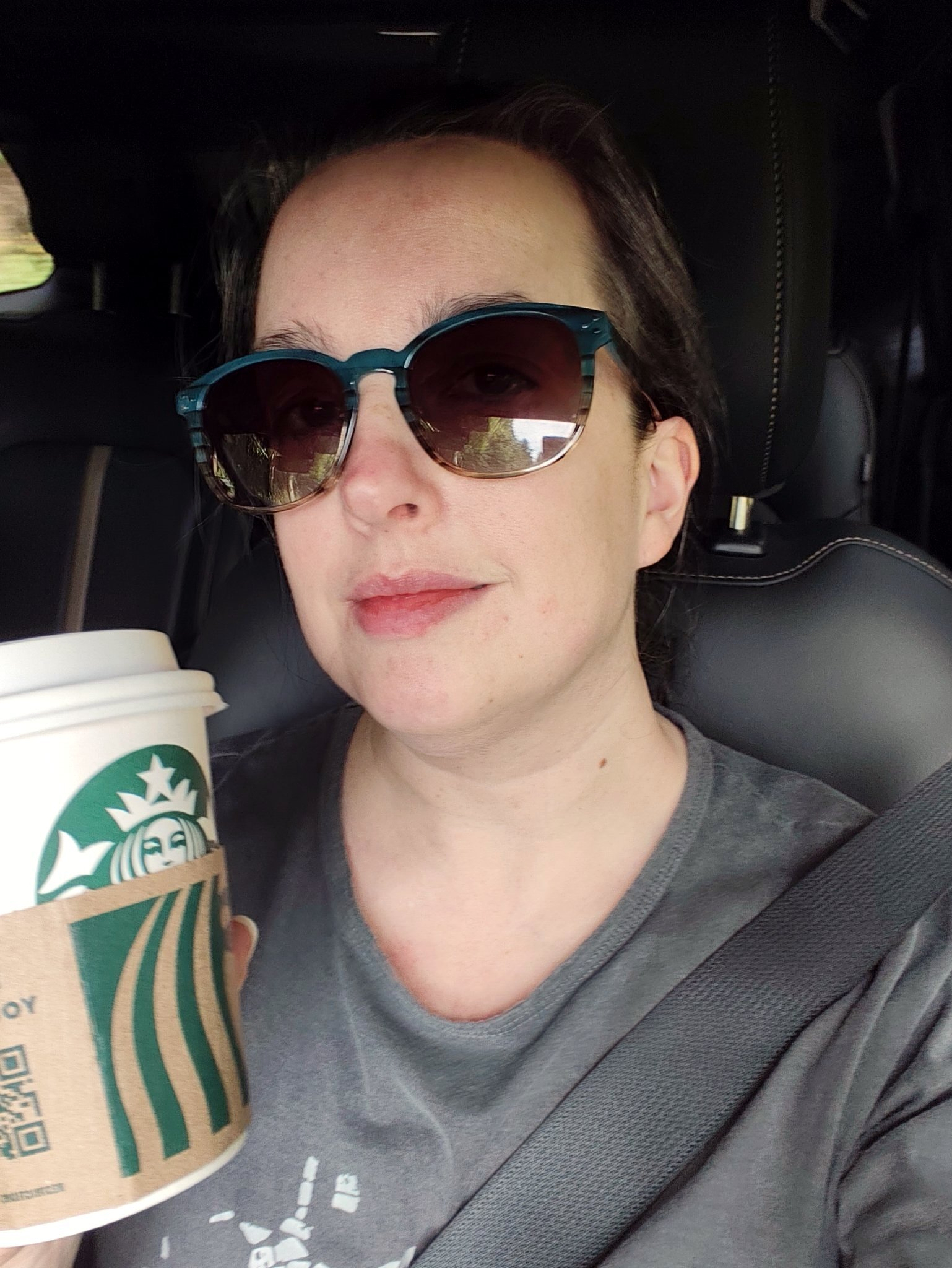
Me, rocking the old school Duo 2 today 😆. I loved this device size and form factor. Didn’t love all the baked in Microsoft nonsense.
Selfie a day for a year, day 30: Sep 18, 2026 edition.
It was a long day today. I’m looking forward to the weekend.
Selfie a day for a year, day 29: Sep 17, 2026 edition.

Today I’m working in the office. I’d rather be outside enjoying the lovely weather.
Selfie a day for a year, day 28: Sep 16, 2026 edition.


I spent way too long in front of the computer getting things ready for work tomorrow.
Selfie a day for a year, day 26: Sep 15, 2026 edition.
I’m really happy with how my new website theme is coming along. It’s inspired by the Myth of the Dragon Gate that I’ve been thinking about recently. It works on mobile, but the best details are on larger screens.

Long day stuck in front of the computer. I’m trying to find the energy to workout and not flop on the couch and watch TV with the kids…
Selfie a day for a year, day 25: Sep 14, 2026 edition.
Registered for a tournament in early November. Time to start practicing ⚔️☯️
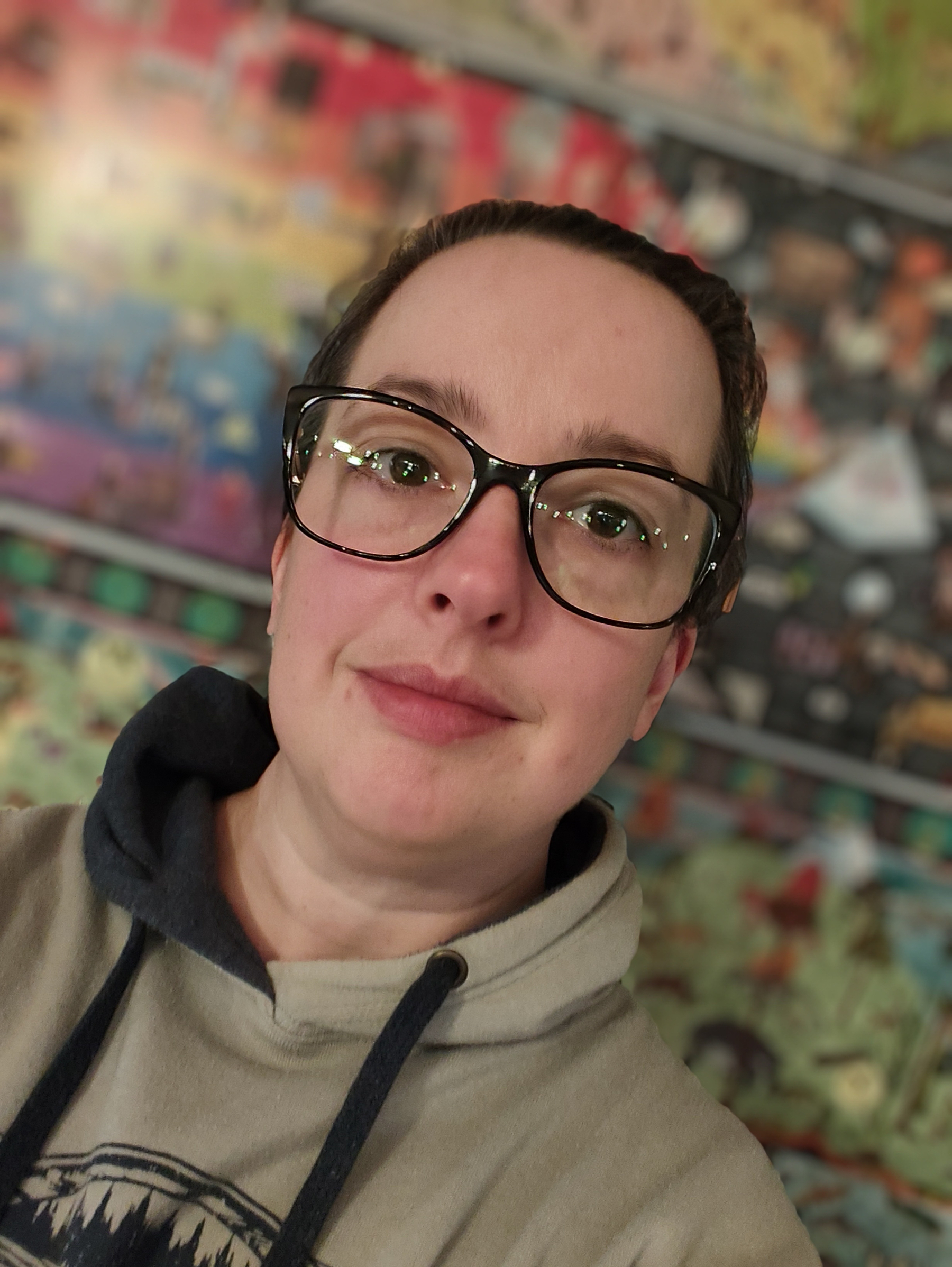
My new glasses really reflect the lights.
Selfie a day for a year, day 24: Sep 13, 2026 edition.
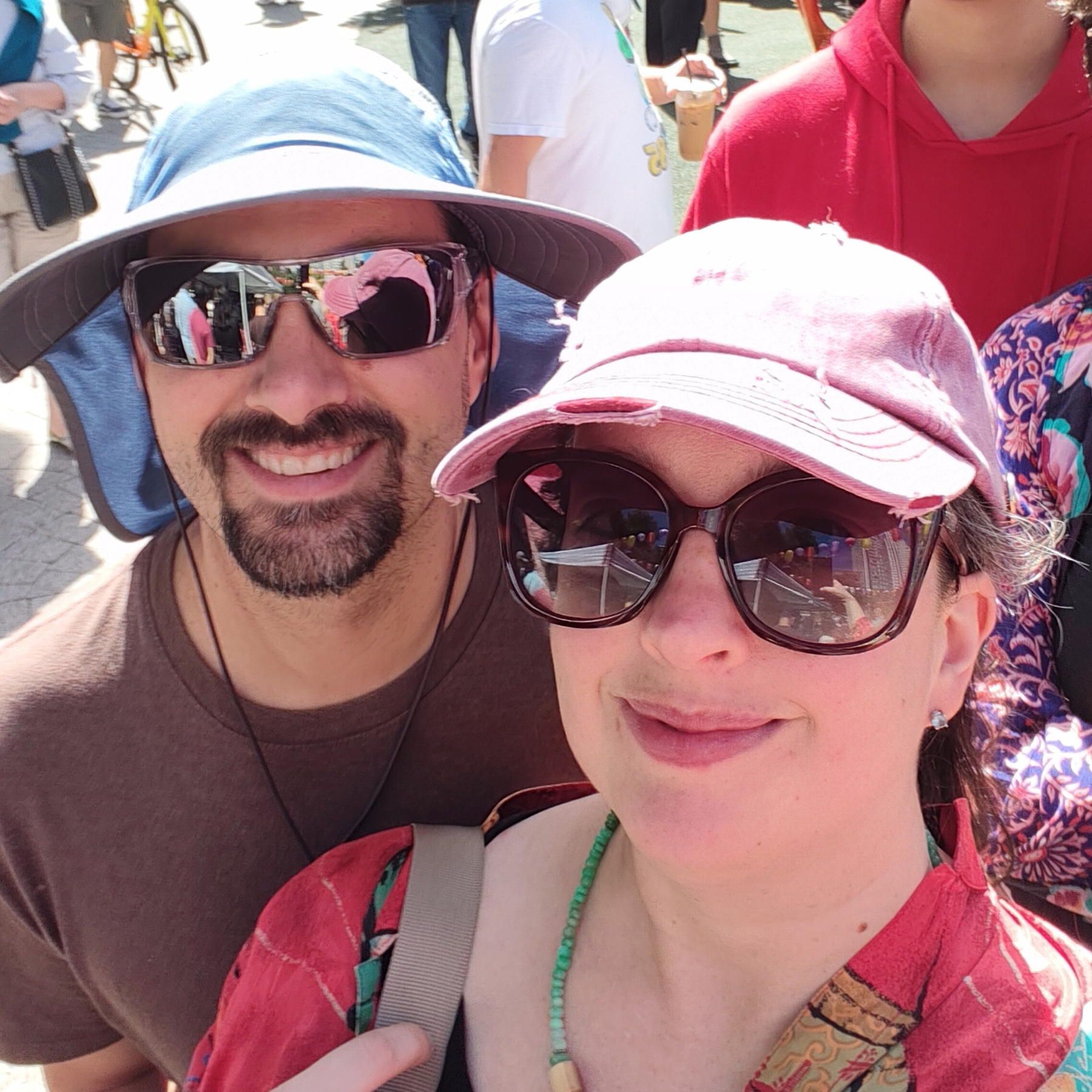
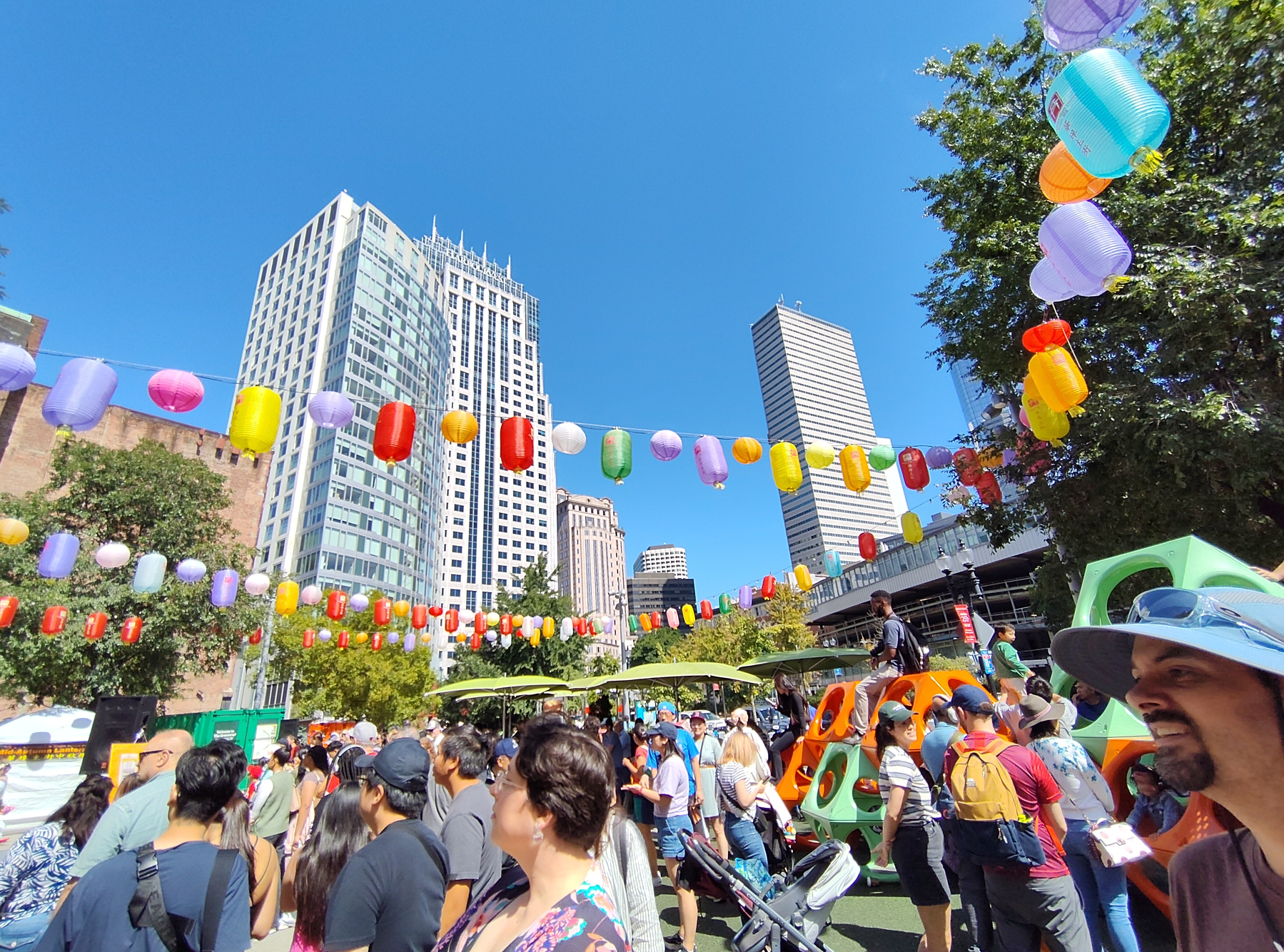
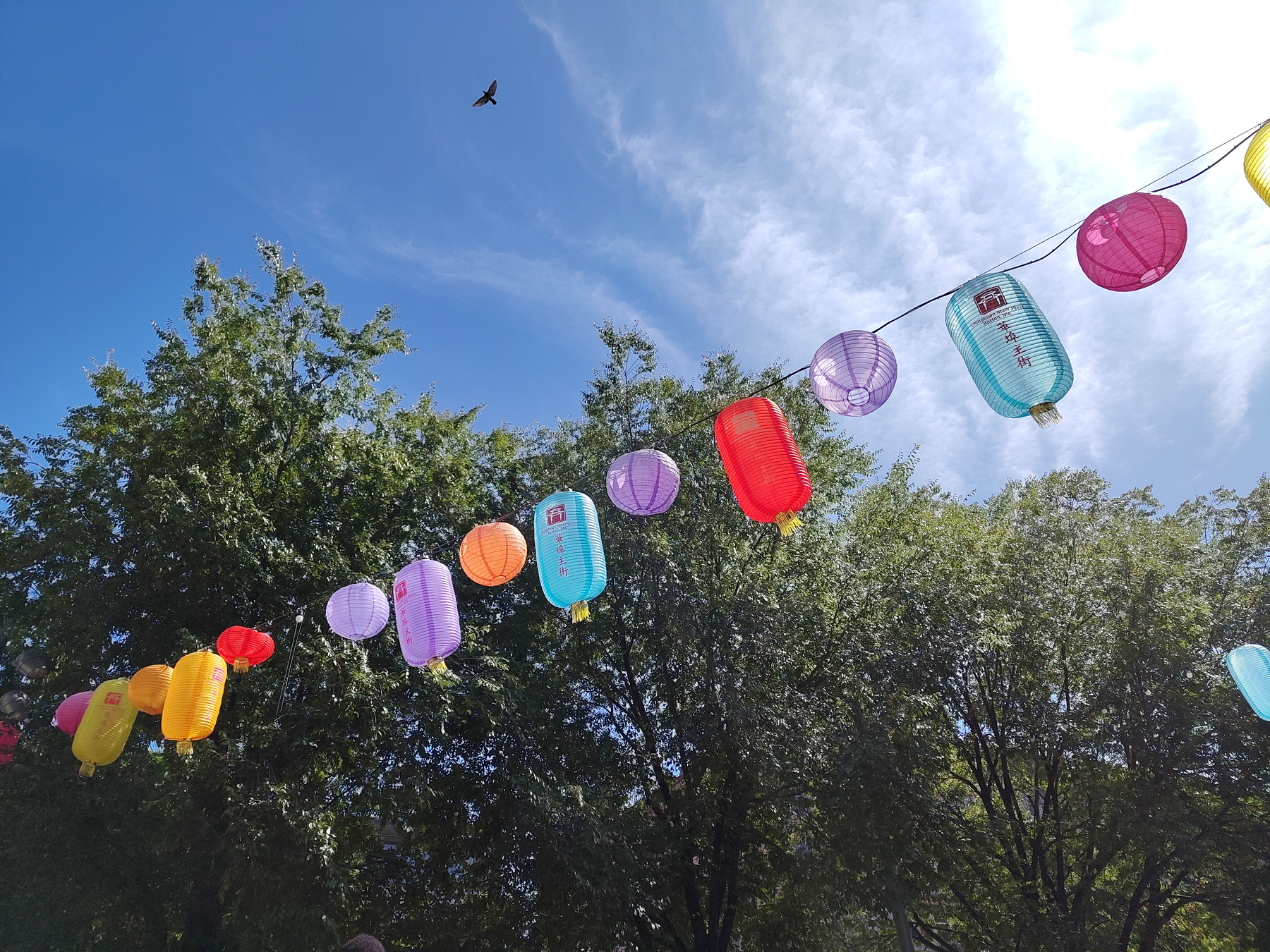

Spent the day in Boston checking out the Mid Autumn Lantern Festival, eating hot pot, getting fancy chocolates and wandering around the Boston Garden and Common.
Selfie a day for a year, day 23: Sep 12, 2026 edition.

End of the day treat.
Selfie a day for a year, day 22: Sep 11, 2026 edition.

I have mixed feelings about the bamboo in my yard. Once again I need to chop it back to stop it from flopping over the driveway. It makes a nice background though.
Selfie a day for a year, day 21: Sep 10, 2026 edition.
I will not buy a new hobonichi this year… I will not buy a new hobonichi this year… 😅
I need to use up the old notebooks I already have first!
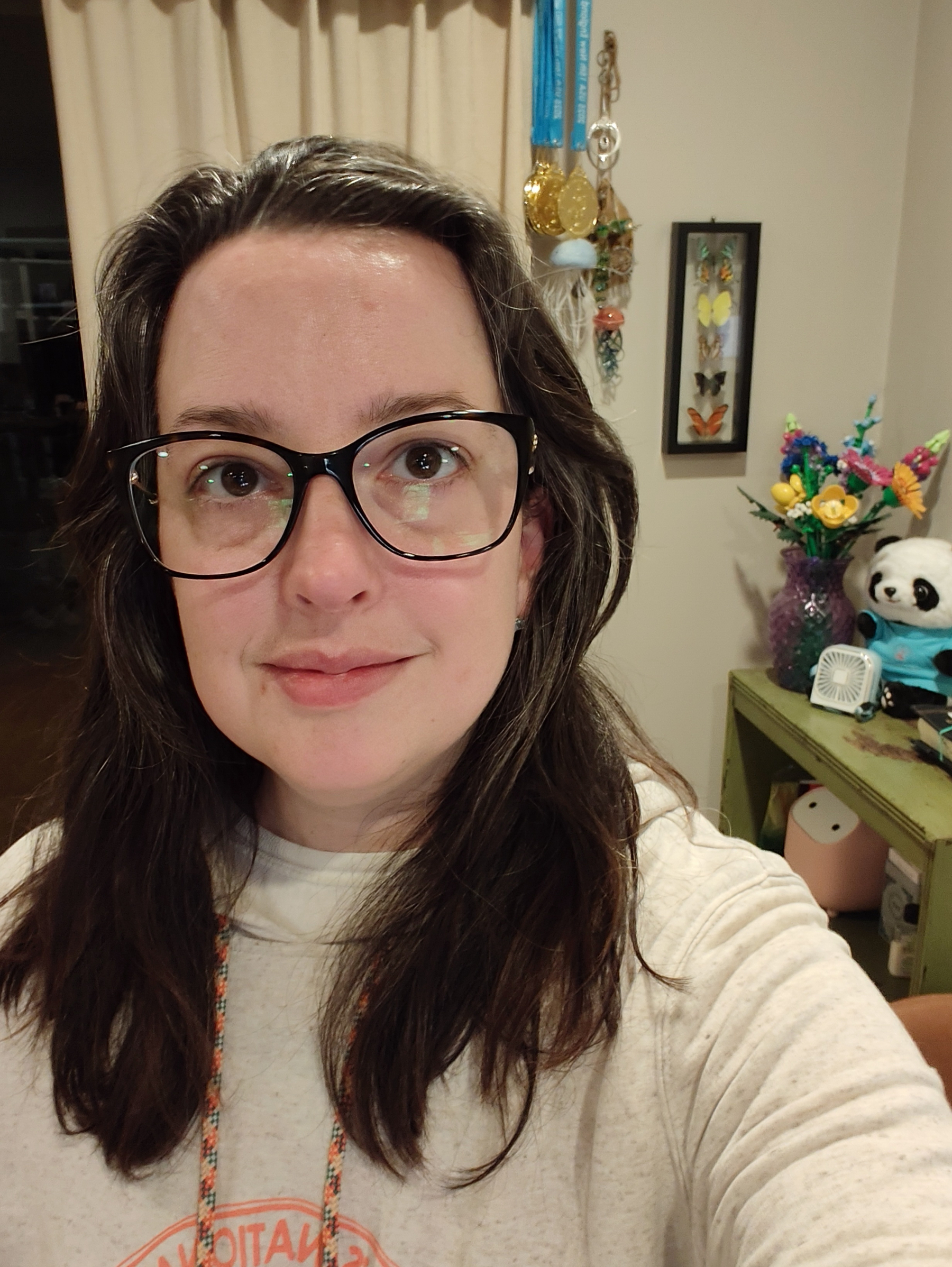
When I first started I would take a handful of selfies and pick the best one. I’ve now reached the point where I take one and post it 😂
Selfie a day for a year, day 20: Sep 9, 2026 edition.
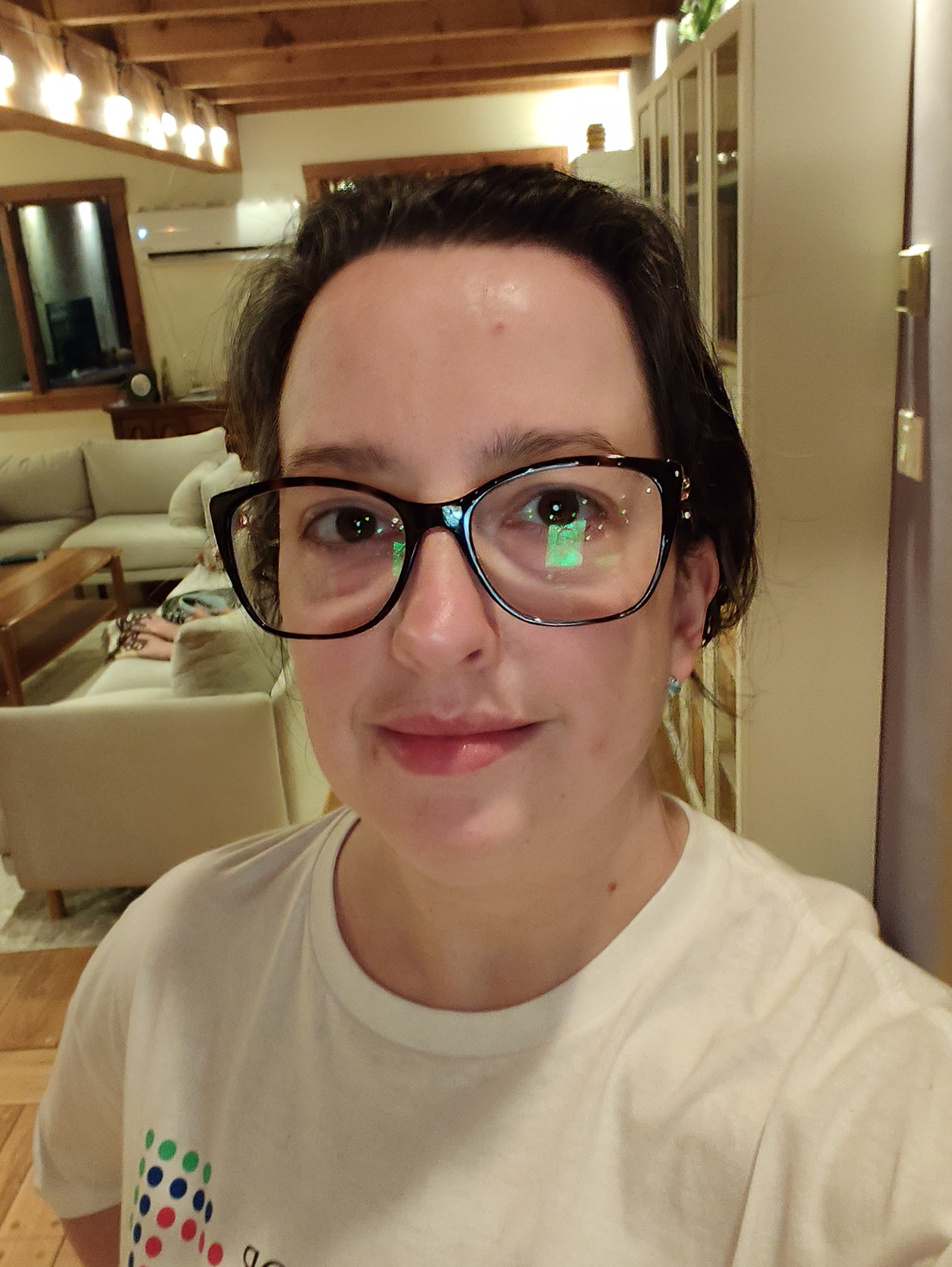
A little behind on my selfie a day project. Saturday killed me with almost five hours of Taijiquan practice and then I was a zombie Saturday. I’m doing much better today 😄
Selfie a day for a year, day 19: Sep 8, 2026 edition.

Today featured new glasses, searching for a new book, and then the movies to see Coyote versus Acme. It was good!
Selfie a day for a year, day 18: Sep 5, 2026 edition.
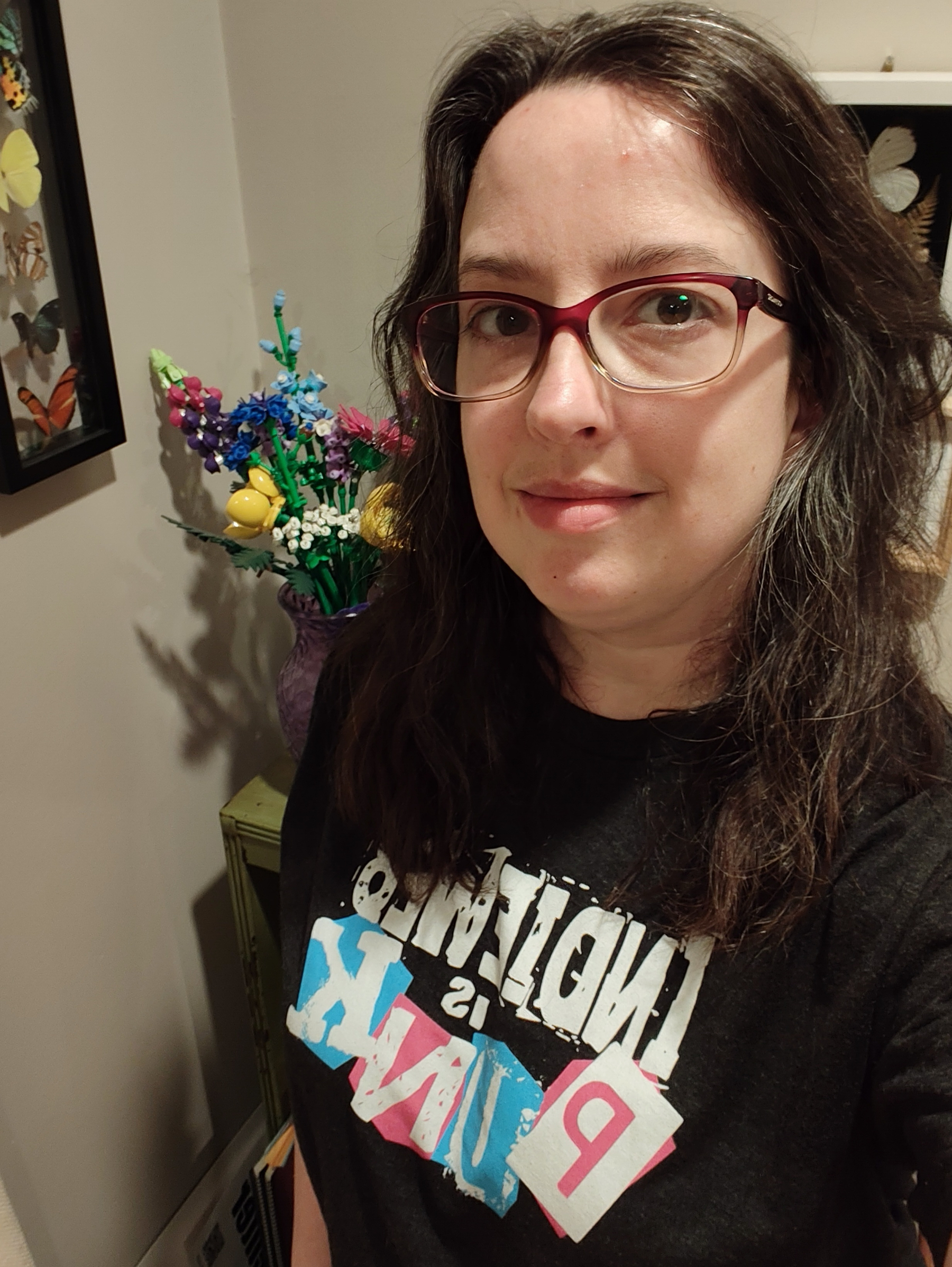
T-shirt says it all.
Selfie a day for a year, day 17: Sep 4, 2026 edition.

Feeling more like myself. Watching TV with the kids.
Selfie a day for a year, day 16: Sep 3, 2026 edition.

I did make it to the office today even though I had to drag myself out the door. After I got home I took a three hour nap.
Selfie a day for a year, day 15: Sep 2, 2026 edition.

Migraine.
Selfie a day for a year, day 14: Sep 1, 2026 edition.

I went shopping for new glasses. I didn’t get this pair, they were a bit too big and heavy, but I loved the big blocky frame. I’ll get the new ones in a week 🤓
Selfie a day for a year, day 13: Aug 31, 2026 edition.
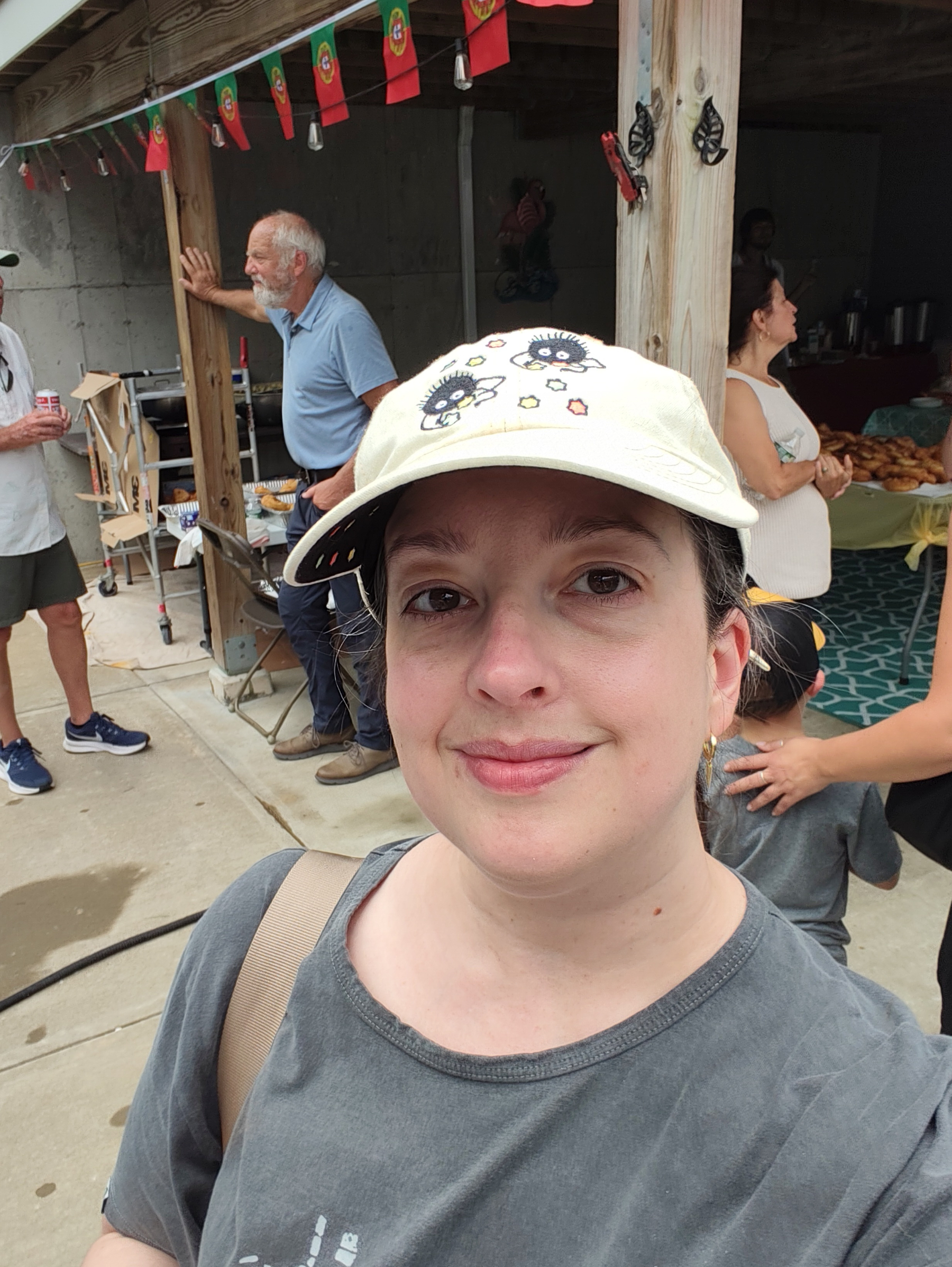

Today was filled with family. All the aunties got together to make Portuguese Malassadas.
Selfie a day for a year, day 12: Aug 30, 2026 edition.
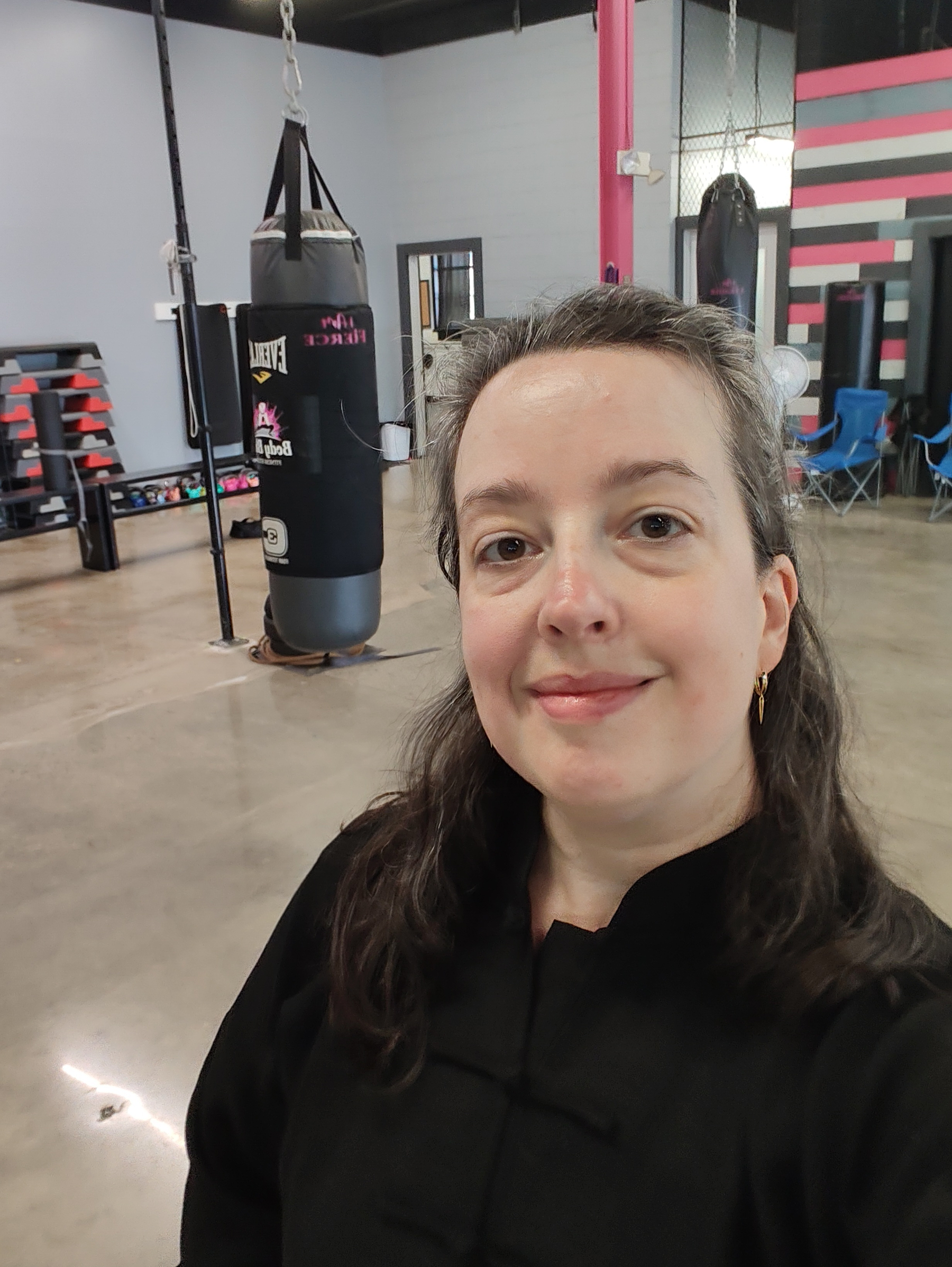
I started teaching Saturday morning tai chi at a local gym a couple of months back. I’m loving it. 💖☯️
Selfie a day for a year, day 11: Aug 29, 2026 edition.
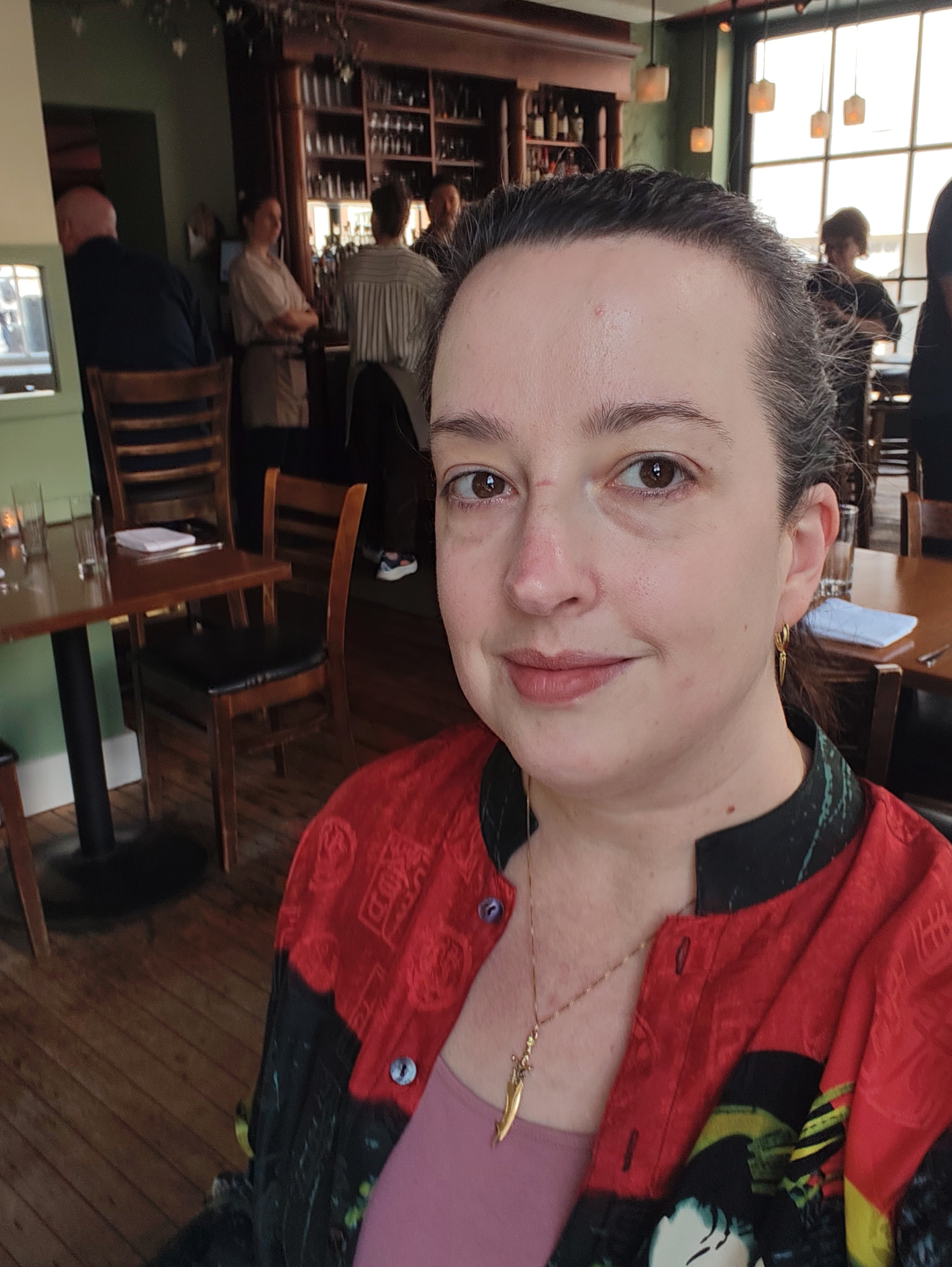
Date night with my husband at New Rivers in Providence RI. The food was fantastic!
Selfie a day for a year, day 10: Aug 28, 2026 edition.
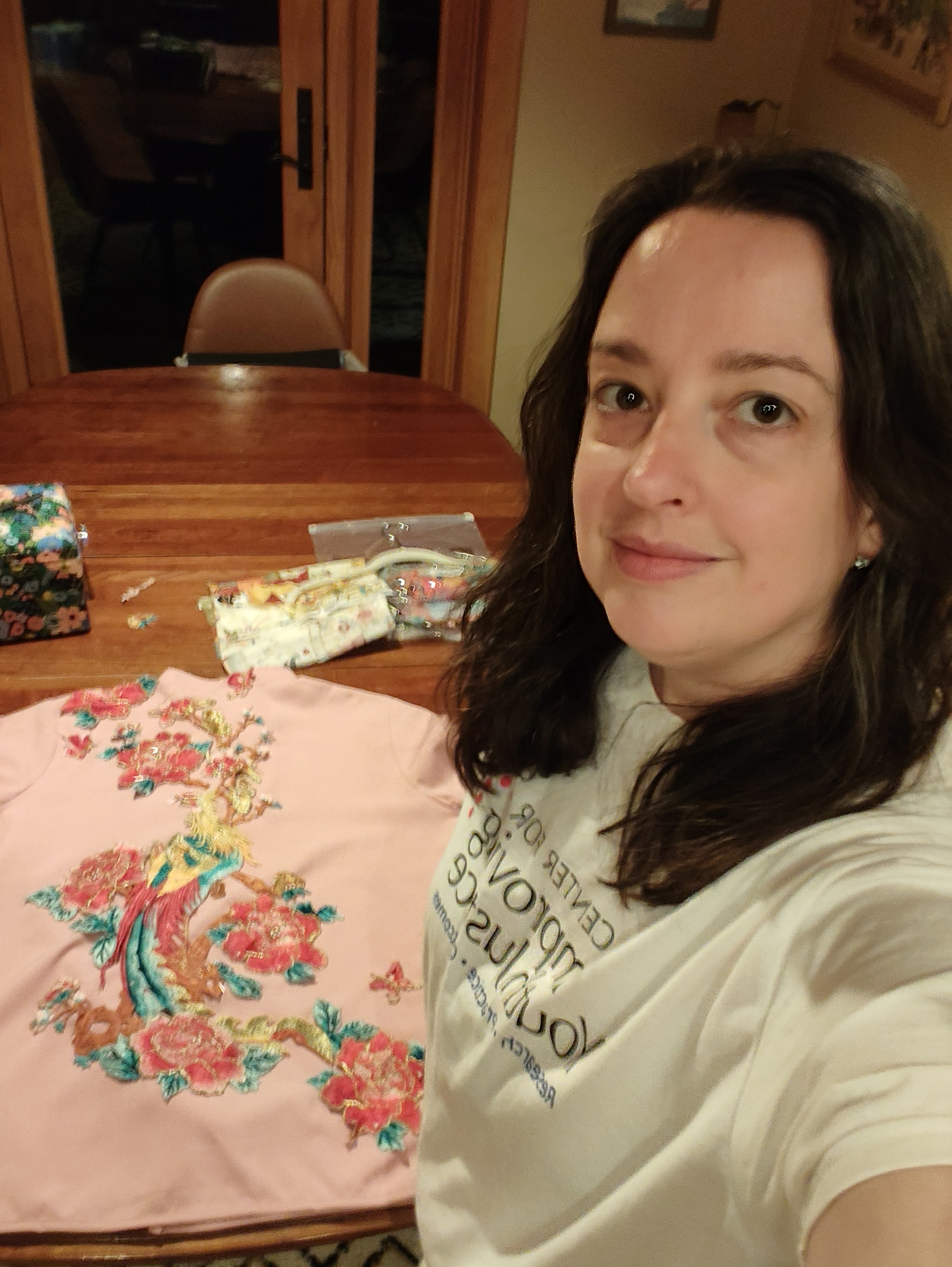
I’m getting started on my new fall project. A new embroidered tai chi uniform. Got the appliqué all laid out for the back.
Selfie a day for a year, day 9: Aug 27, 2026 edition.
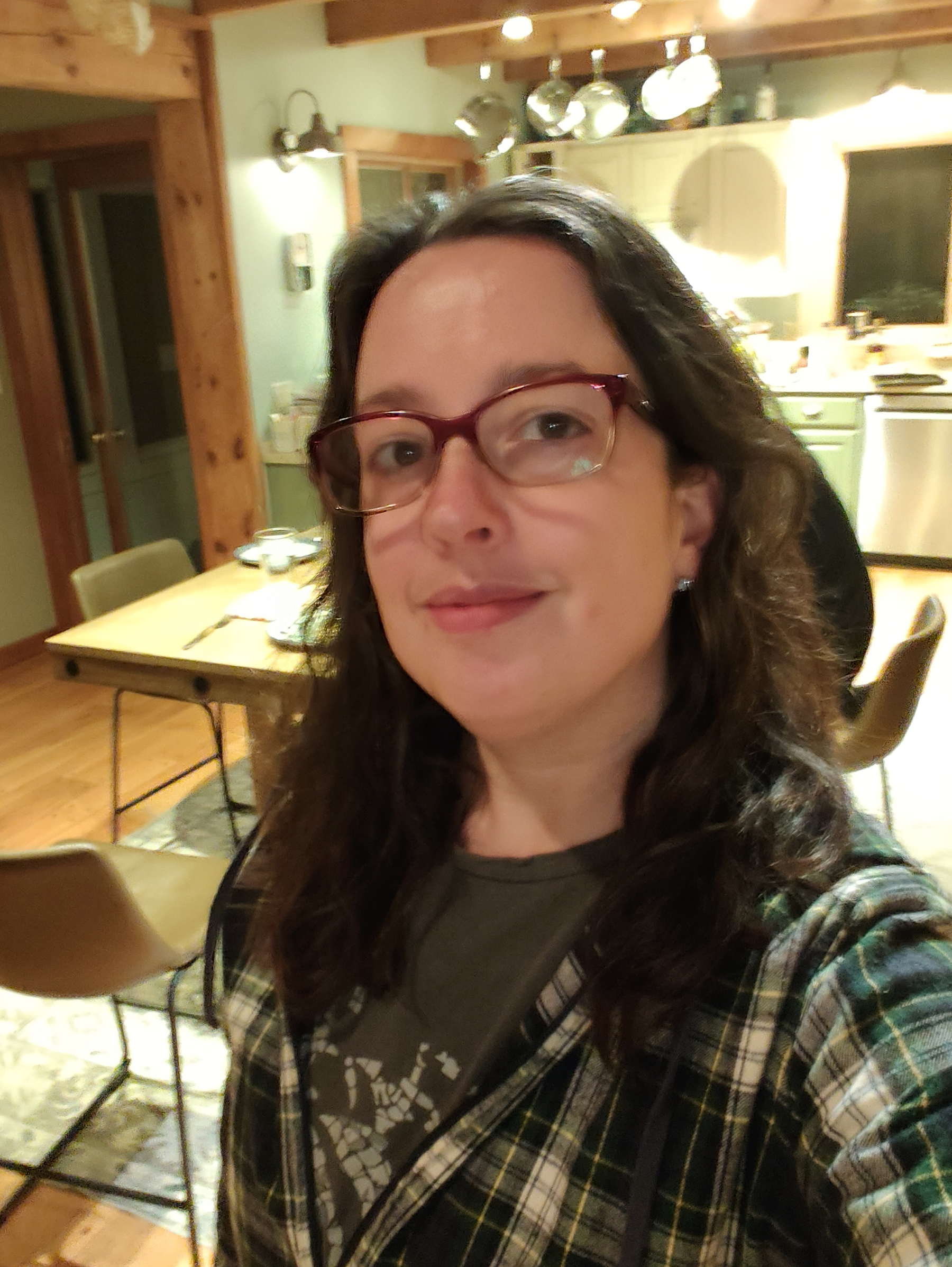
Almost forgot, so this will have to do 😂
Selfie a day for a year, day 8: Aug 26, 2026 edition.
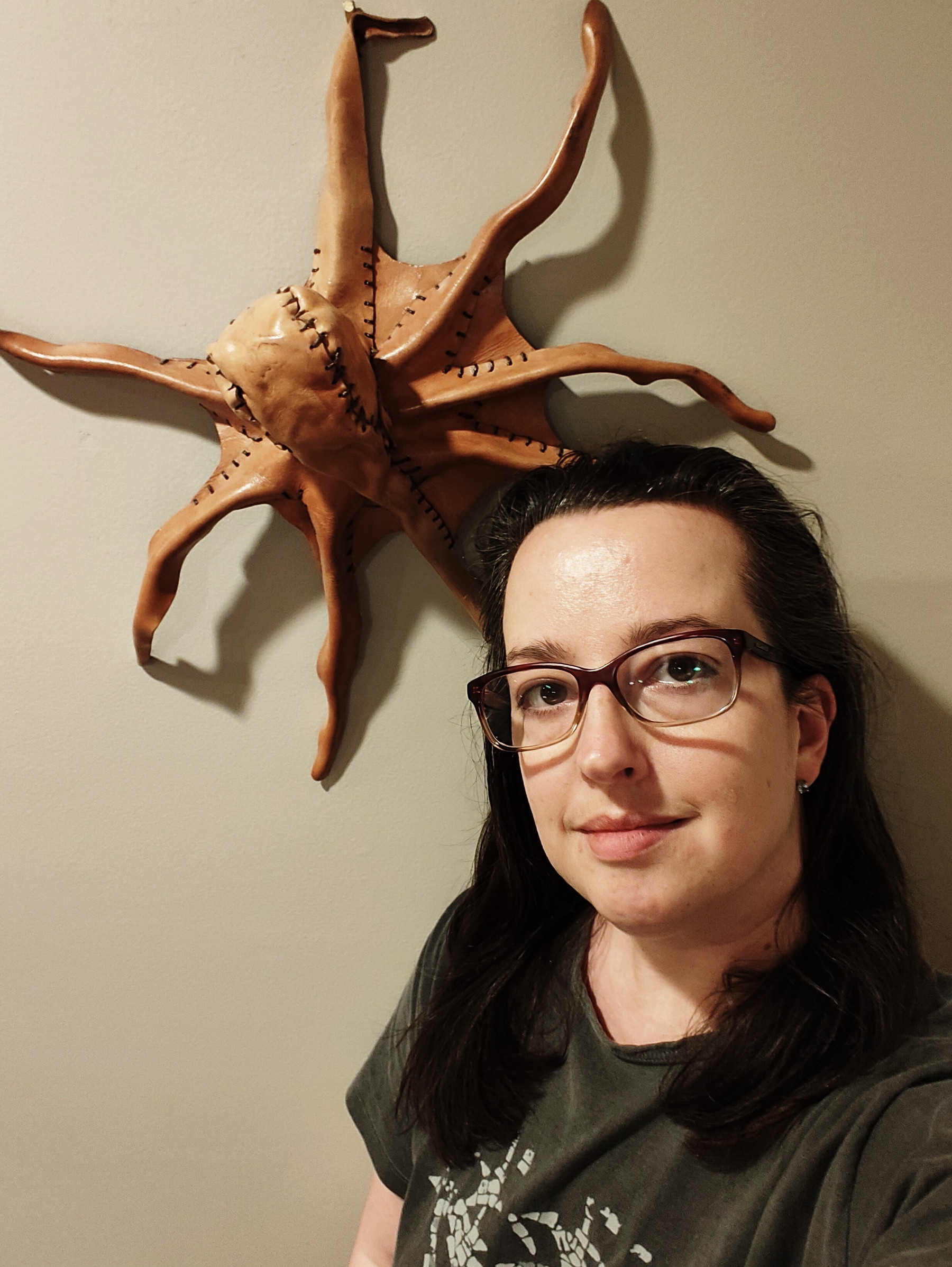
I found this odd leather octopus at a Renaissance Fair a few years back. Now it lives in my home office.
Selfie a day for a year, day 7: Aug 25, 2026 edition.
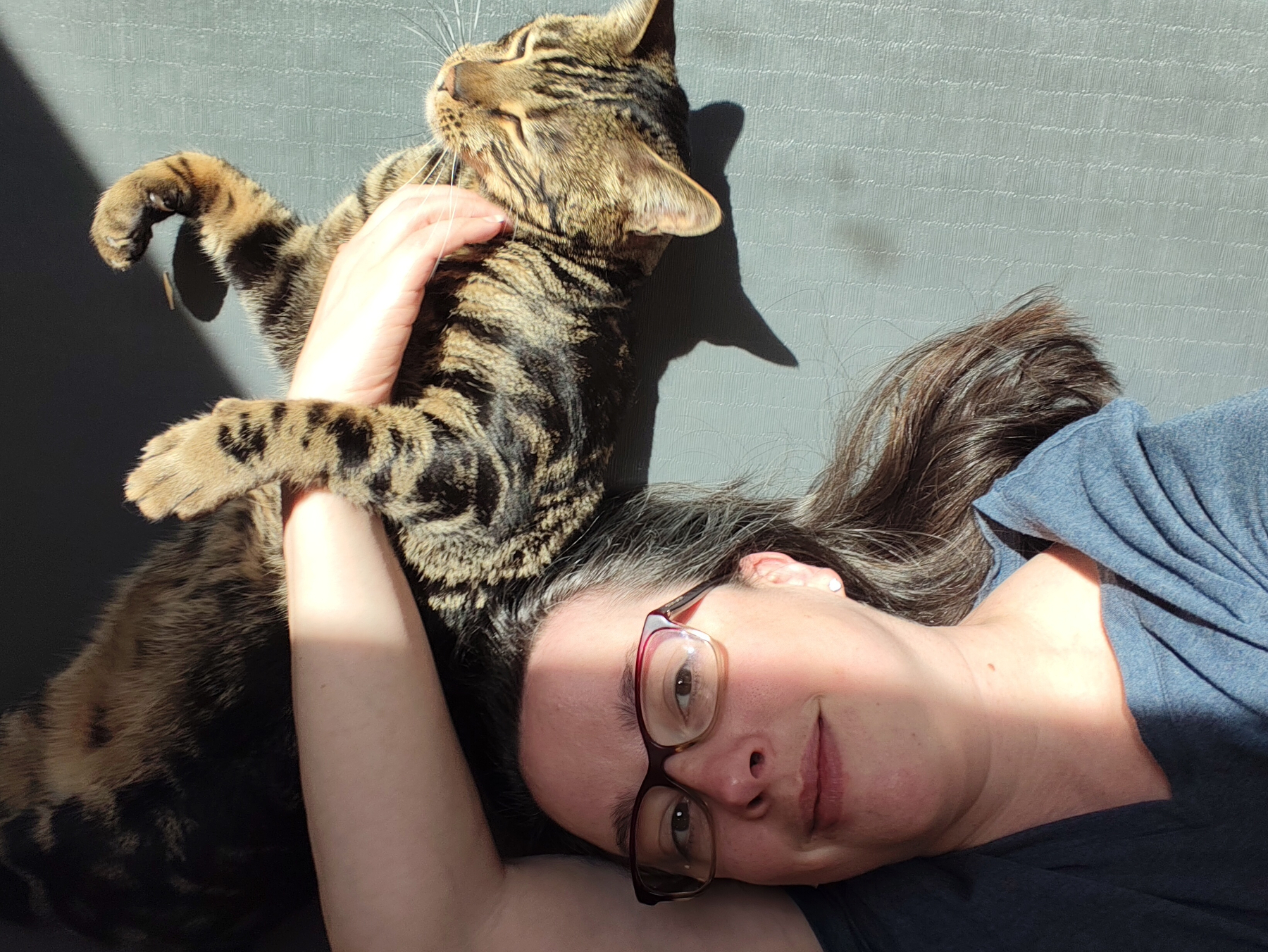
My workout buddy. He sometimes comes by for scratches when the sunshine is on my yoga mat.
Selfie a day for a year, day 6: Aug 24, 2026 edition.

I took this one spinning in a circle. Because, why not? 😵💫
Selfie a day for a year, day 5: Aug 23, 2026 edition.

Out to eat with my parents and sister. Nick’s on Broadway in Providence RI.
Selfie a day for a year, day 4, Aug 22, 2026 edition.

Finished Reading 2026: Born on a blue day by Daniel Tammet 📚
I enjoyed this book. It was one I couldn’t put down, so I read it in a day. I really liked learning about his world and the idea of visualizing numbers is fascinating.
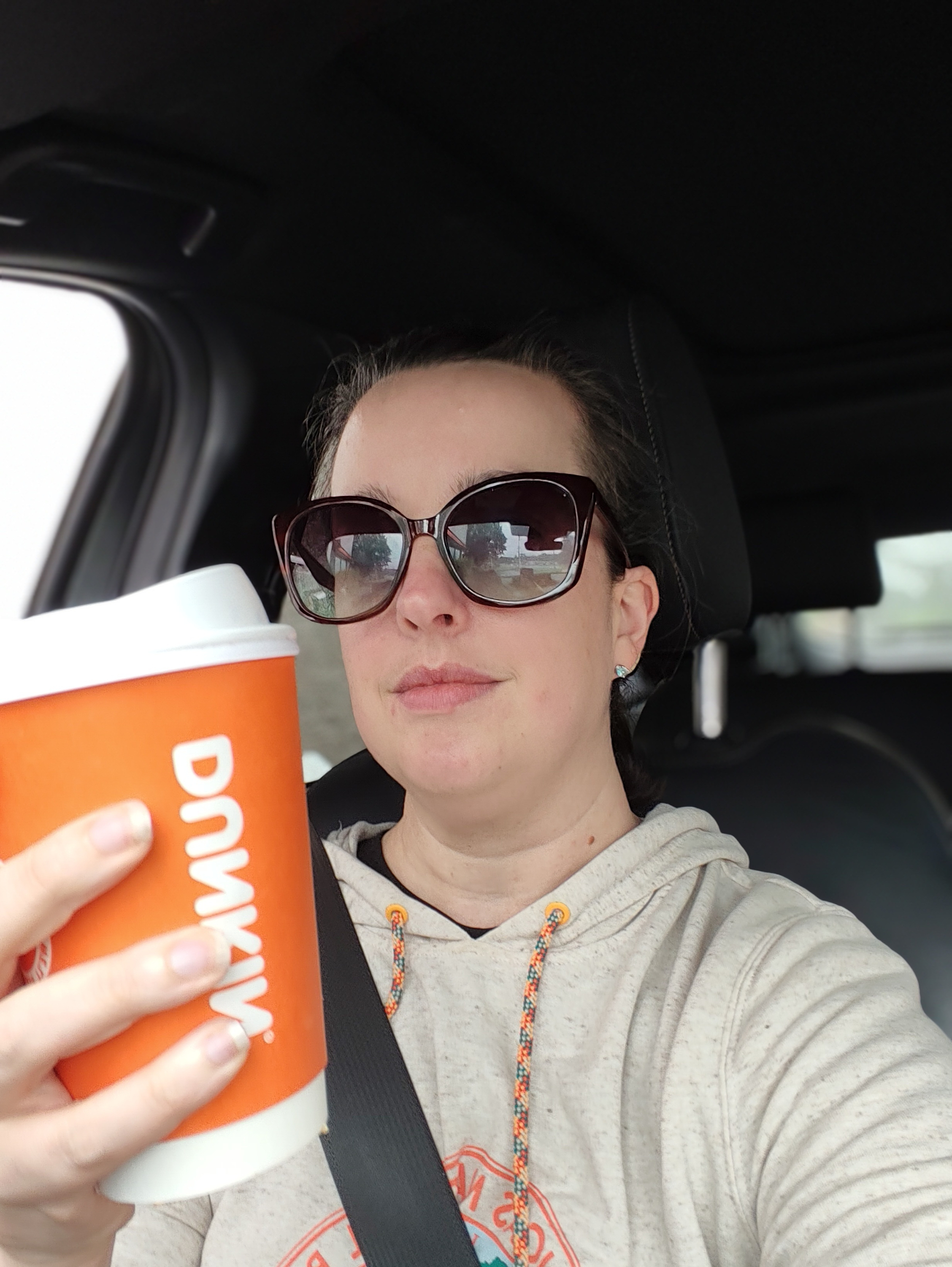
Coffee time. Don’t worry, the car was still parked when I snapped the picture.
Selfie a day for a year, day 3, Aug 21, 2026 edition.
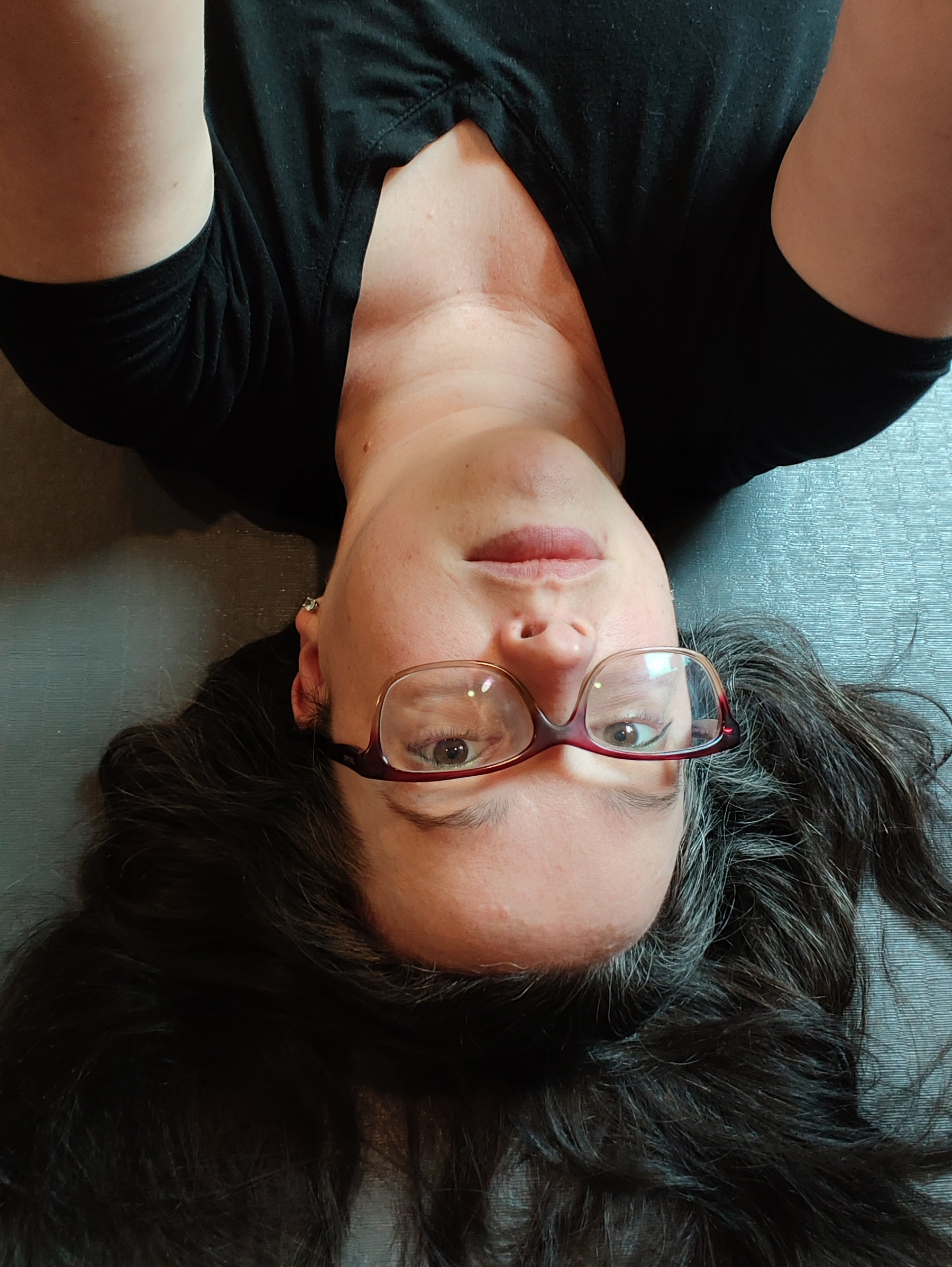
Yesterday I shared a selfie on day two of a three day work event. I’m finally done and this is the aftermath. Me tired, cranky, and with a migraine. The picture being upside down fits my mood.
Selfie a day for a year, day 2, Aug 20, 2026 edition.
I’m trying a new thing. Making a post once a day. I’ve been running around nonstop for a work conference, so I guess today’s post is a selfie.