Did you know you can filter content out of the Micro.blog timeline and comments using the 🐸 Lillihub client? Go to “Settings” and save a list of terms. Note: the list is saved on the browser so if you are using Lillihub on multiple devices you will need to configure it on each device.
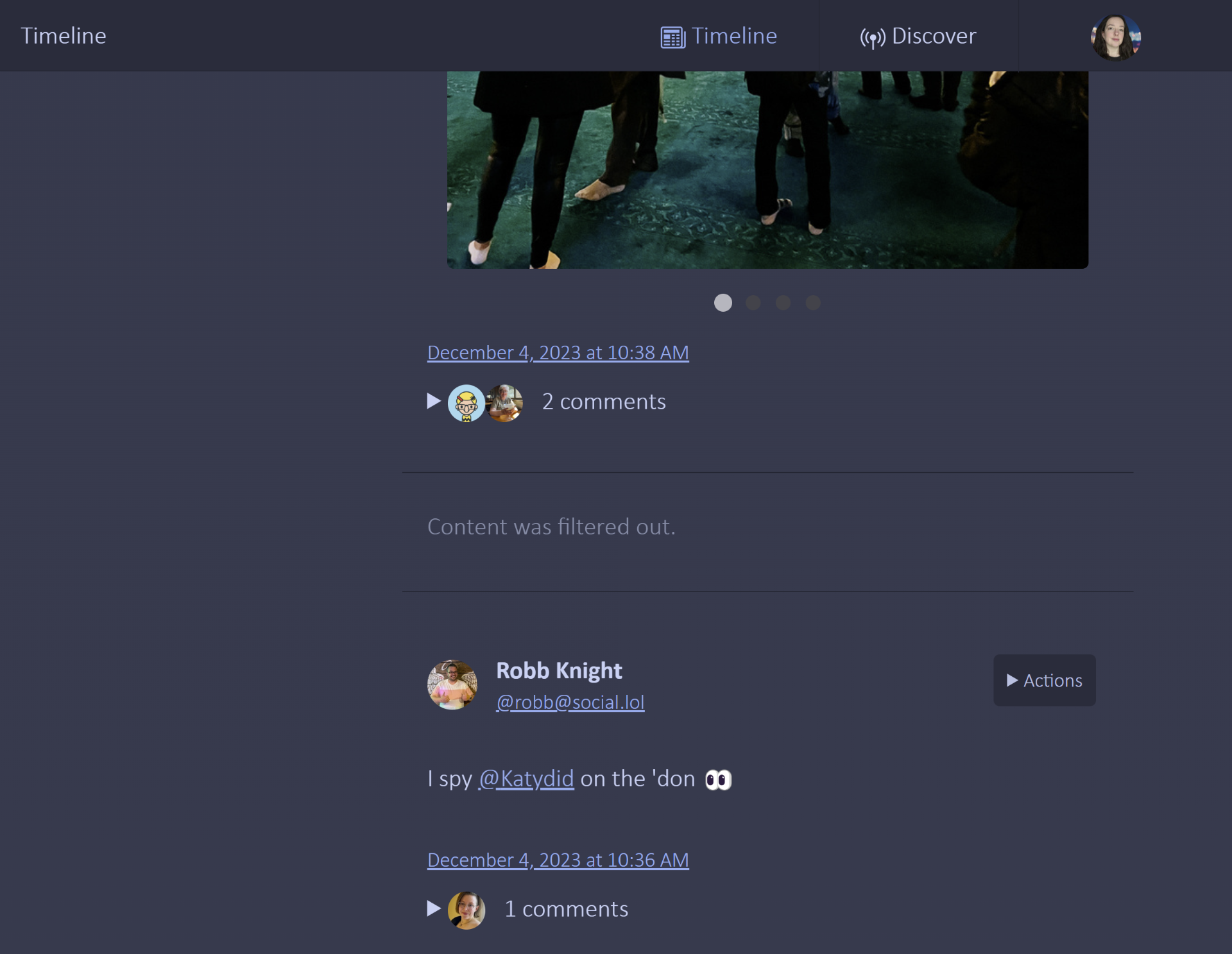

Screenshot of Lillihub timeline view. There is a cutoff post with an image and below that, the focus of the image, a post that says “content was filtered out.” in lightened text.

Dispatches from the fleet

What passing ships signaled back

Unfurl the messages

Pen yer reply

Scratch a message on the parchment and cast it off. After you sign in you may need to re-open this modal.