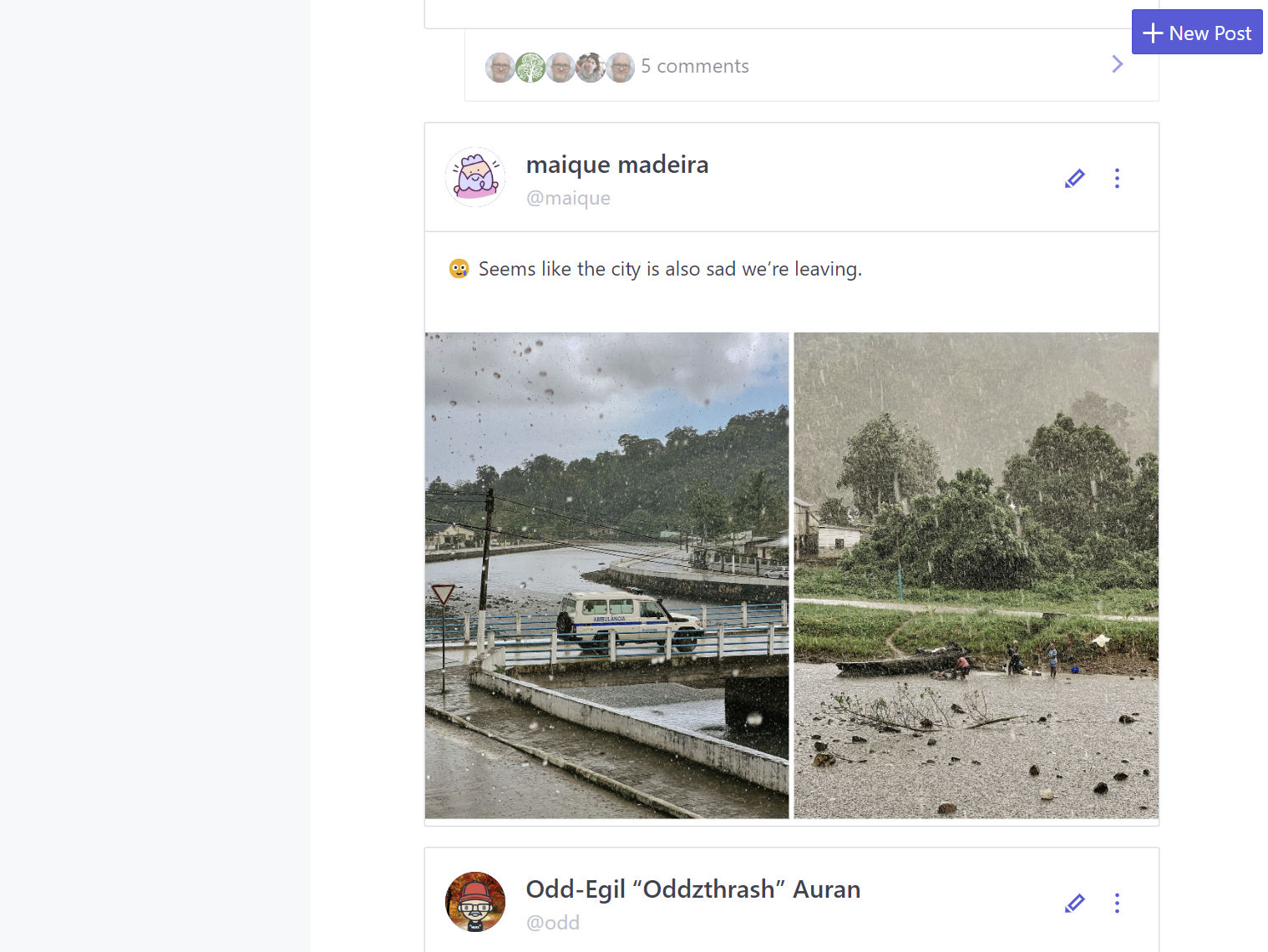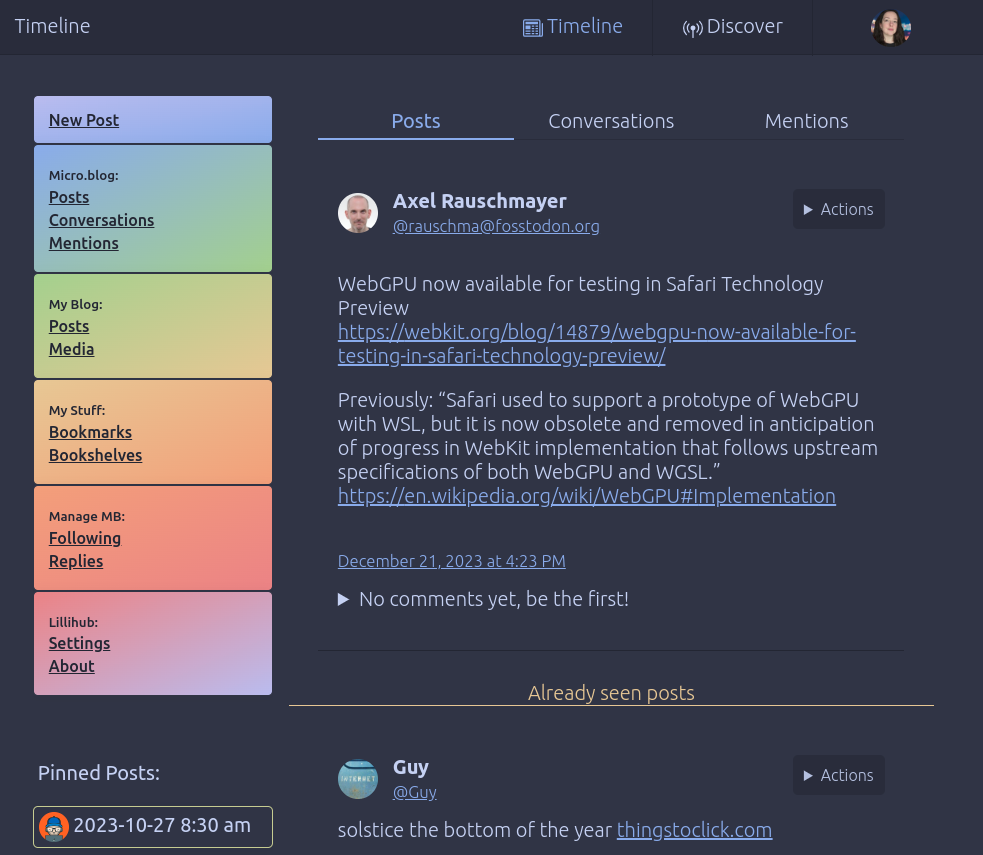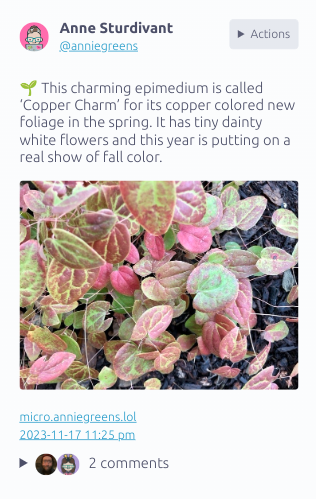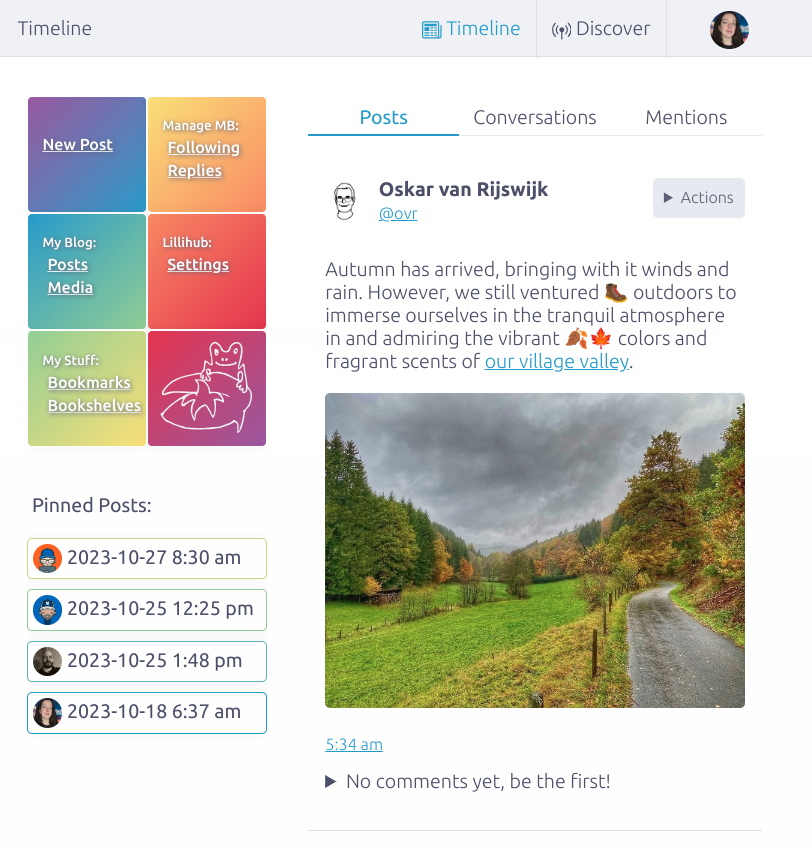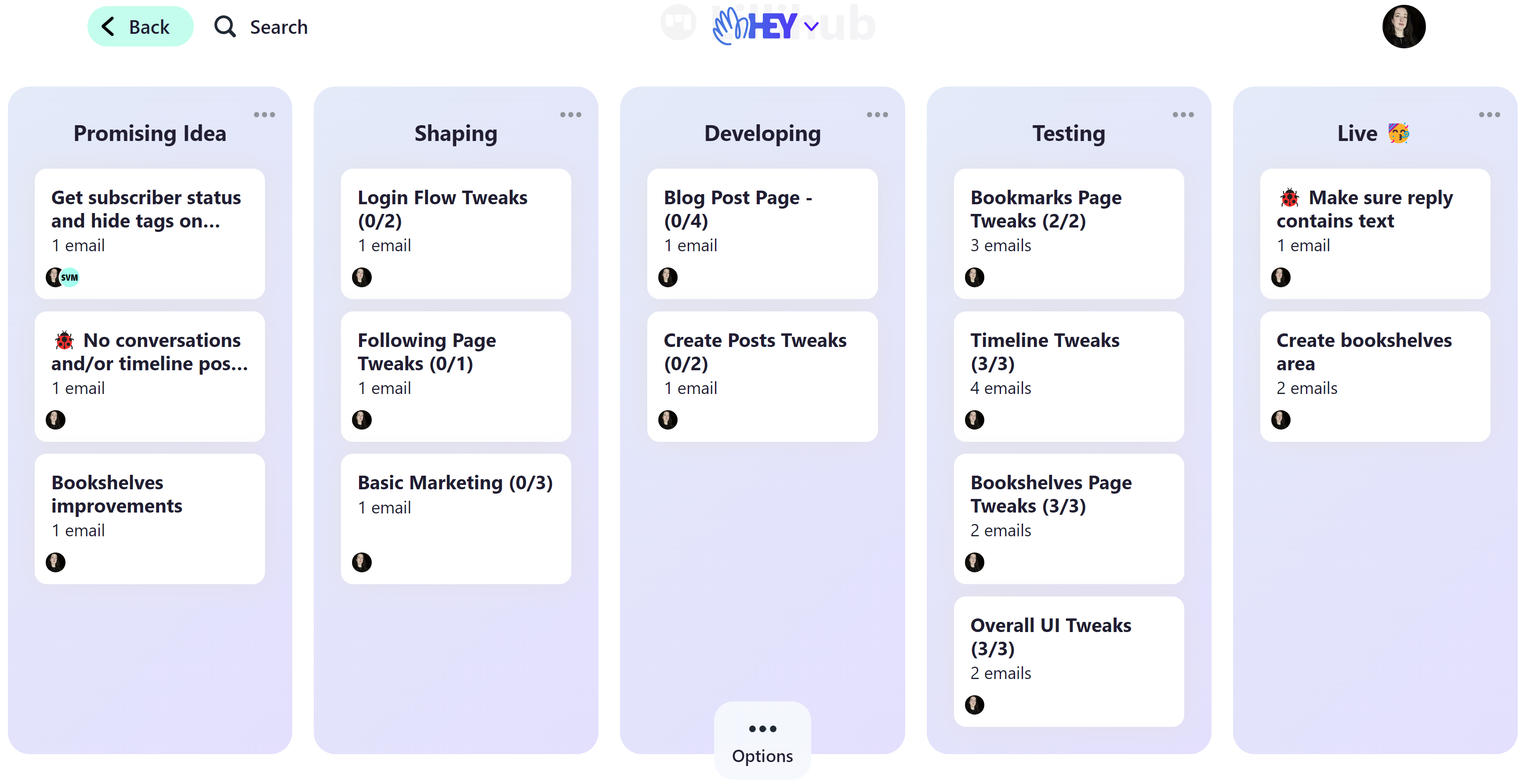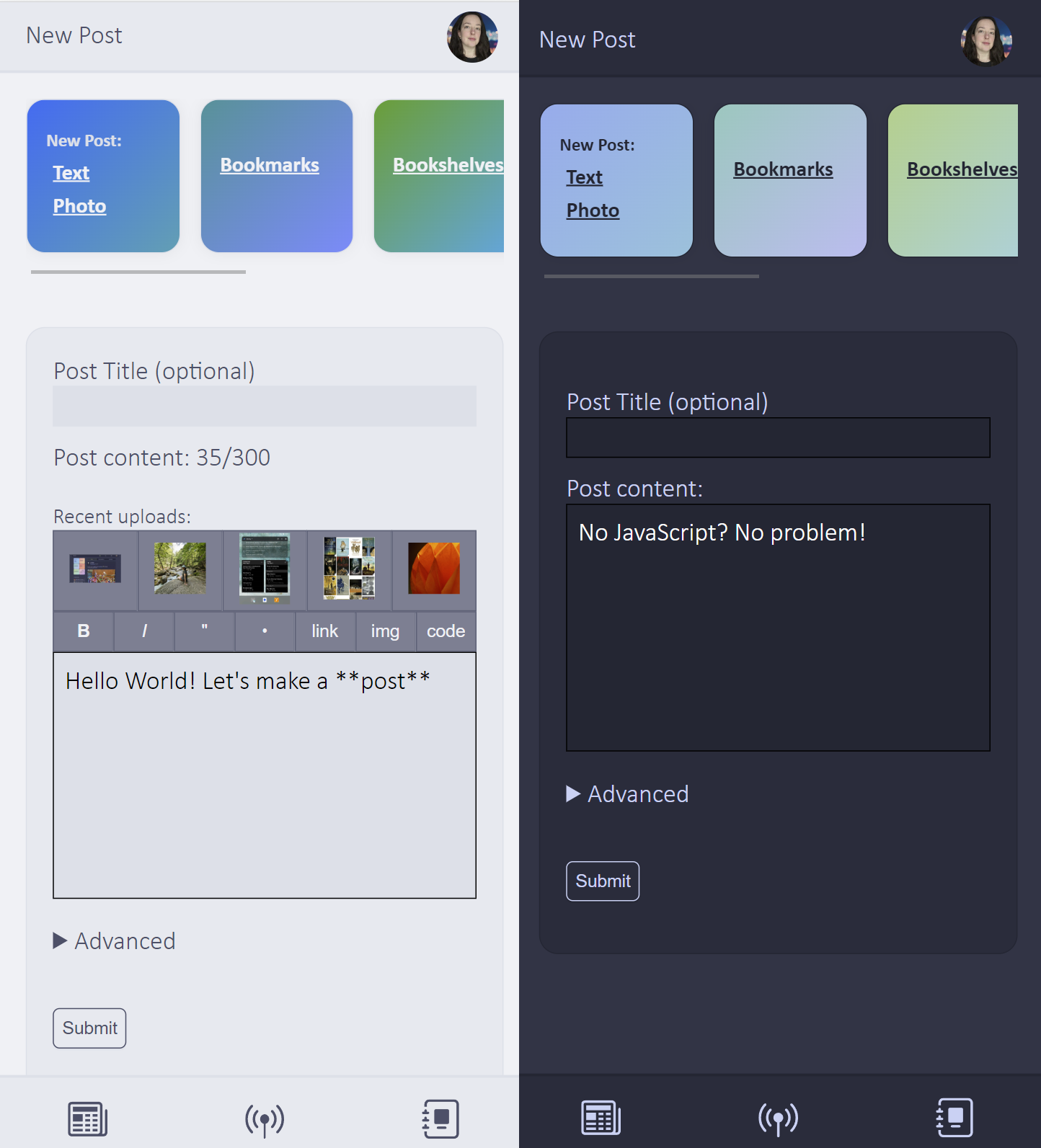
A delightful Micro.blog client that I built. Browse the timeline and manage your posts, bookmarks and books. Lillihub also supports other Micro.blog features like notes. It is responsive and will look good on tablets and phones. It also is a progressive web app, so check it out if your browser supports installing PWA's.

Jump on over 🐸

Lillihub

Β  🧝 #meta-jots Β  🧝 #Microposts

🐸 Lillihub (an unofficial web/PWA client for Micro.blog)

Here’s what’s new:

  1. Rename/delete notebooks
  2. Move notes to different notebooks
  3. Copy notes and export to Markdown/HTML
  4. Optional note auto-save
  5. Auto-save on new posts and editing existing blog posts
Β  πŸ’° #meta-jots Β  πŸ’° #Microposts

🎊πŸ₯³πŸΈ Lillihub Update 🐸πŸ₯³πŸŽŠ

Besides bug fixes, here’s what’s new:

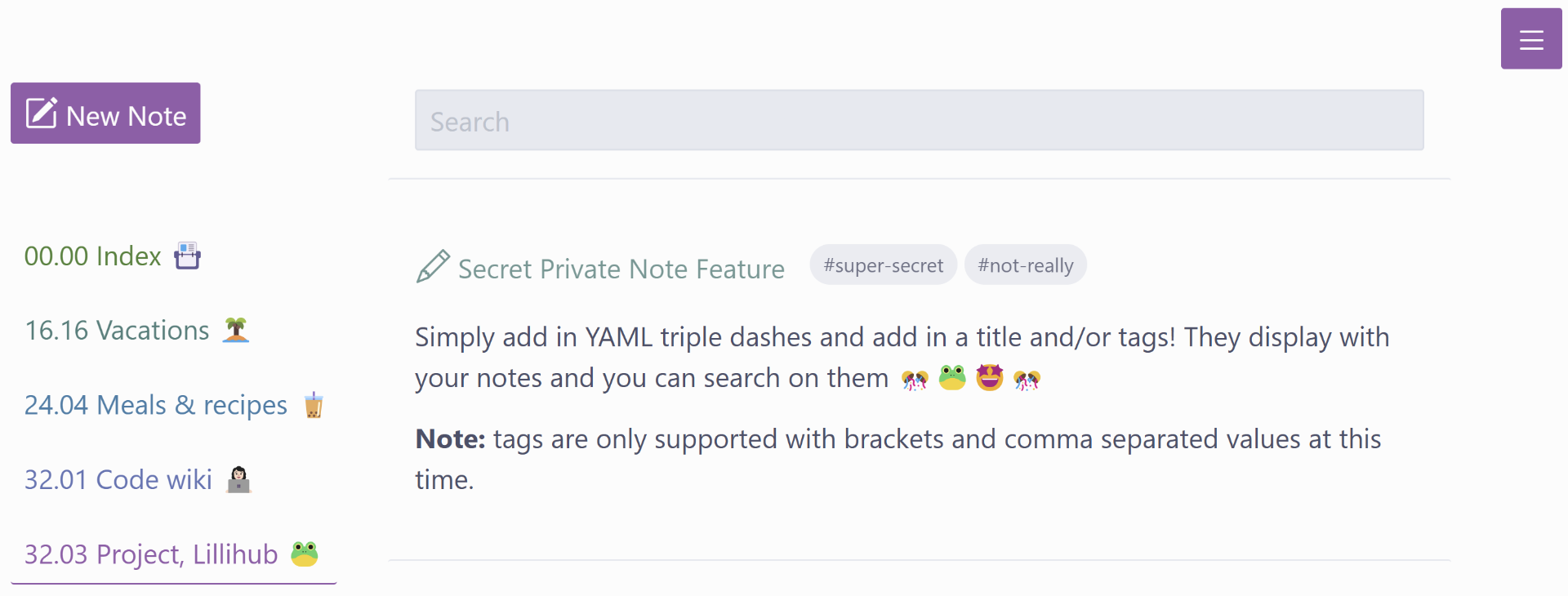
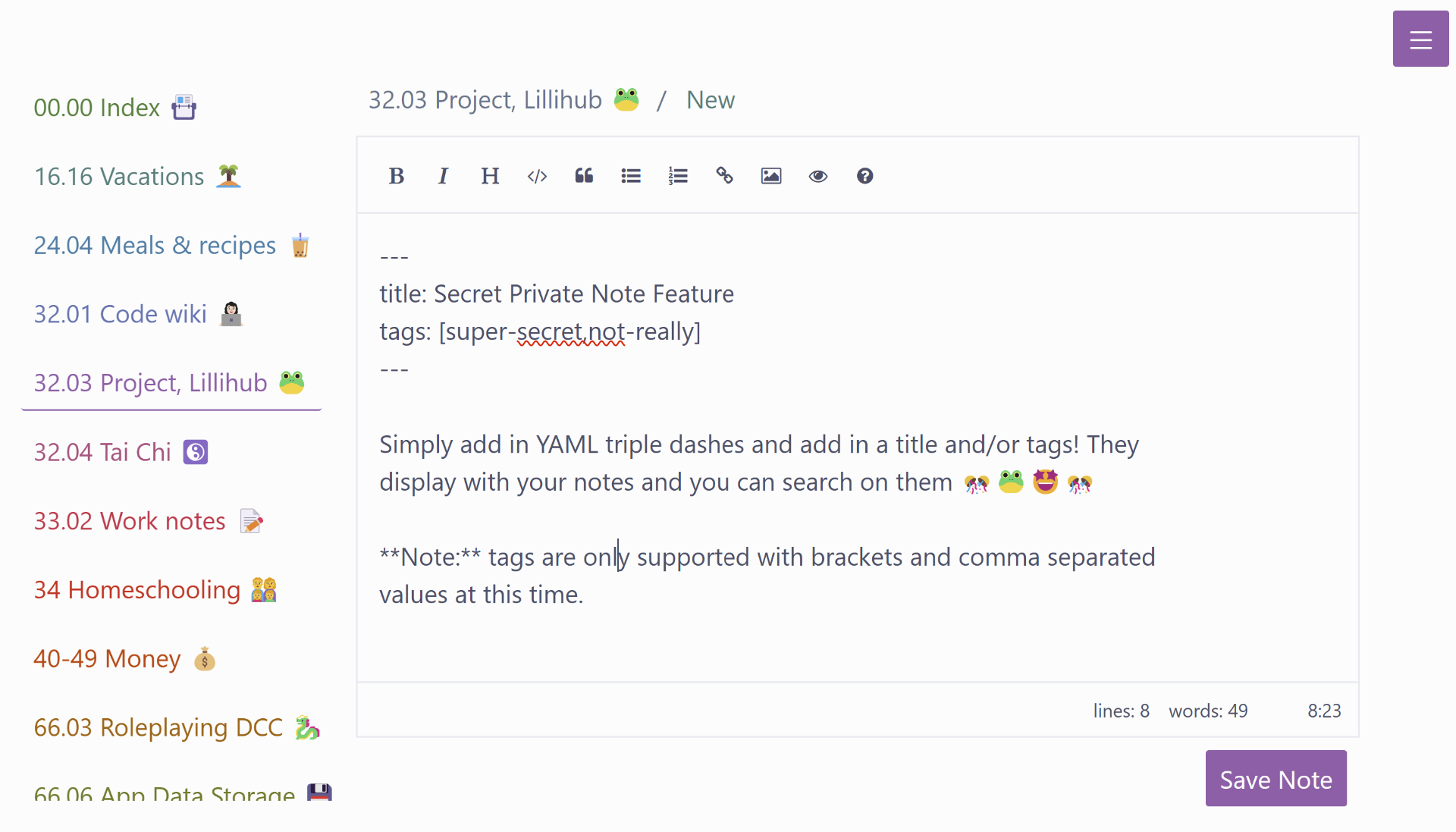
  1. Private notes can have titles and tags (Lillihub only)
  2. Access private note versioning
  3. The timeline now mimics Micro.blog by default (this can be changed under settings)
  4. Links to notes and bookshelves in the slide out menu

screen shot of lillihub ui showing the private notes edit ui with instructions on how to add titles and tags.

screen shot of lillihub ui showing the private note in the previous image displayed

Enjoy!

Β  🧟 #Fun & Games Β  🧟 #Microposts

I’m eating m&m’s, watching an animal crossing playthrough on youtube, and messing around with code. Next up is dinner, a Just Dance battle with my daughter, and then working in my journal πŸ₯°

Auto-generated description: A social media interface featuring a feed with posts and user interactions, displaying a left sidebar with navigation options.
Β  ☠️ #meta-jots Β  ☠️ #Microposts

Got a little more coding time in today and played around with Micro.blog’s private notes. I implemented some basic tag functionality using YAML frontmatter in the notes. It’s only been a couple of hours and I’m already really liking it. (Note: this is not in production yet)

screenshot of lillihub UI with the private notes feature

Β  ⚰️ #code Β  ⚰️ #meta-jots Β  ⚰️ #Microposts

I had some time to play with code today (which I find relaxing). I’m thinking that I like conversations indented a bit on Lillihub. I have quite a few changes/updates that may go out in a month or two.

Auto-generated description: A social media app interface.
Β  🧝 #code Β  🧝 #meta-jots Β  🧝 #Microposts

I’ve been having fun with some Lillihub updates. No promises if/when these will go out, there is a lot of testing and tweaking to be done πŸ‘©β€πŸ’»

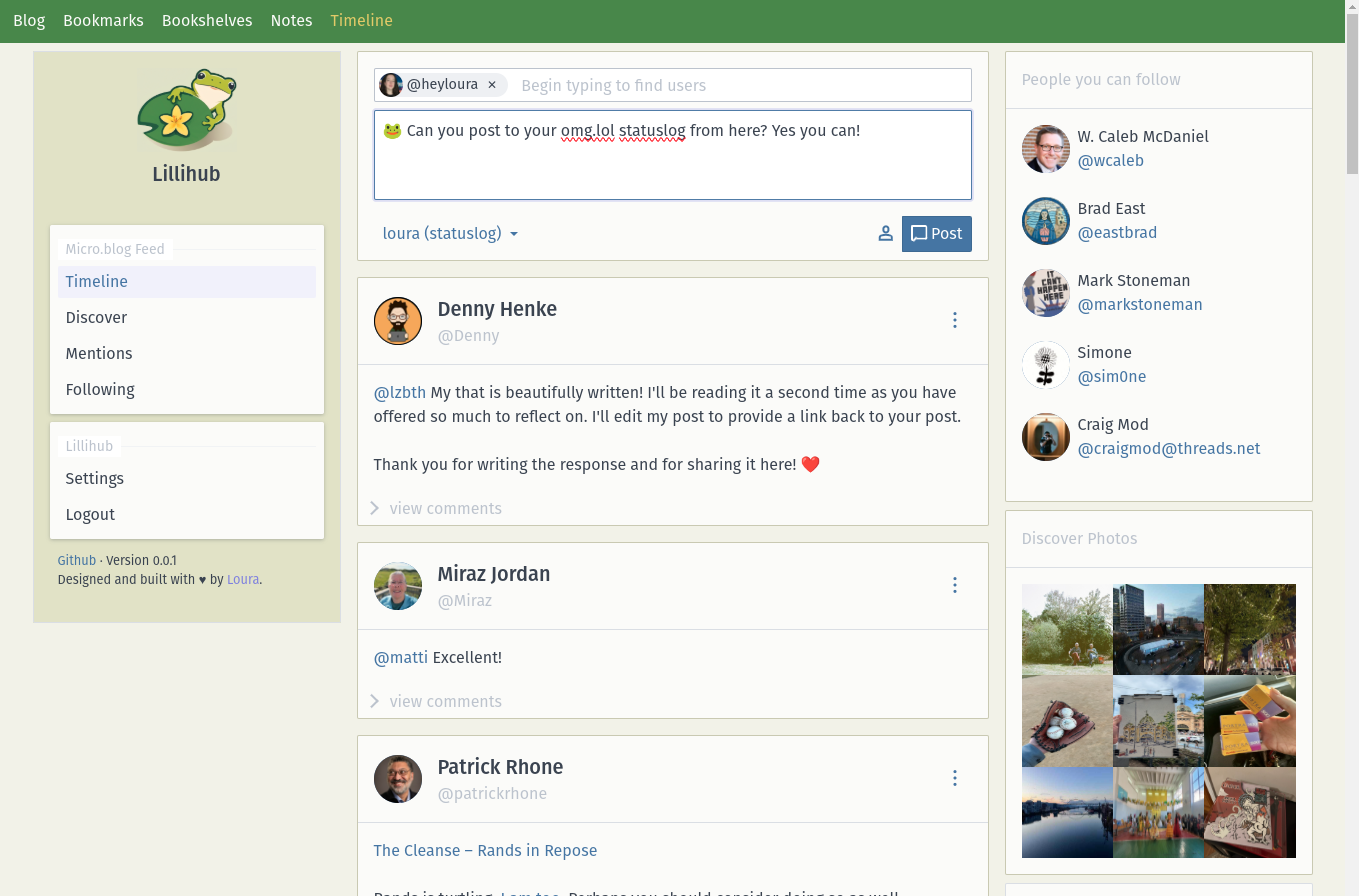
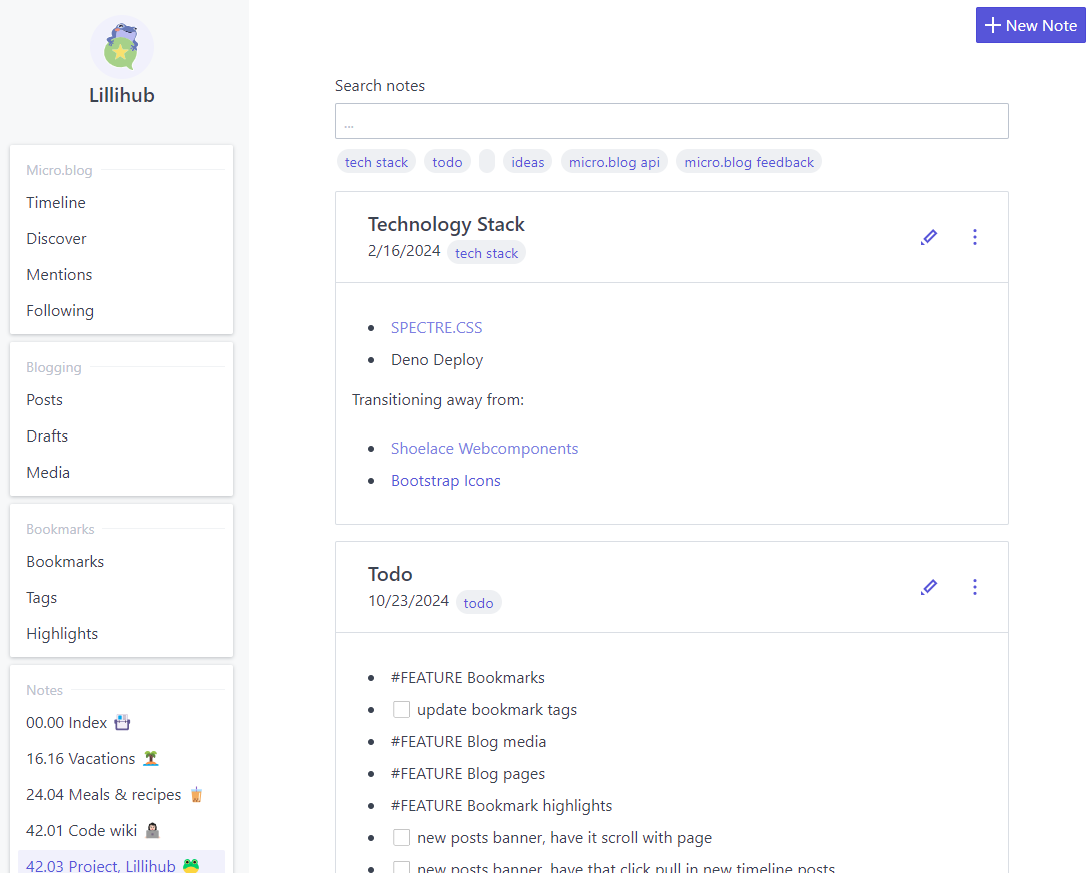
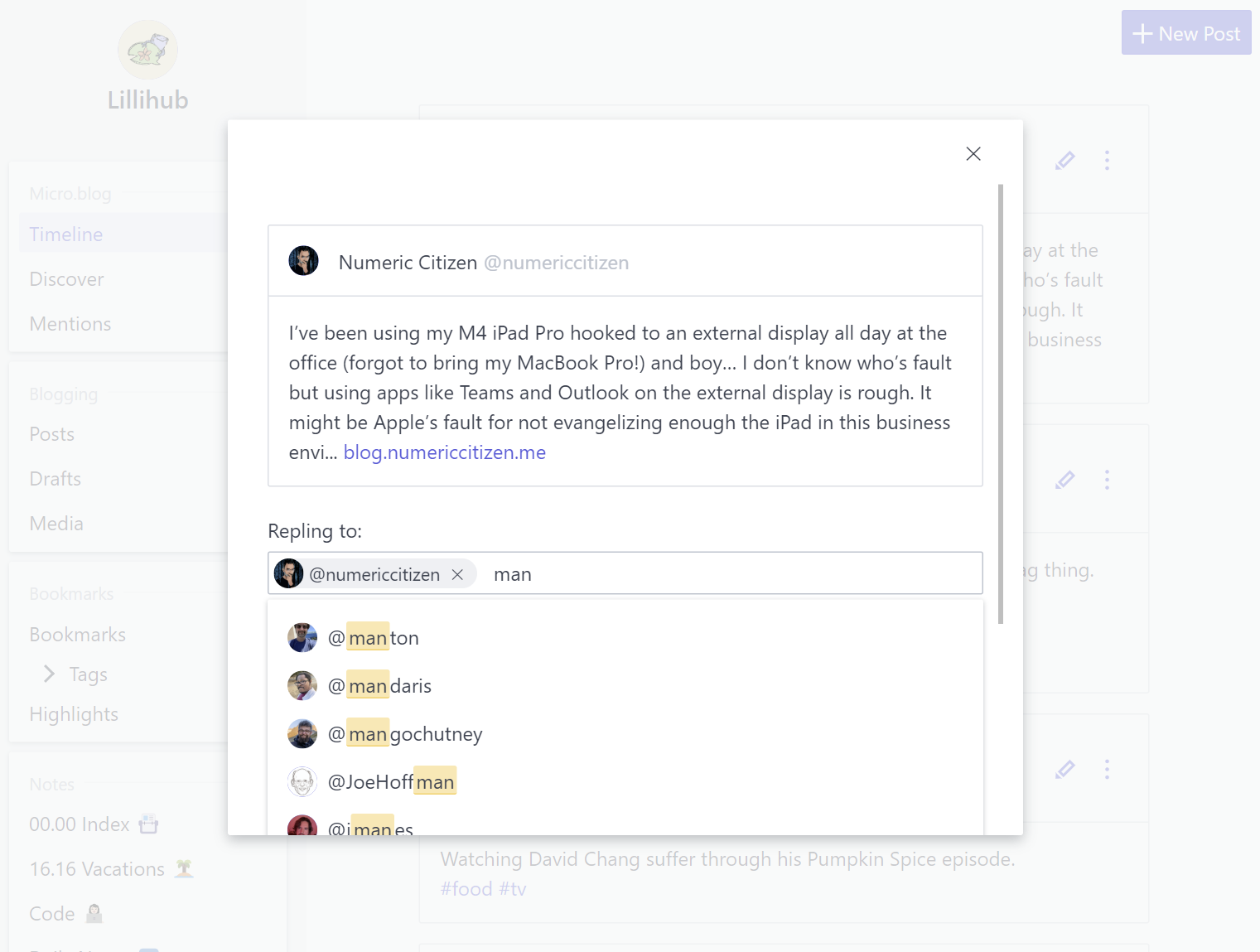
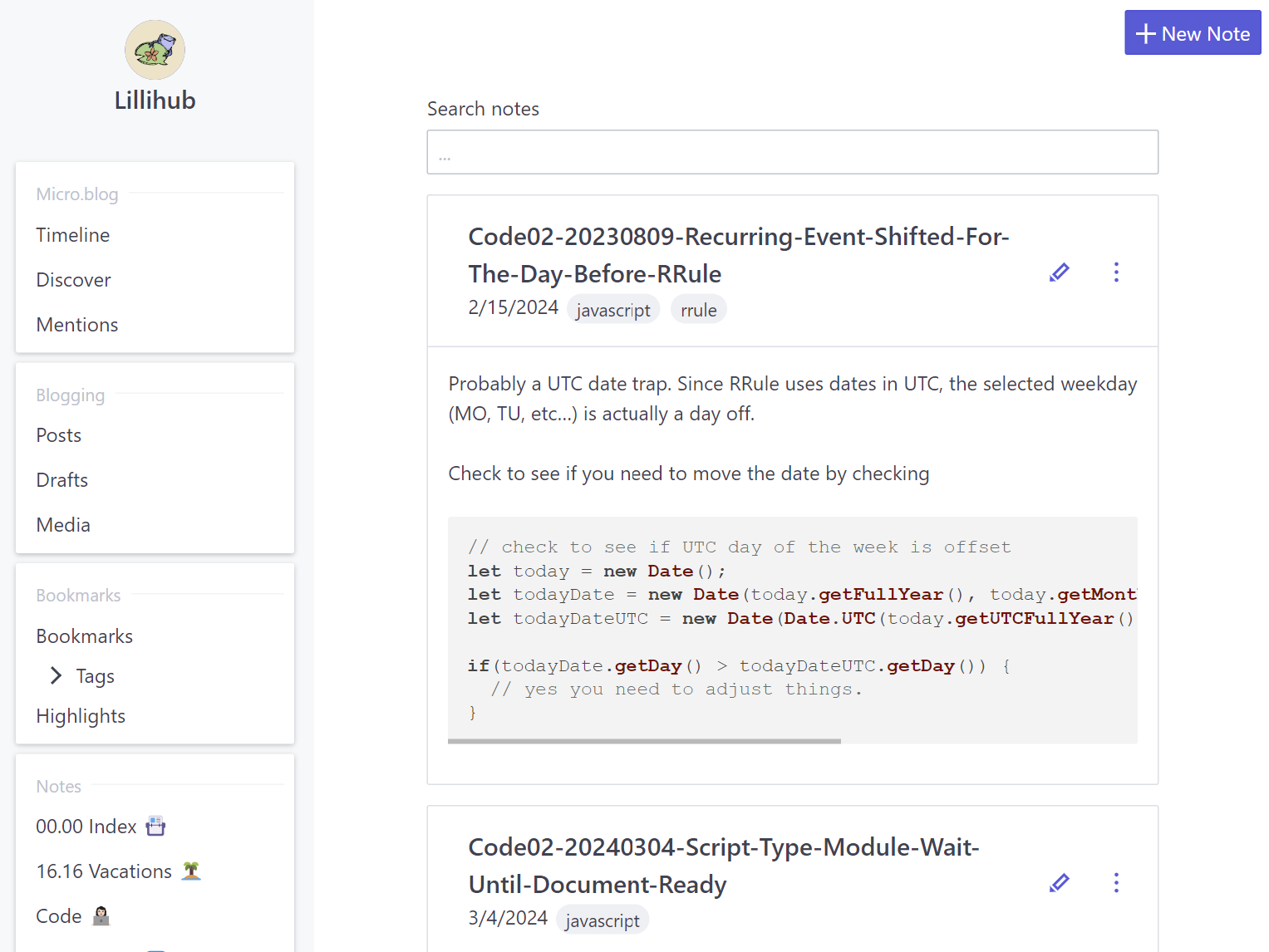
screenshot of Lillihub timeline screenshot of Lillihub comment box with @mention dropdown screenshot of Lillihub notebook page with notes about code
Β  🧜 #meta-jots Β  🧜 #Microposts

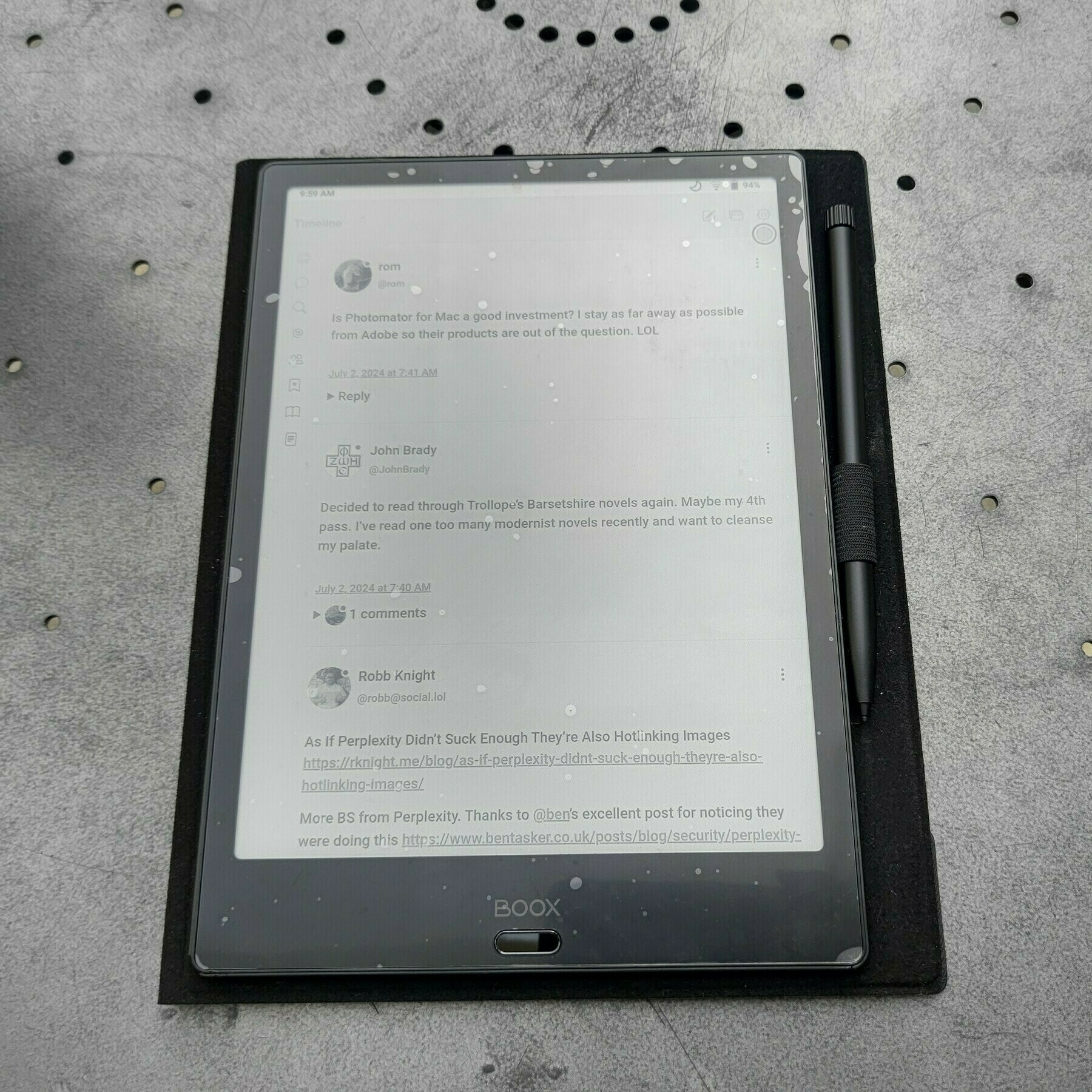
Auto-generated description: A tablet with an attached stylus displays an e-book reader application with text and comments, resting on a textured surface.

I pulled out my old e-ink tablet and I’ve been having a lot of fun using it. I’ve even used it somewhat successfully as a monitor while coding on visual studio. Also, Lillihub isn’t half bad black and white. P. S. Applying screen protectors isn’t my strong suit πŸ˜‚

Β  🌞 #meta-jots Β  🌞 #Microposts

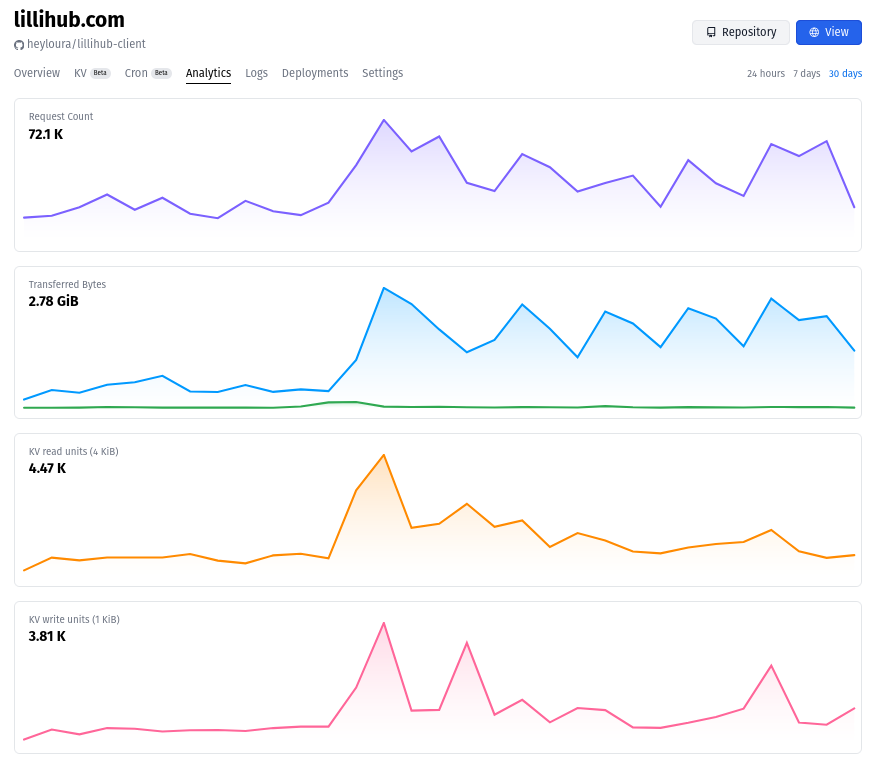
It’s been just over two weeks since I updated 🐸 Lillihub. The analytics so far:

Analytics from lillihub for the last 30 days.

Which is good, since a few more people are using it. I’m keeping an eye on the free tier limits. Based on the logs, the CPU time per request limit was hit a few times. Probably large image uploads.

Β  πŸ”₯ #meta-jots Β  πŸ”₯ #Microposts

Big update to 🐸 Lillihub! πŸ₯³ You will need to re-login before using it. I’ll do a longer post with the changes. Speak up if you see any issues. If you like the split of convos and posts you can re-enable it under settings. UI redesign, backend rewrite and more! Whew! πŸ˜†

Β  πŸ‘Ή #meta-jots Β  πŸ‘Ή #Microposts

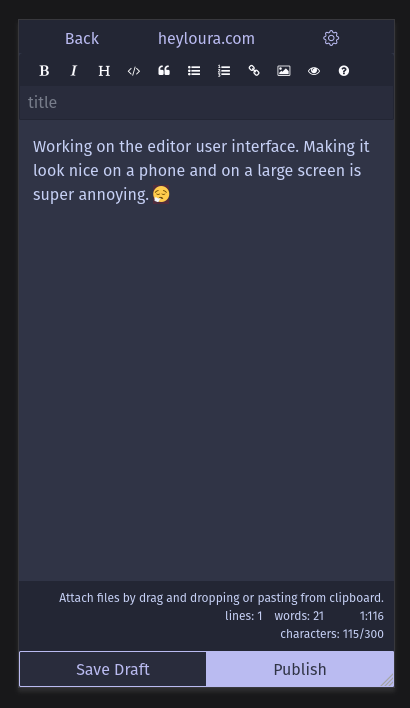
I’ve been slowly working on a major 🐸 Lillihub, a micro.blog client, update and wanted to check-in and see if there were any suggestions/ideas out there while I get the release ready. No guarantee I’ll be able to implement any of them πŸ˜„

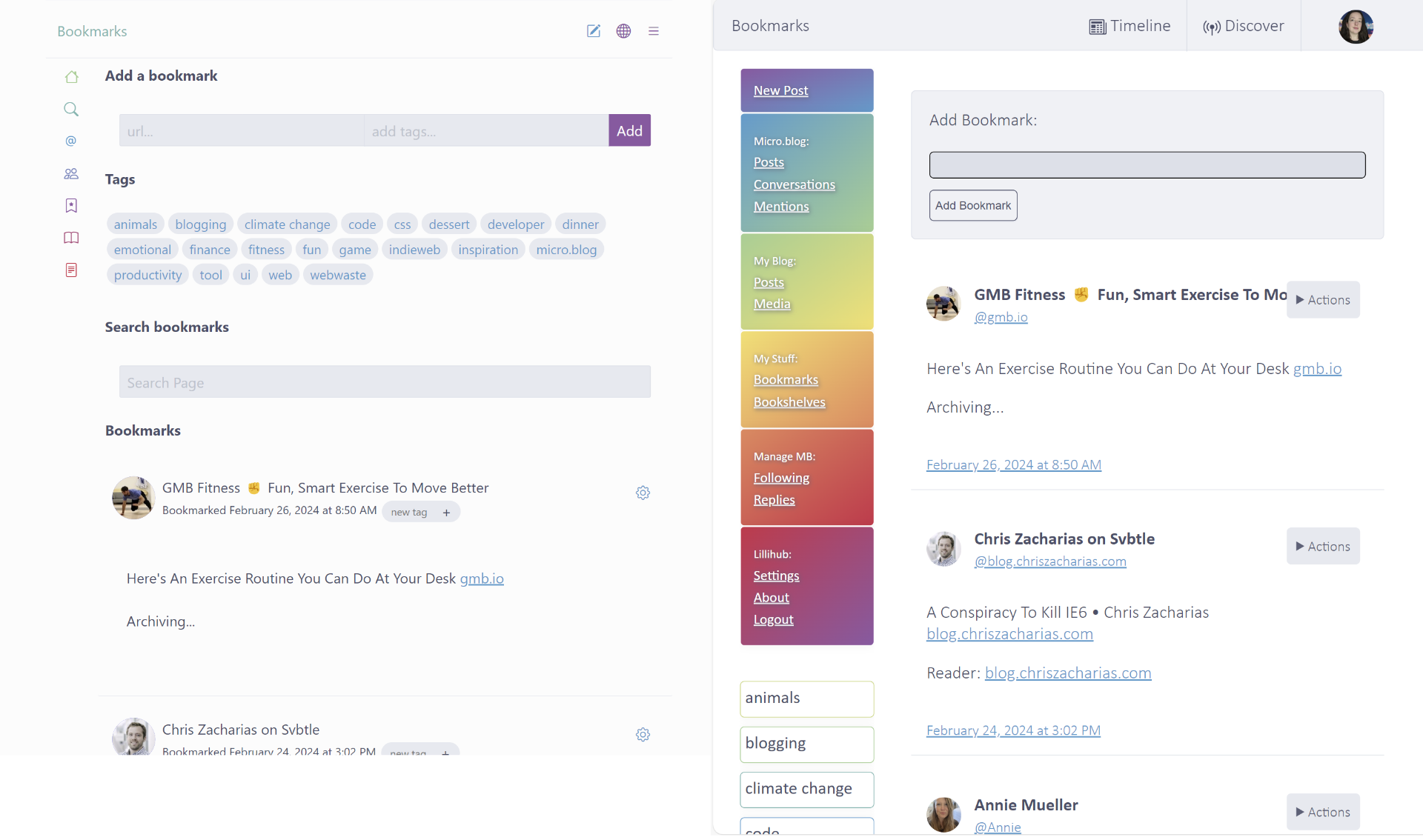
Here is a sneak peak of the UI changes:

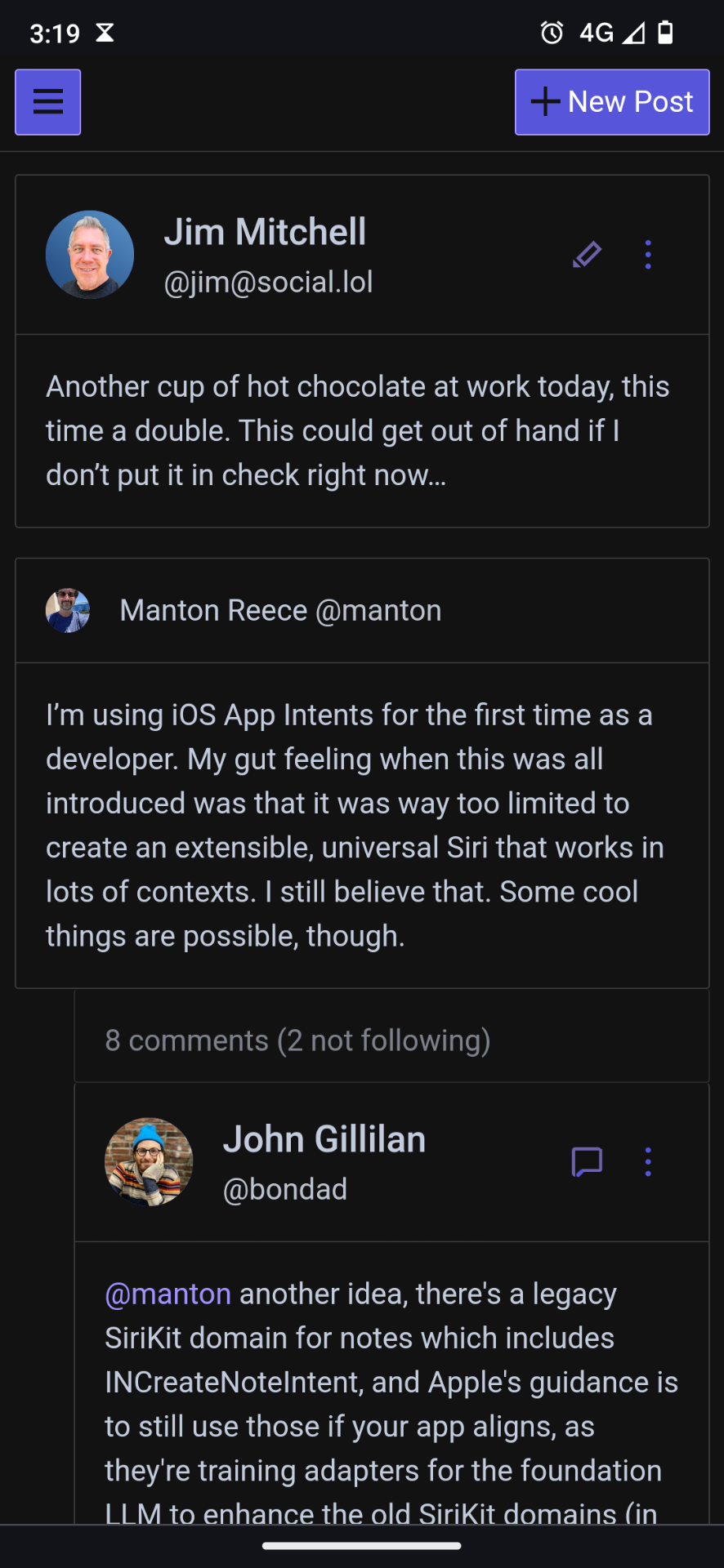
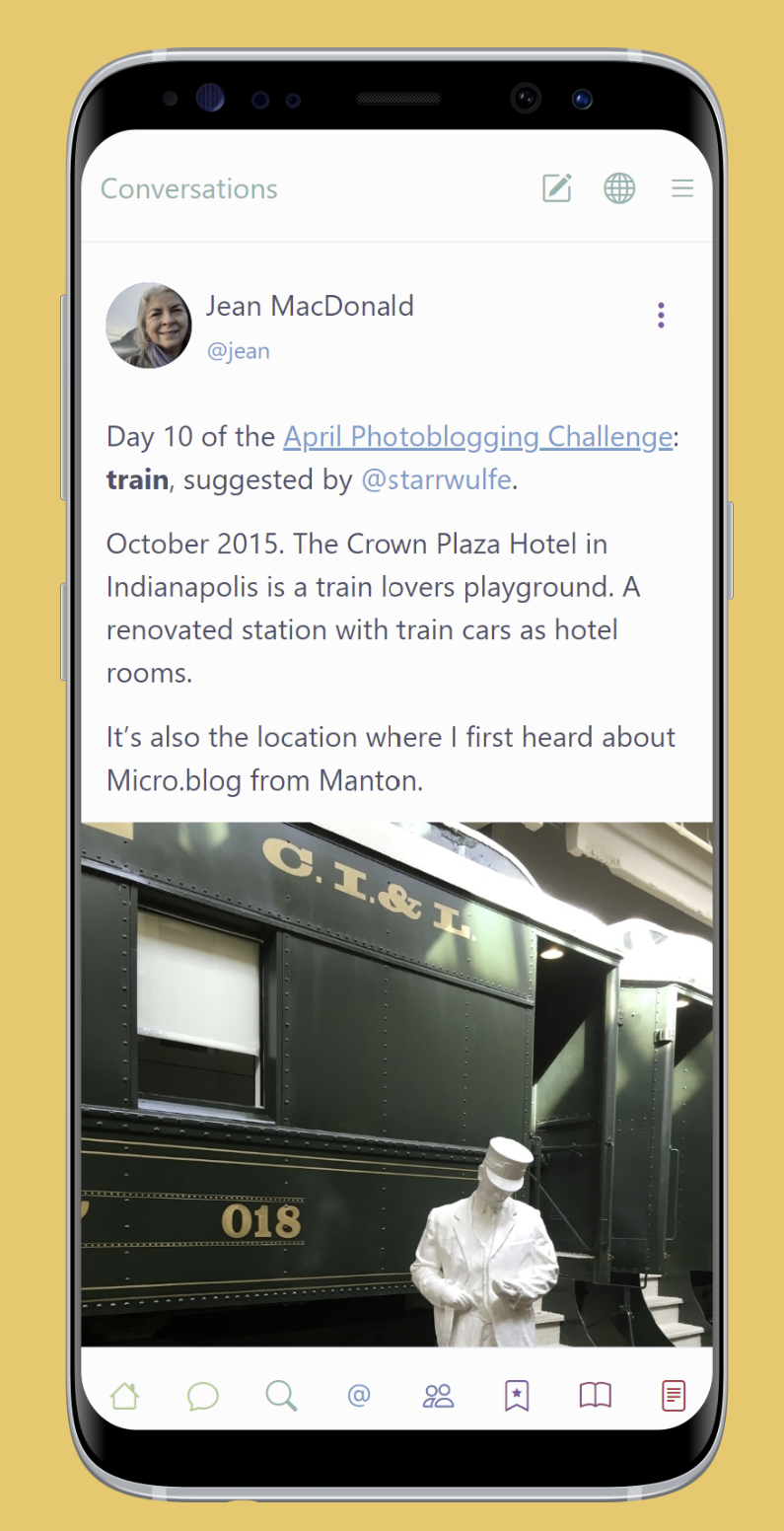
screenshot of Lillihub ui on a phone screen

Photos

Move using the WASD keys or by clicking the boxes around the player.

Inventory

About