This week I spent most of my time playing around with my blog theme. I realized I’ve been using Micro.blog for over a year now and I wanted to make some fixes to my blog theme.
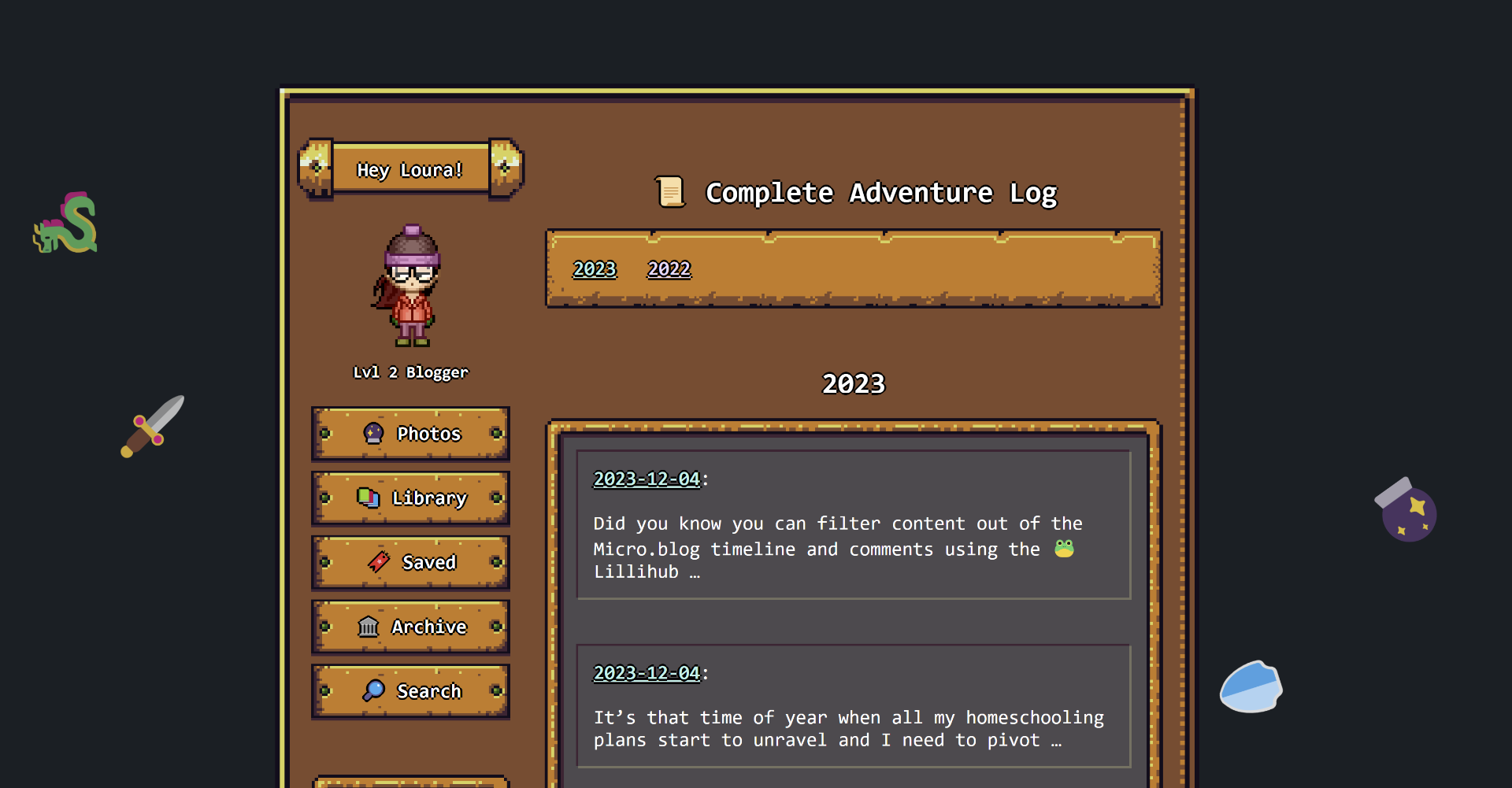
Step one: group by year
There are several places in my blog that I wanted to group things by year. Photos being the main one, but also category pages and the archive.
Luckily Hugo has a way to easily group a page collection by date. Here is a simplified version of my archive page. Note the .Key contains the date in the format specified by GroupByDate
{{ range (where .Site.Pages "Type" "post").GroupByDate "2006" }}
<h2 id="{{ .Key }}">{{ .Key }}</h2>
  {{ range .Pages }}
		<article class="h-entry">
			<a href="{{ .Permalink }}" class="u-url"><span class="dt-published" datetime="{{ .Date.Format "2006-01-02T15:04:05-0700" }}">{{ .Date.Format "2006-01-02" }}</span></a>:
			<span class="p-name"><b>{{ .Title }}</b></span> <br/><br/>
			<span class="p-summary">{{ .Summary | truncate 100 }}</span>
		</article>
  {{ end }}
{{ end }}
I did something similar for the photo page as well using
{{ range (where .Site.Pages ".Params.photos" "!=" nil ).GroupByDate "2006" }}
I also added some anchor links at the top of my website so you can easily jump down the page to the year you want to see.
Step Two: RPG Stats
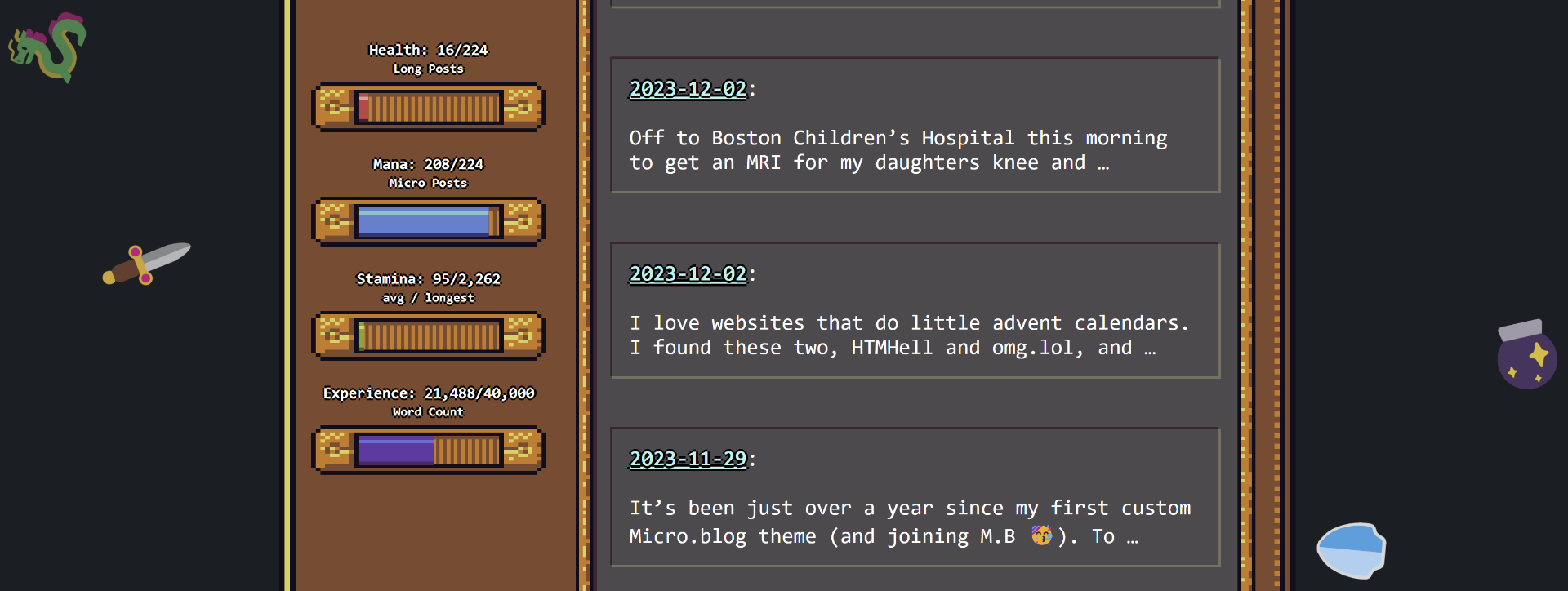
What’s an RPG themed blog with out some stats? Wouldn’t it be cool if those stats updated as I posted? I checked out the stats plugin by @amit and decided that my health bar would be based off my long posts, my mana bar off of short posts, stamina off of average length versus longest post and finally experience off of total number of words. You can check out his code here plugin-post-stats/layouts/shortcodes/poststats/detailed.html at main · am1t/plugin-post-stats (github.com)
In short I used the his method to get the numbers of the different types of posts
{{ $posts := where site.RegularPages "Type" "post" }}
{{ $microPostsCount := float ( len ( where $posts ".Params.title"  "=" nil )) }}
{{ $titlePostsCount := float ( len ( where $posts ".Params.title"  "!=" nil )) }}

{{ $scratch := newScratch }}
{{ $scratch.Set "longCount" 0 }}
{{ range $posts }}
    {{ $scratch.Add "wordcount" .WordCount }}
	{{ if ge .WordCount ($scratch.Get "longCount") }}
		{{ $scratch.Set "longestPost" . }}
		{{ $scratch.Set "longCount" .WordCount }}
	{{ end }}
{{ end }}
{{ $postCount :=  len ($posts) }}
{{ $wordCount := $scratch.Get "wordcount" }}
{{ $maxWordCount := $scratch.Get "longestPost" }}
{{ $avgPostLength := float (div $wordCount $postCount) }}
Then I display those in various ways above my bars. Next I needed to fill the bars and to do that division without Hugo just spitting out zeros I needed to add the float. Here is the code for one of the bars and here you can view my code for all the bars.:
<div class="bar">
  <label>Mana: {{ $microPostsCount }}/{{ math.Add $titlePostsCount $microPostsCount}}</label>
  <small>Micro Posts</small>
  <div class="rpgui-progress blue" data-rpguitype="progress">
    <div class=" rpgui-progress-track">
      <div class=" rpgui-progress-fill blue" style="width: {{math.Mul 100 (math.Div $microPostsCount (math.Add $titlePostsCount $microPostsCount))}}%;"></div>
    </div>
    <div class=" rpgui-progress-left-edge"></div>
    <div class=" rpgui-progress-right-edge"></div>
  </div>
</div>
So now I have stats that update as I post to my blog. Pretty neat!
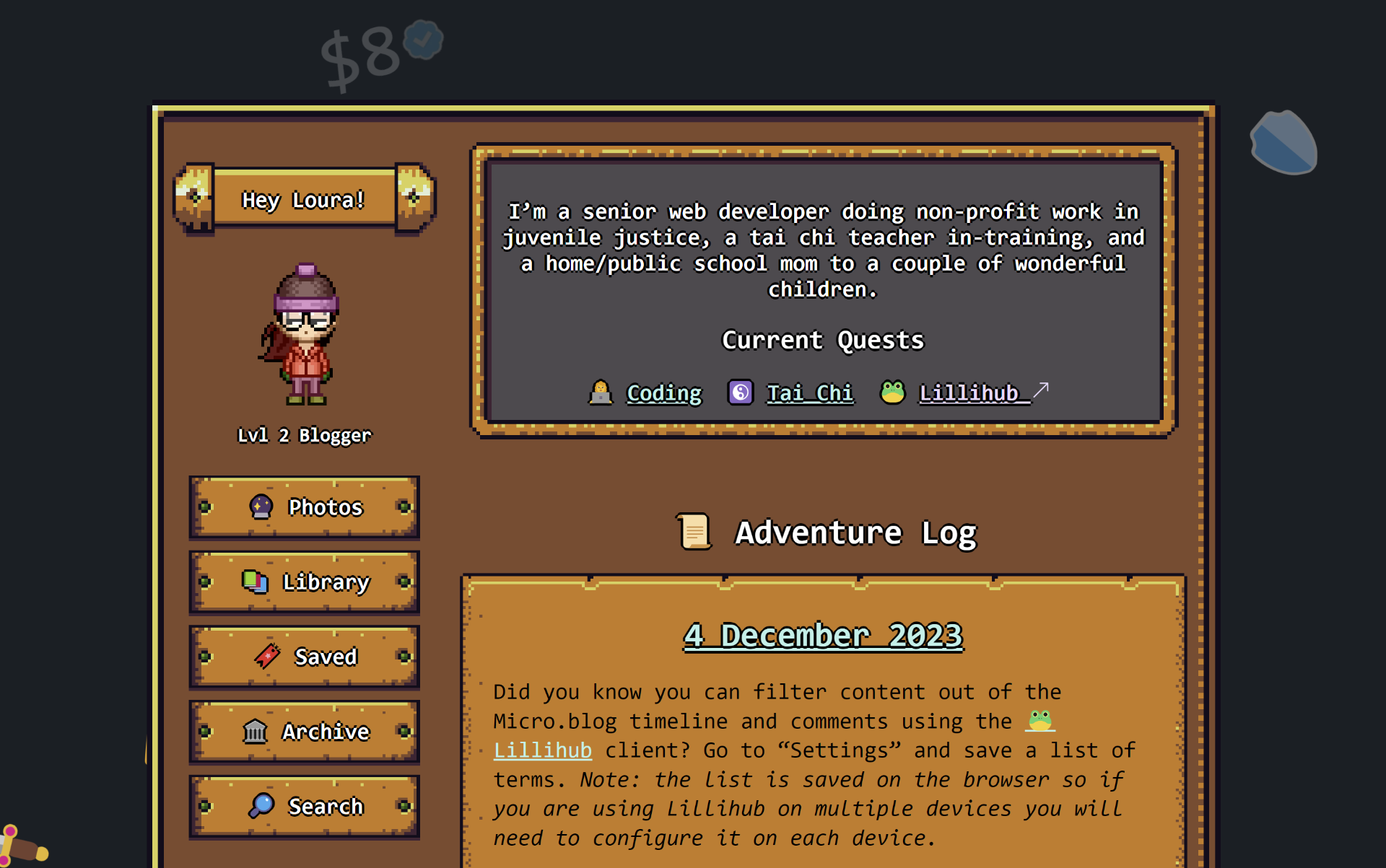
My character level is based off of how many years I’ve been blogging. The code is pretty similar to the group by year above, except I just get the number of years in the collection as a count and display it. Include the following in double braces: len ((where .Site.Pages "Type" "post").GroupByDate "2006" )
Further thoughts
I think it would be cool to make my own rpg themed plugin for Micro.blog that other people could add to their site. Then maybe make a webring so people could browse the Micro.blog “characters” 😆🤔
It would also be cool to have the experience target update automatically and have fun taglines that I could put under my level.
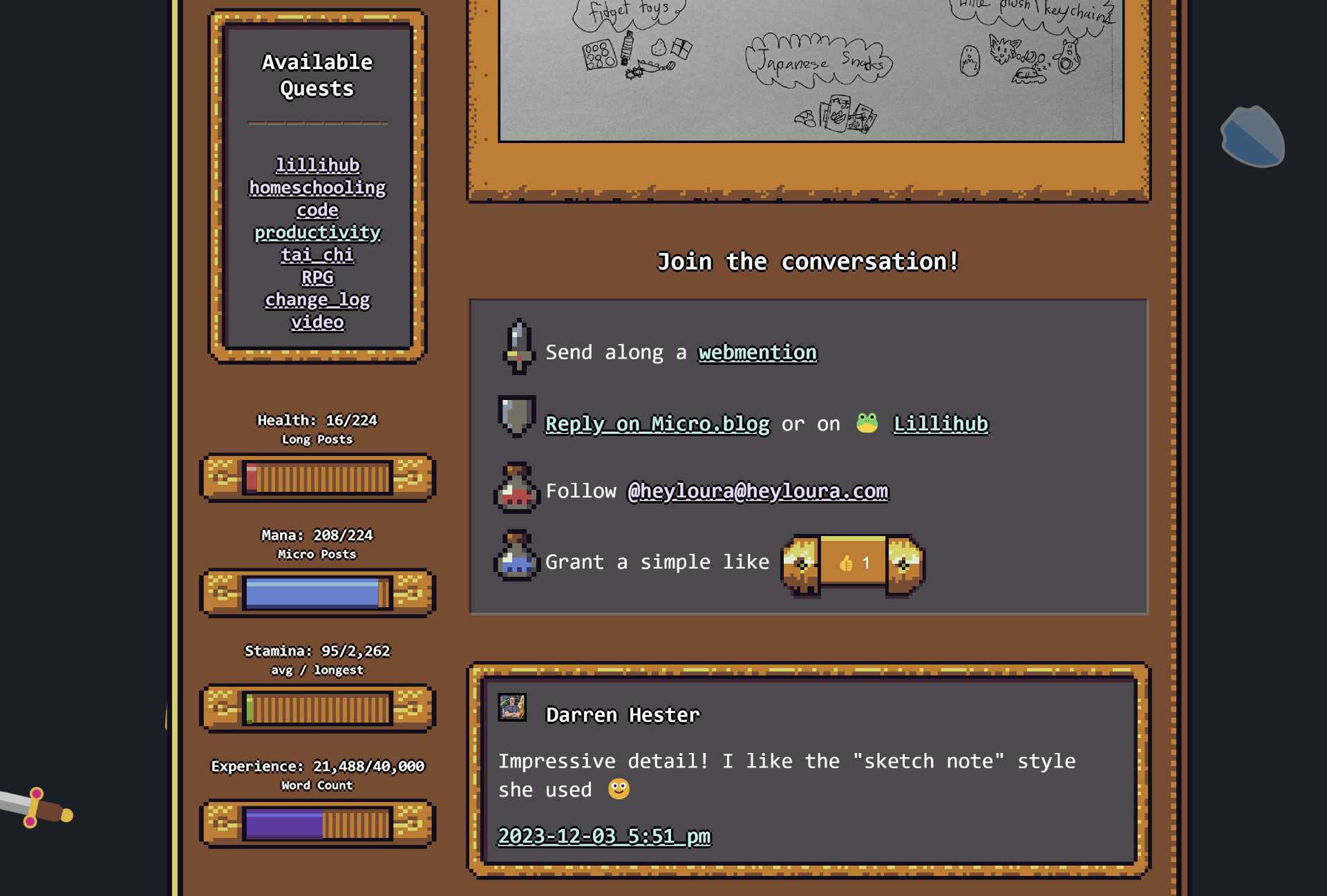
Step Three: Link to 🐸 Lillihub
The final piece was adding a link to Lillihub as an option for comments. Clicking the link, assuming you are logged in, will take you right to the post with all the comments loaded and visible.
 Loura
Loura