Meta-jots

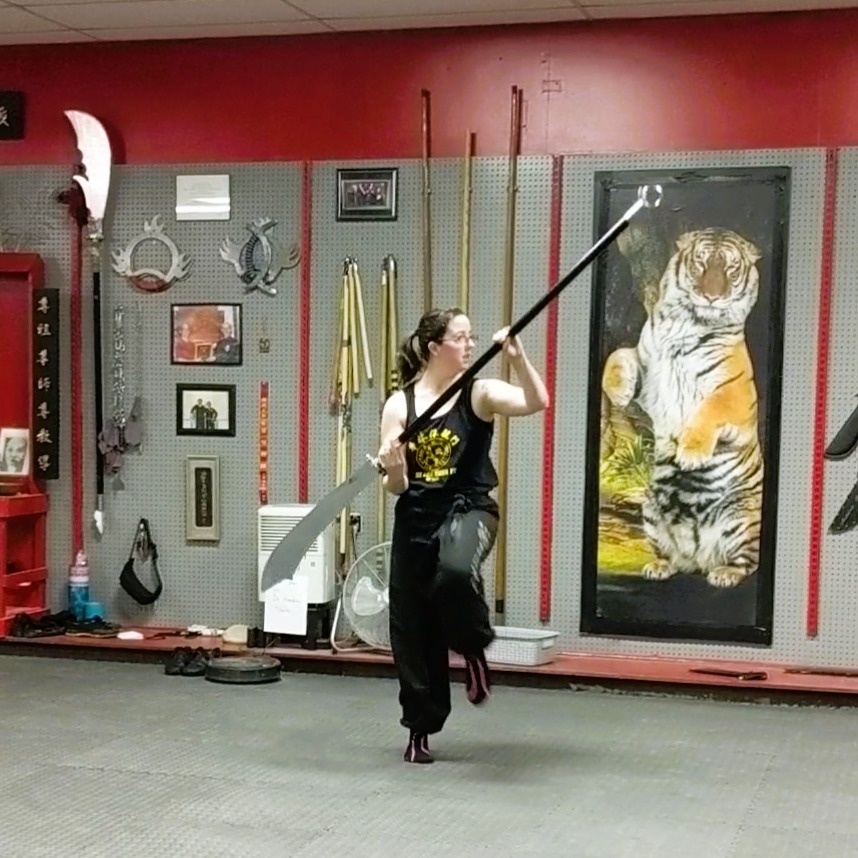
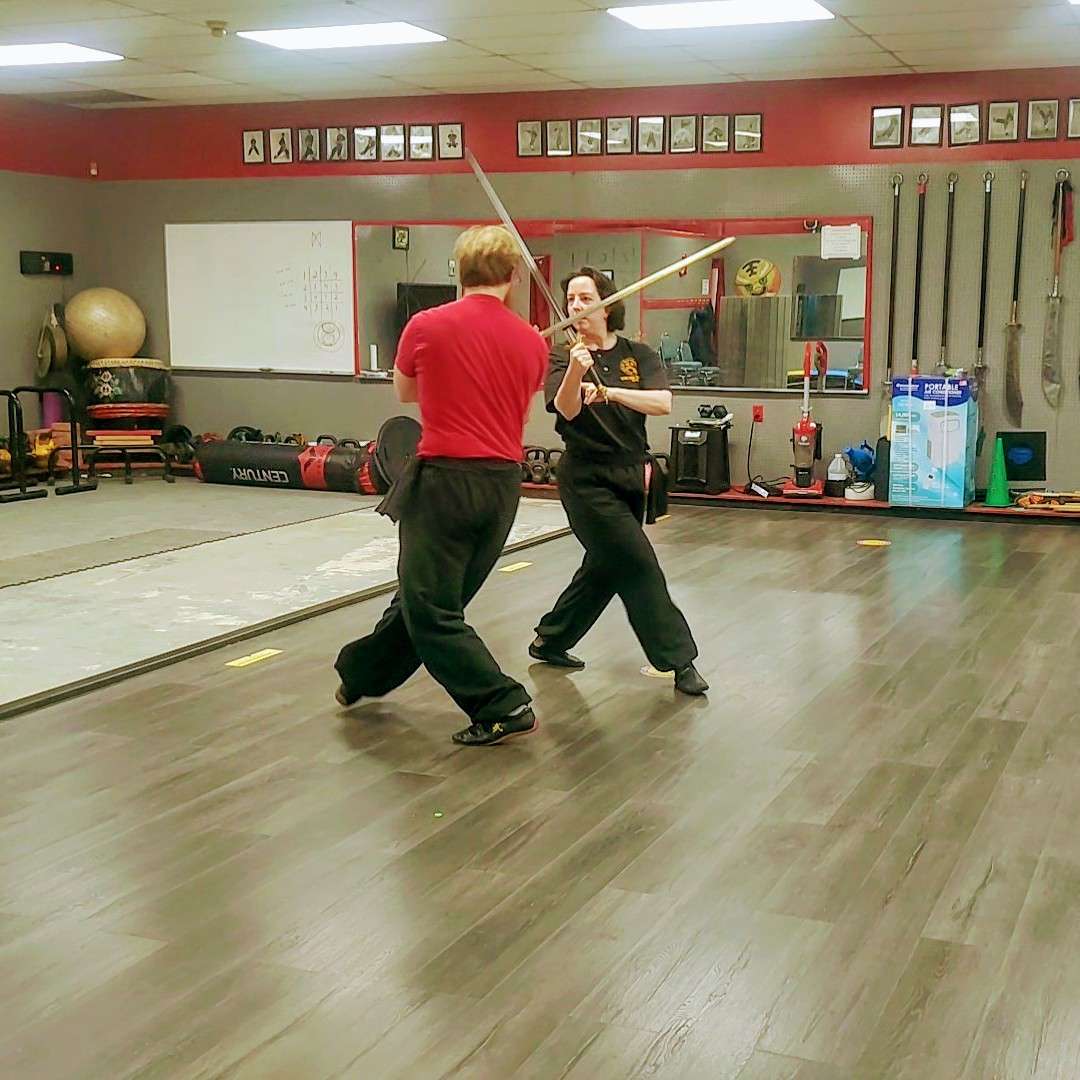
- 🦑 #tai chi
-
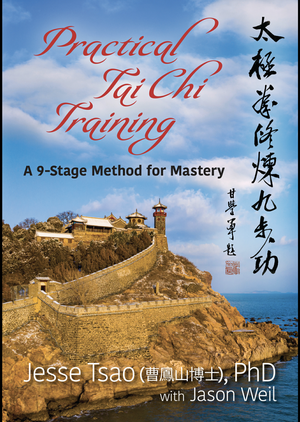
Currently reading: Practical Tai Chi Training by Jesse Tsao 📚
- 🐲 #code
-
Rewatched Hammock Driven Development - Rich Hickey. I already do a few things
- ✅ Write problems down
- ✅ Think deeply (I do often wake up with solutions)
- ✅ Draw pictures 🎨
but l want to add
- Read “How to Solve It” by G. Polya
- Find two solutions to problems and better understand trade-offs. (I usually stop at one solution)
- 🧞 #code 🧞 #productivity
-
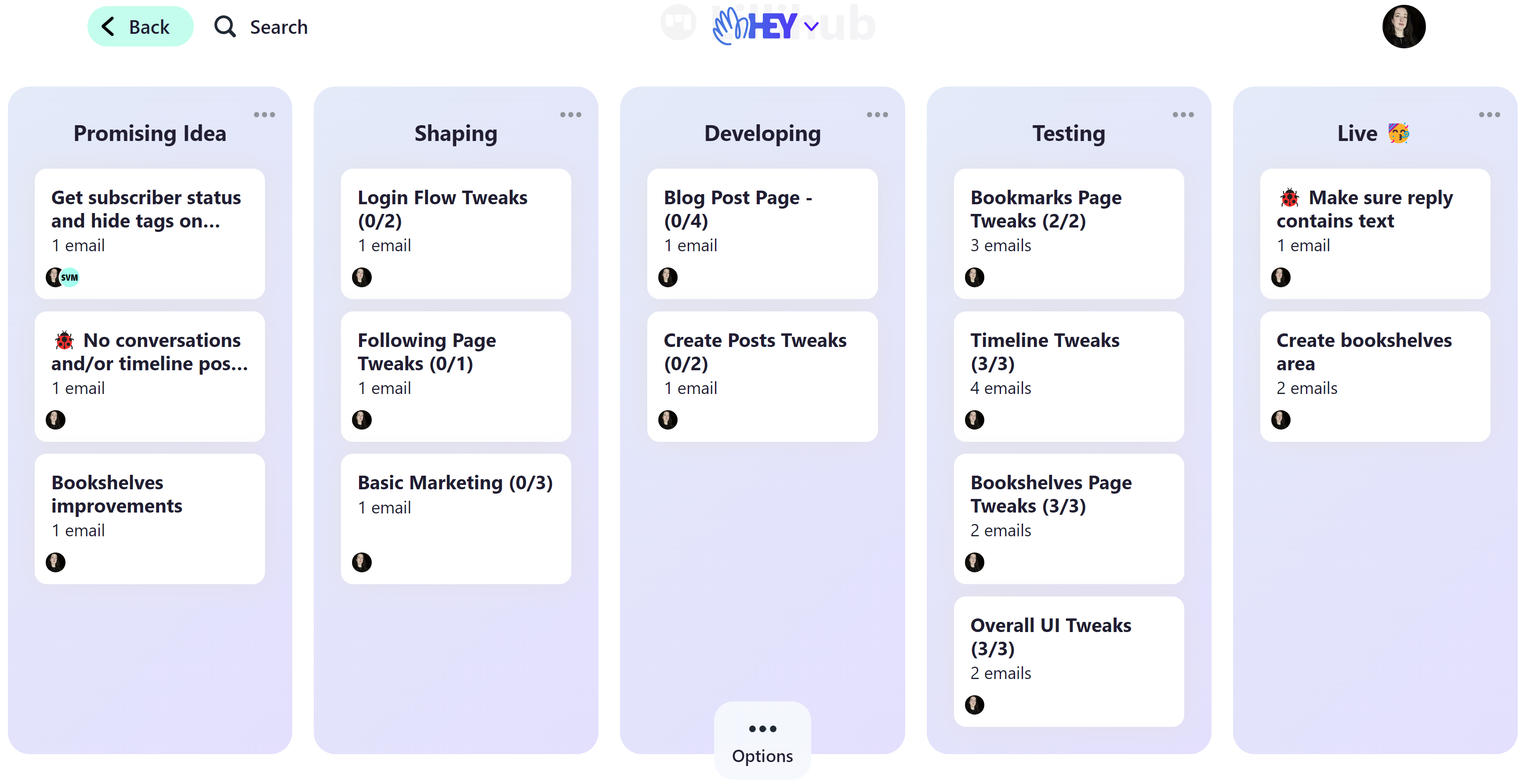
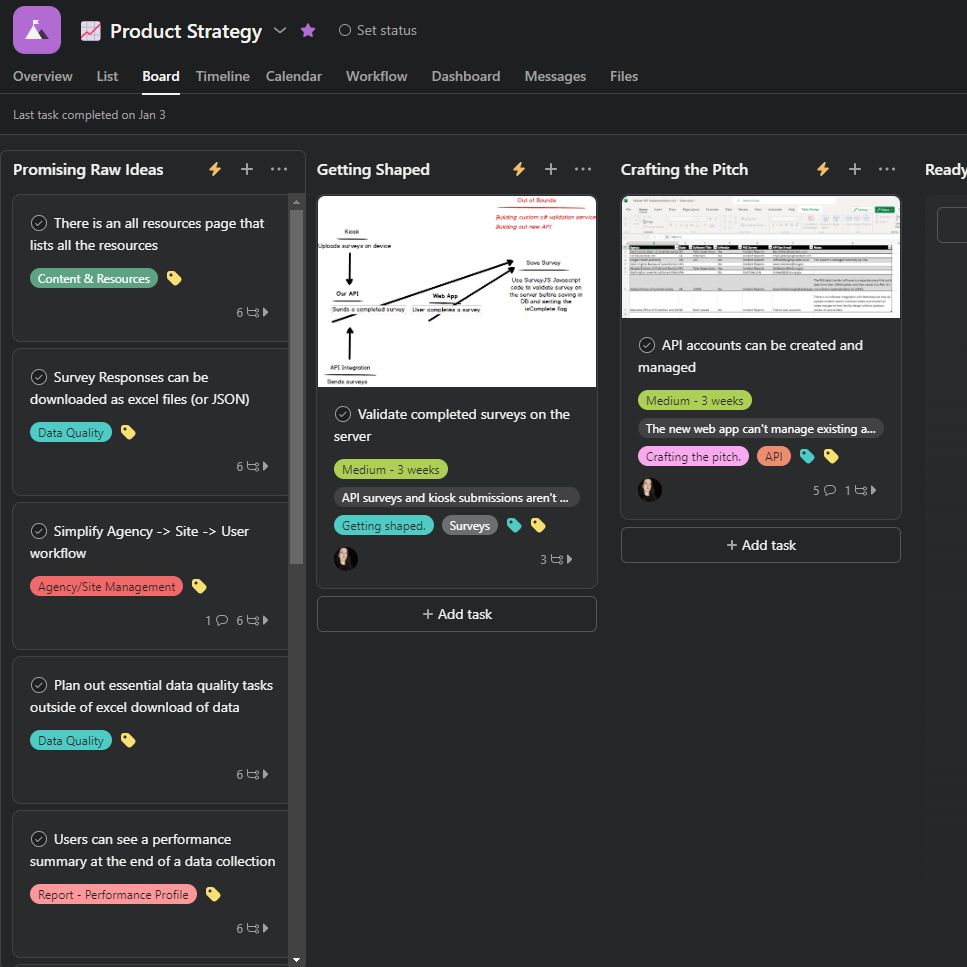
I’m reviewing my solo development methodology and figuring out if anything needs any tweaks. Last year I tried adapting Shape Up and I think I need to shorten the cycles. Six weeks is just a bit too long for me to maintain forward momentum.
- 👺 #code
-
I am both too tired to code and all I want to do is code. Conundrums…
- 🧟 #tags-lillihub
-
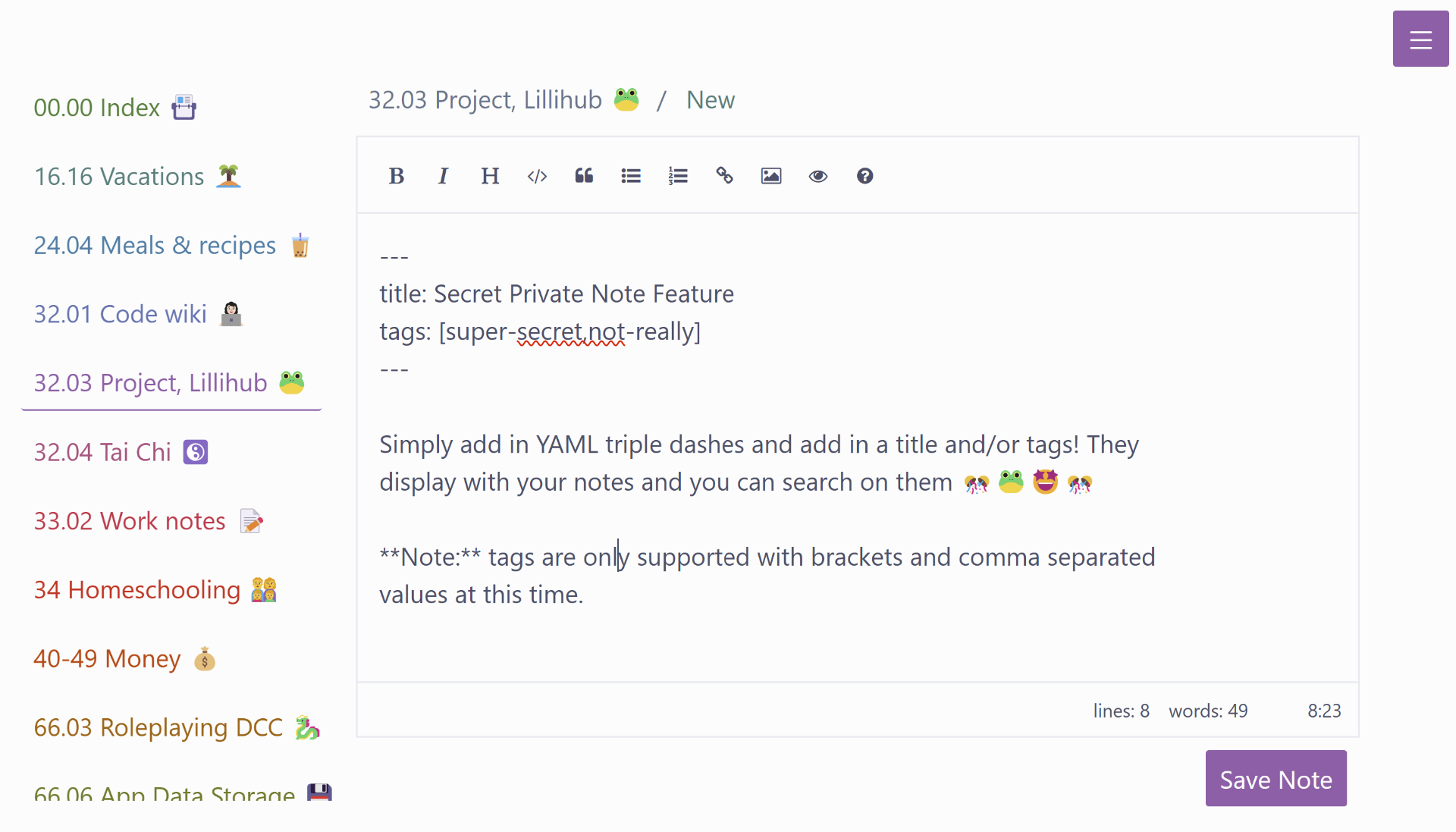
And this lovely test post should not crosspost from Lillihub
-
Time for some digital clean up. Moving from Lastpass to 1Password, switching to ProtonVPN, moving files off of Dropbox and Onedrive and exploring Fastmail for the family.
- ⚡ #code ⚡ #tags-lillihub
-
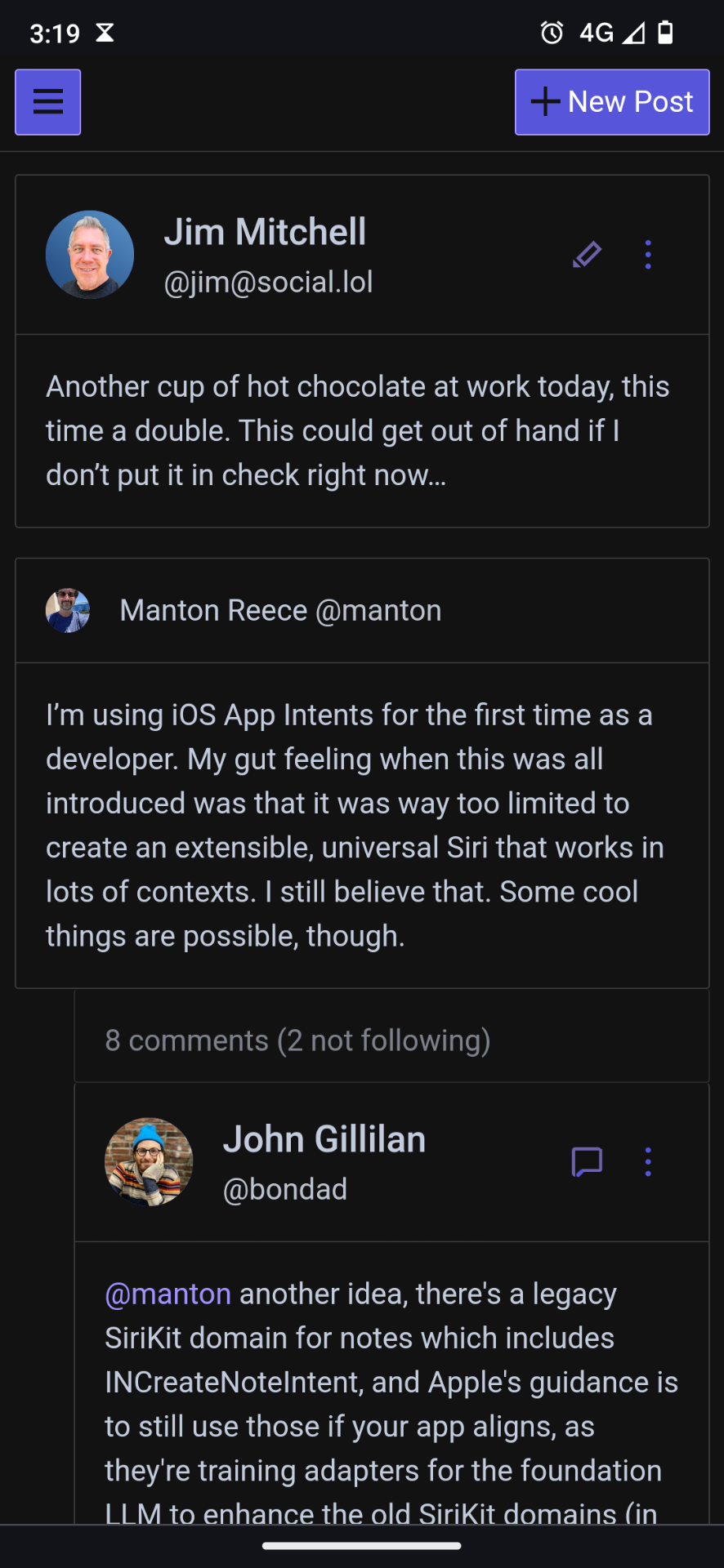
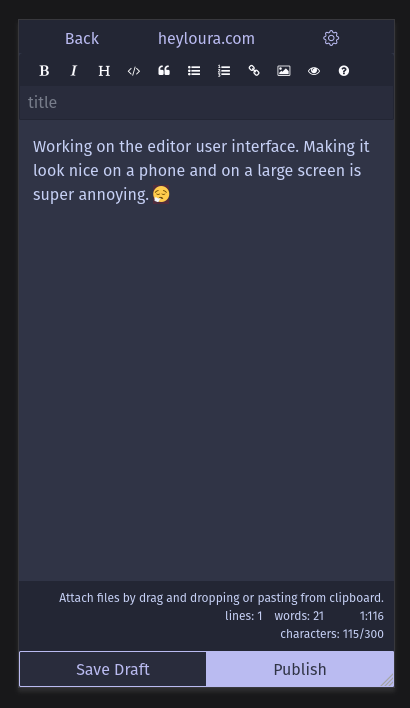
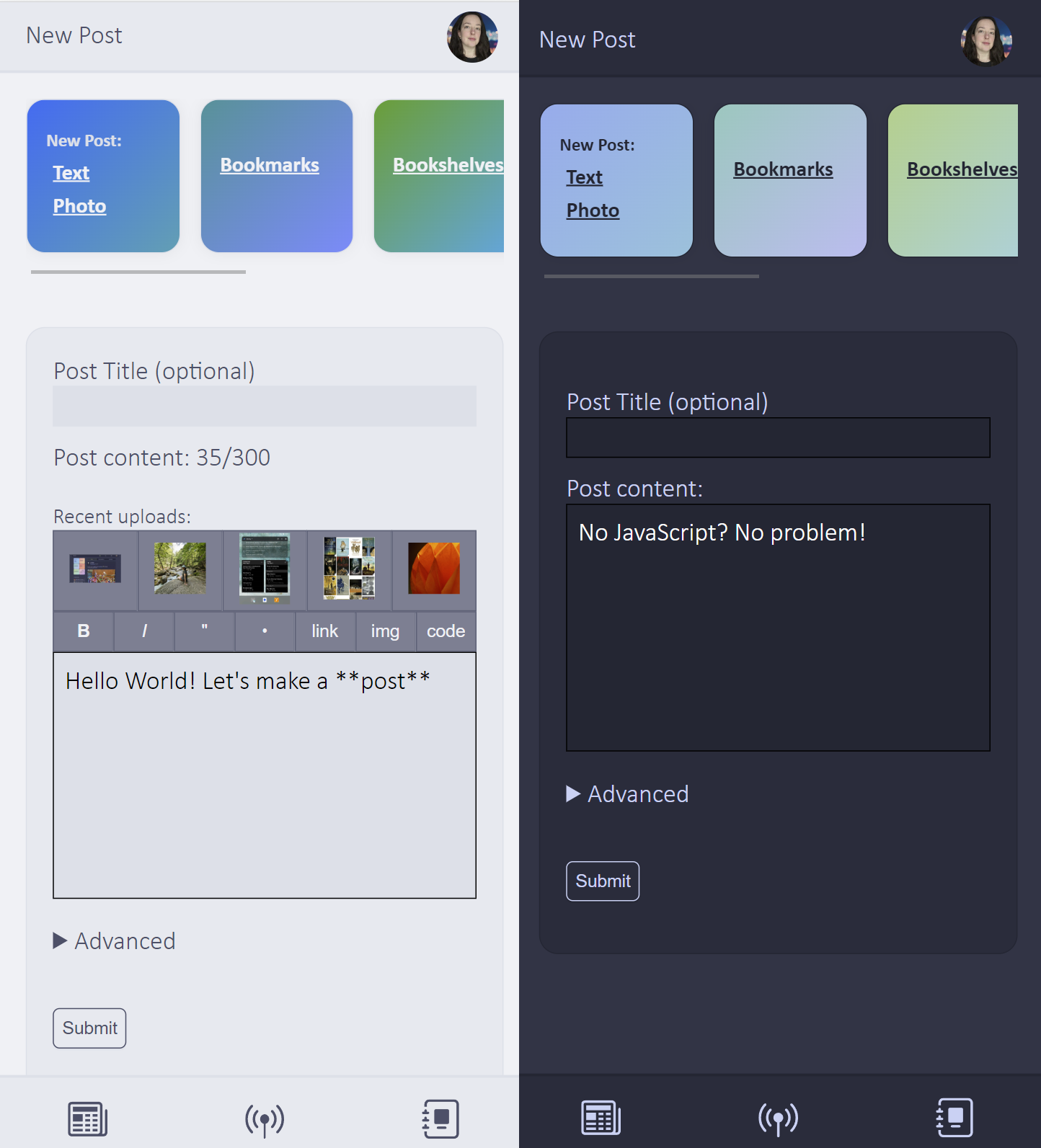
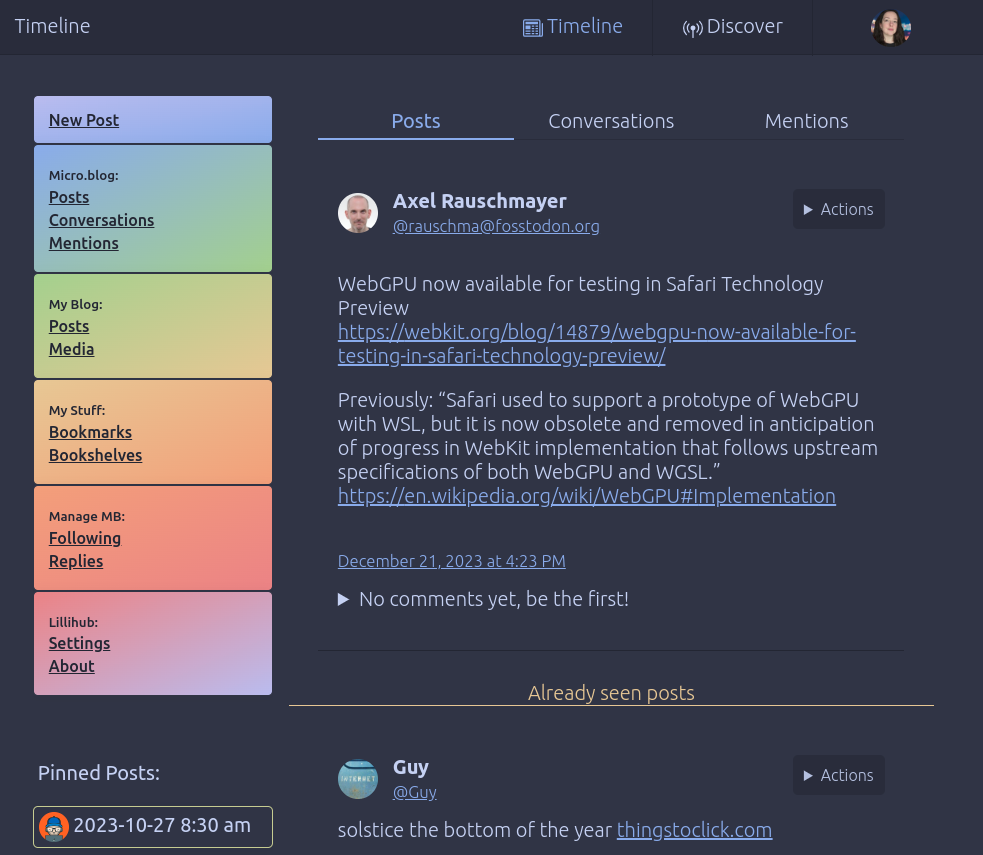
I’m working on some Lillihub tweaks 👩💻. I wanted to add a marker at the end of all the new posts since that last time Lillihub was viewed, but I’m having trouble with the wording. Any suggestions? “Already seen posts” seems a bit wordy and off…
- 👽 #tags-lillihub
-
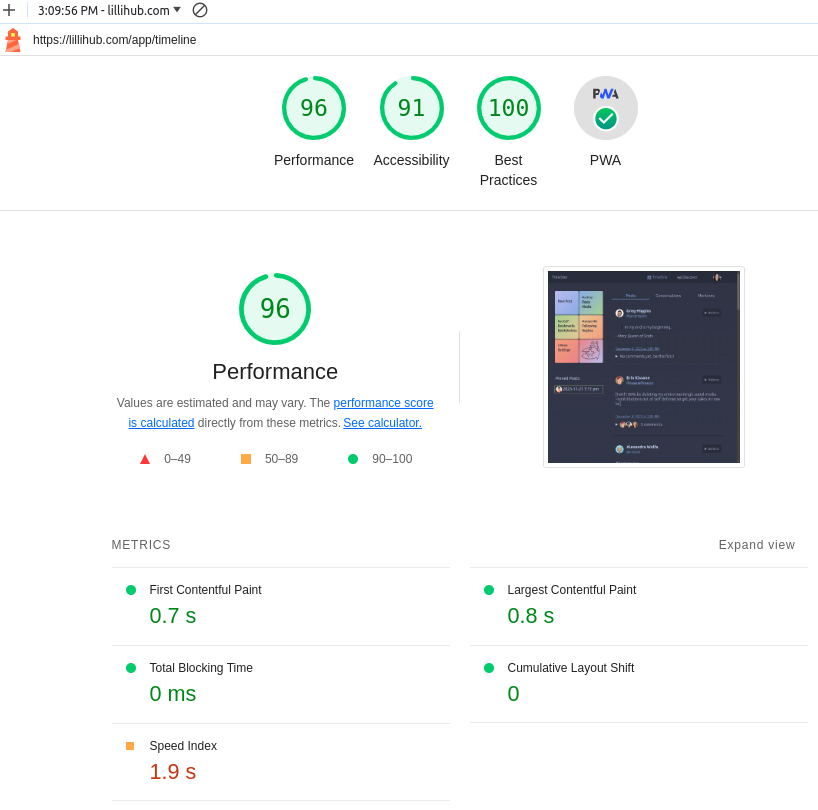
A 🐸 Lillihub update to celebrate 1 month 🥳. Check it out, it’s a fun way to view your Micro.blog timeline.
- Conversations don’t repeat as you page
- Comments from people you follow are highlighted
- Photo page for a user now has a grid view
- Comment threads now have a collapse at the bottom
Photos