Lillihub

- 👹 #code 👹 #meta-jots
-
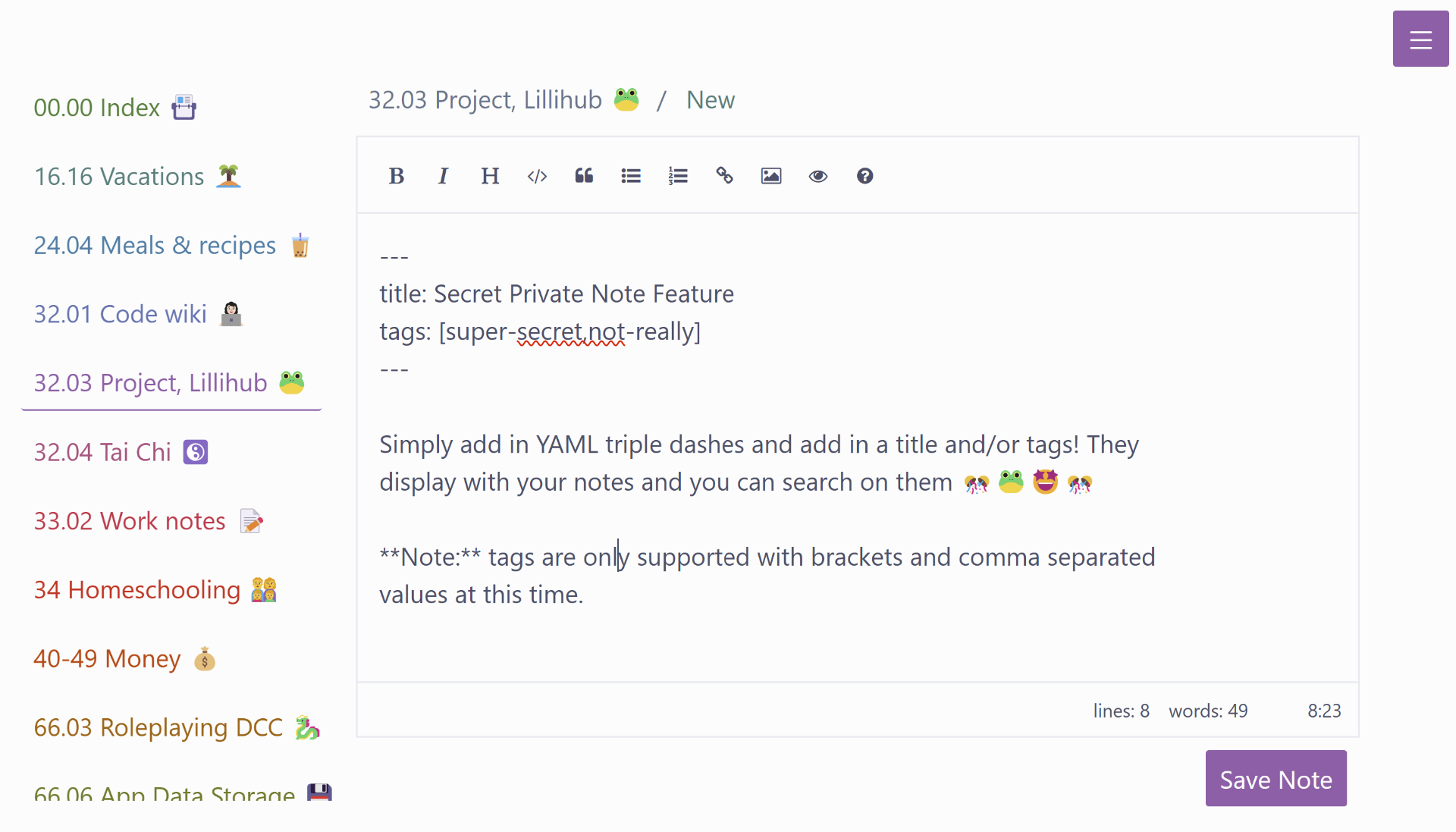
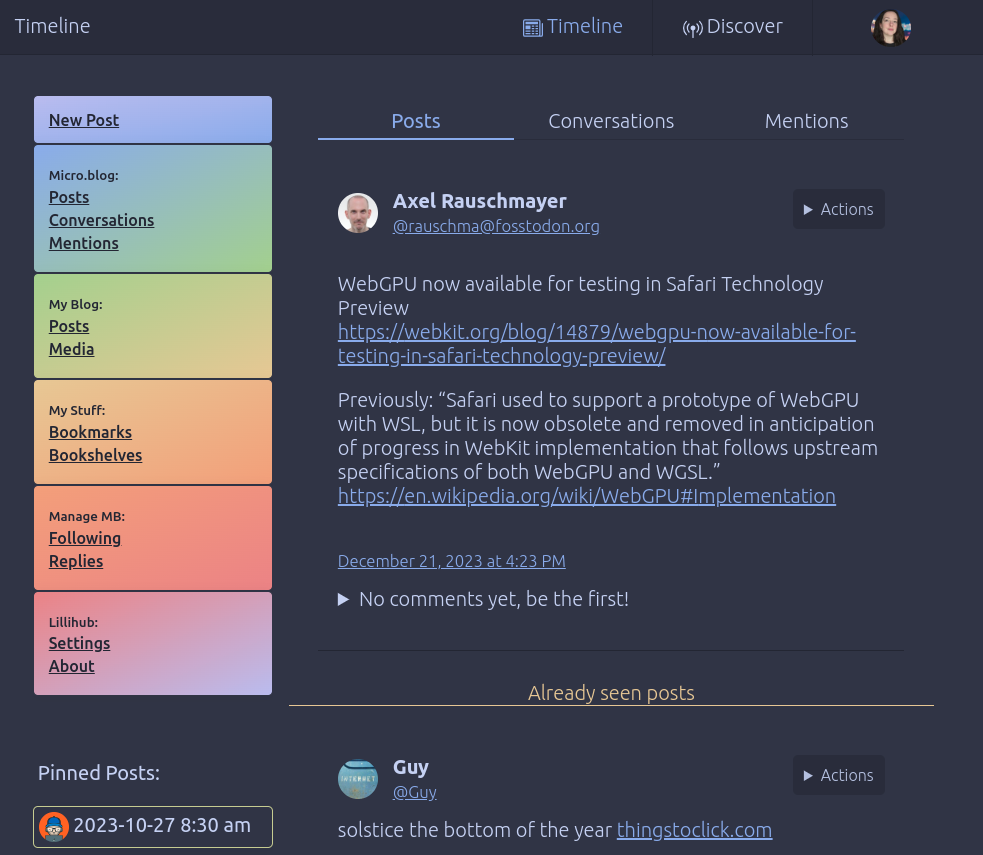
I’m working on some Lillihub tweaks 👩💻. I wanted to add a marker at the end of all the new posts since that last time Lillihub was viewed, but I’m having trouble with the wording. Any suggestions? “Already seen posts” seems a bit wordy and off…
- ⚰️ #meta-jots
-
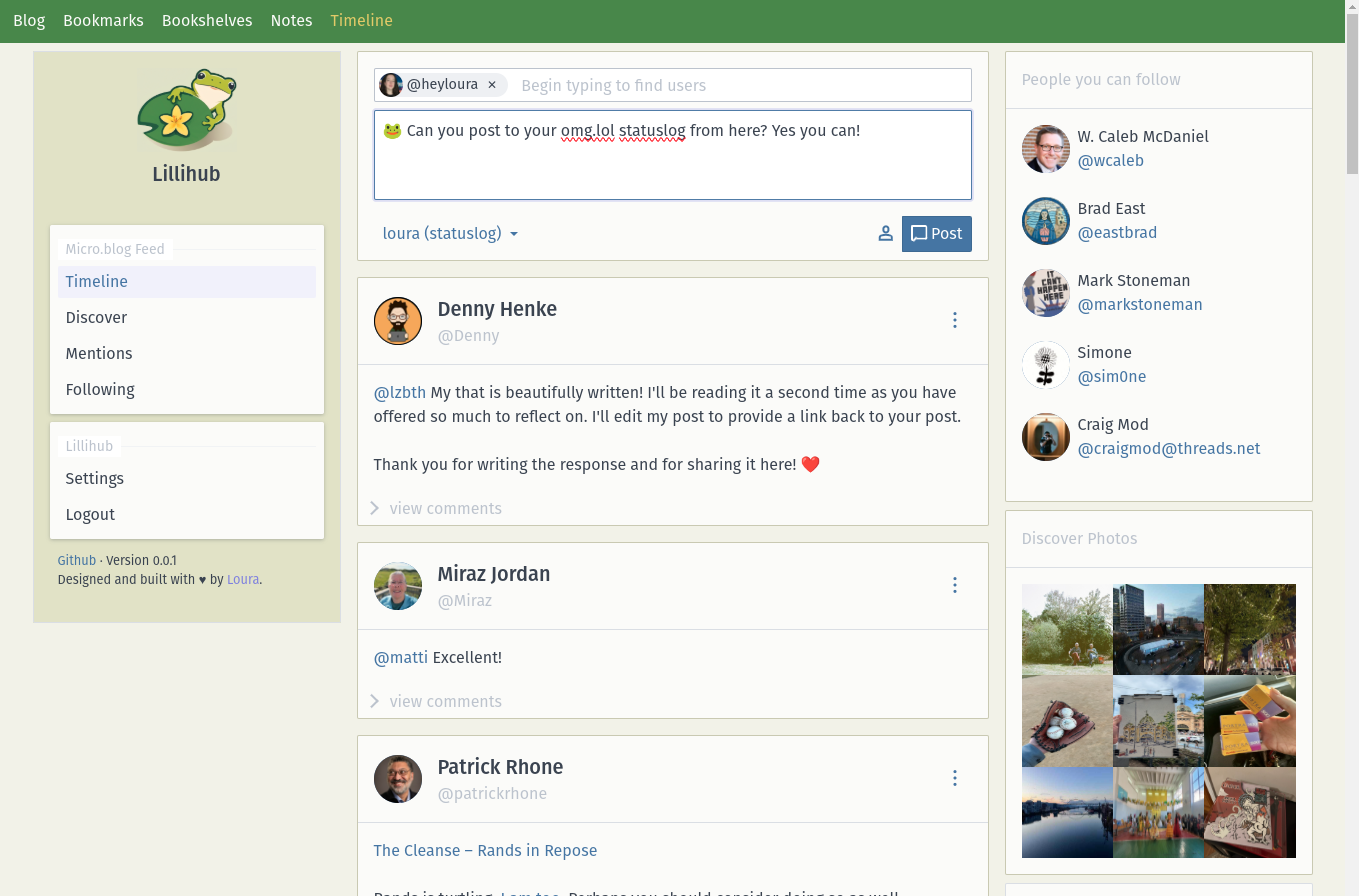
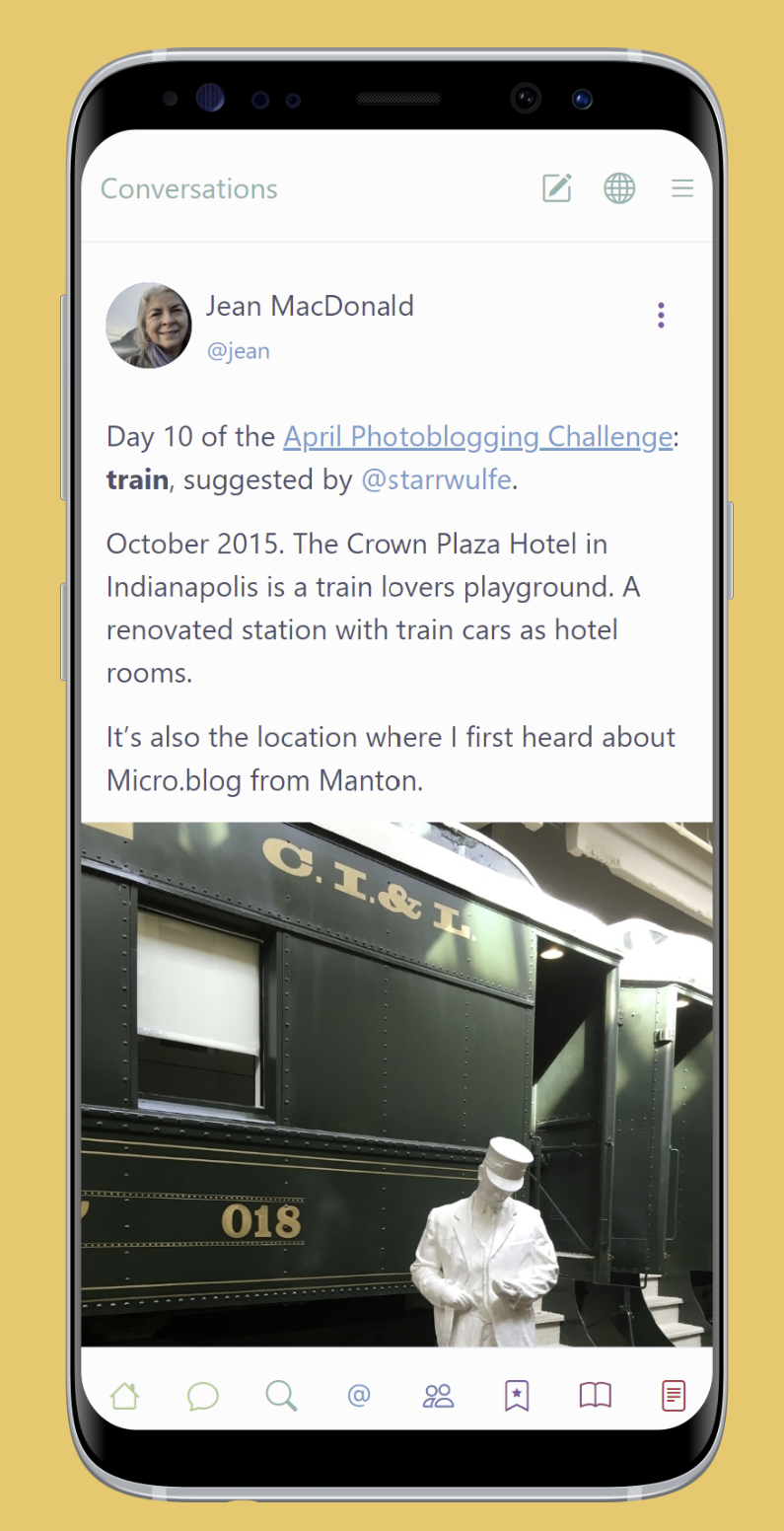
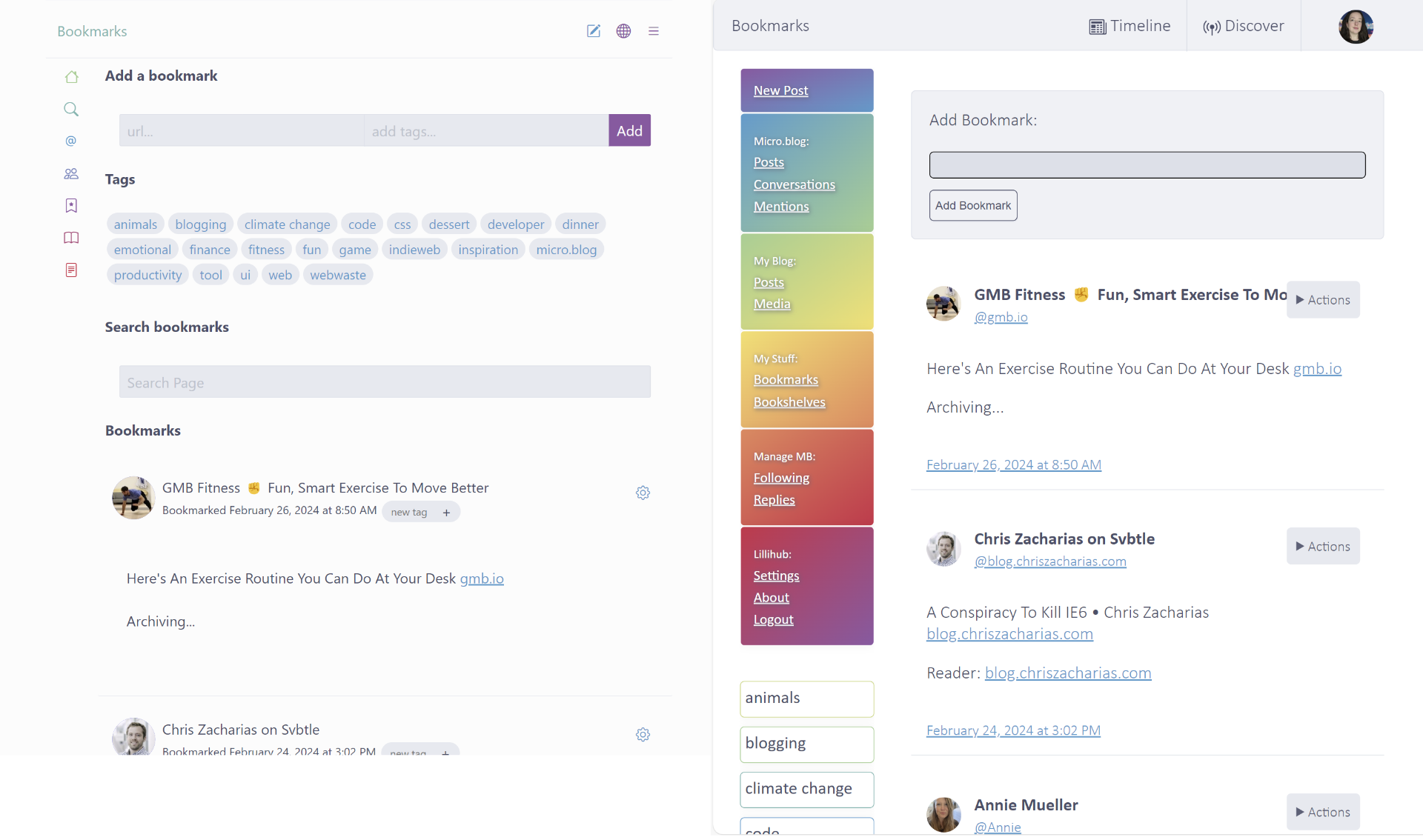
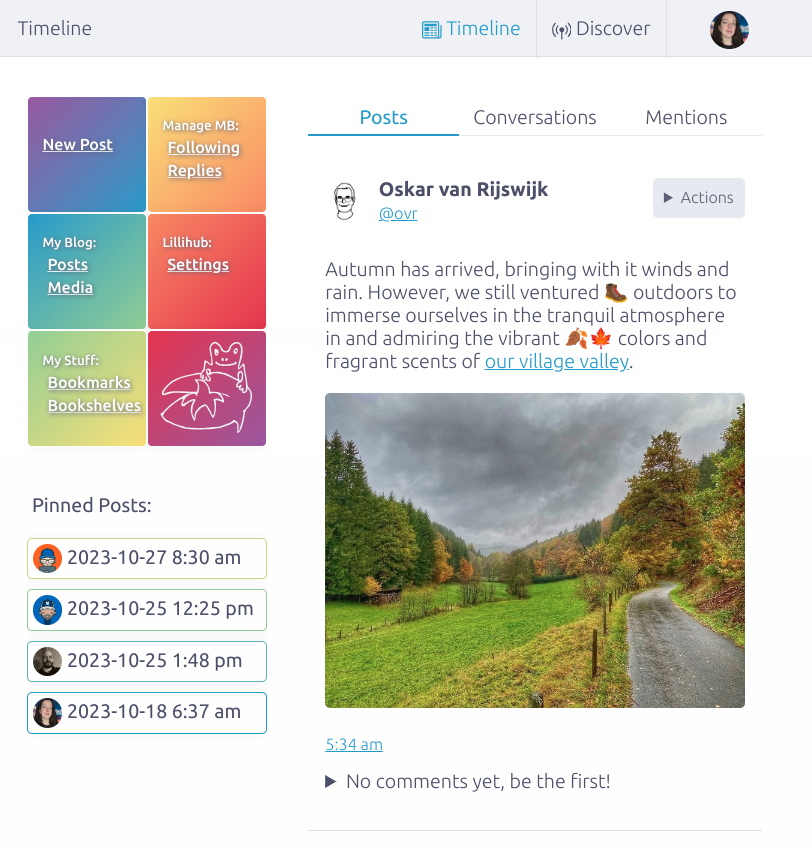
A 🐸 Lillihub update to celebrate 1 month 🥳. Check it out, it’s a fun way to view your Micro.blog timeline.
- Conversations don’t repeat as you page
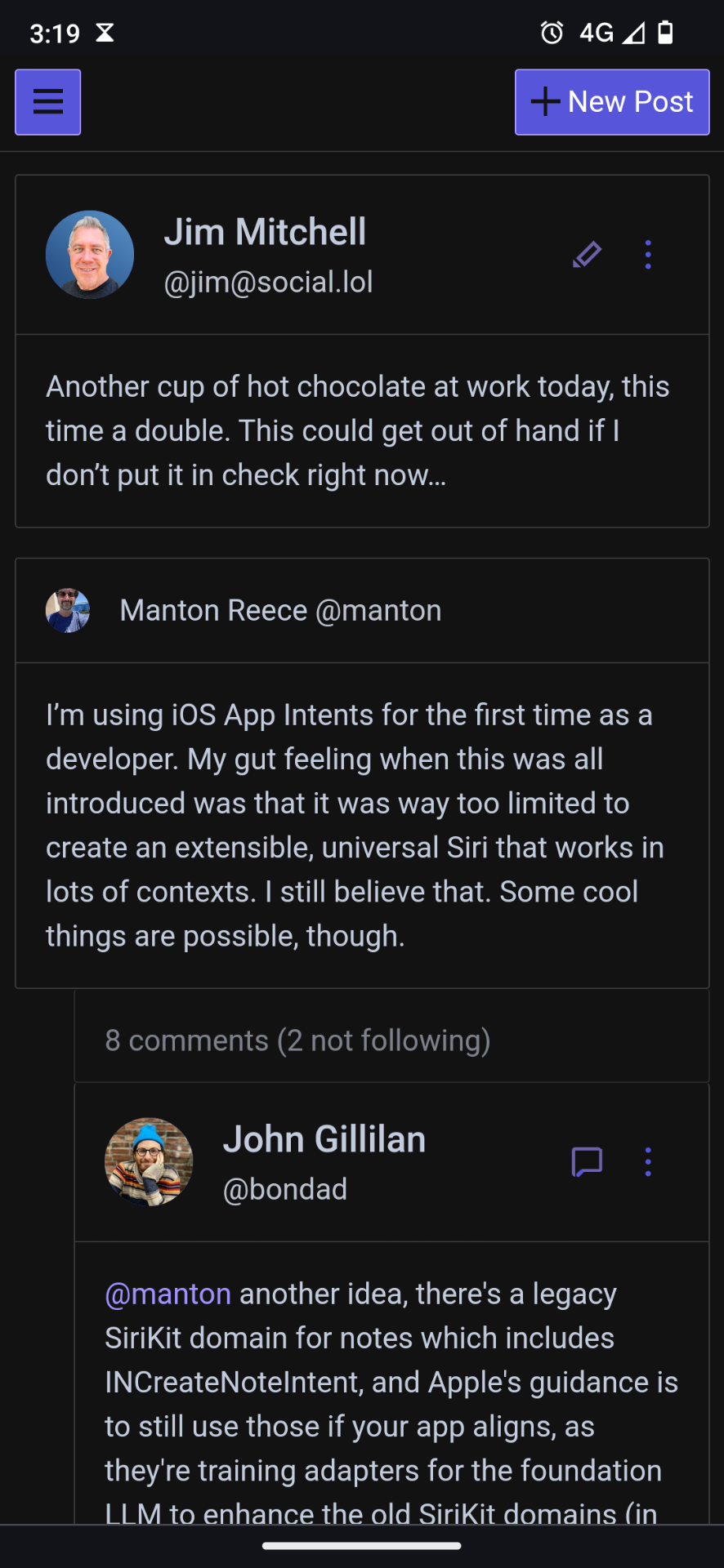
- Comments from people you follow are highlighted
- Photo page for a user now has a grid view
- Comment threads now have a collapse at the bottom
-
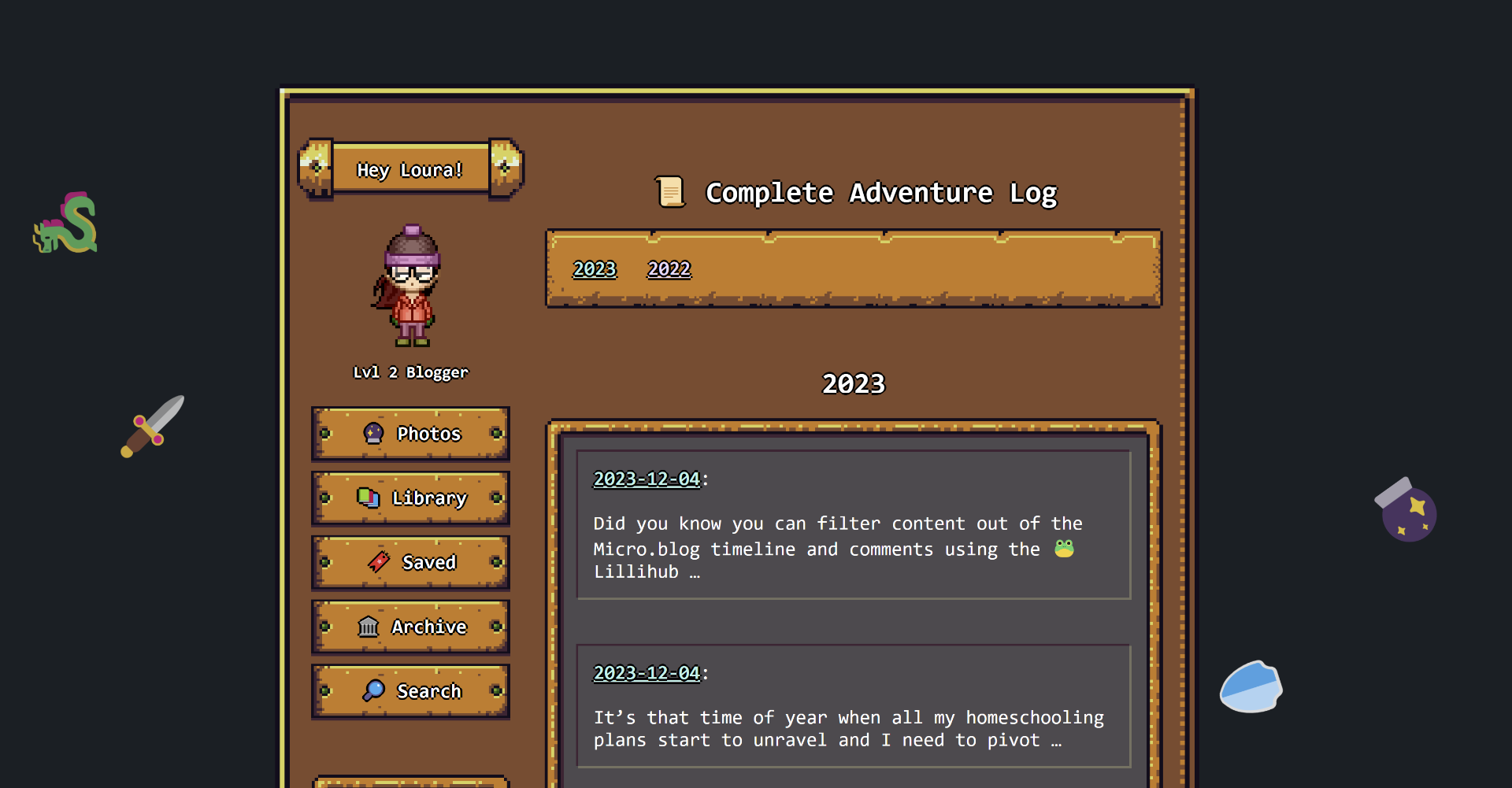
Dev Diary 0010 - Week of December 4th
🕸️ 🕸️ #code -
This was a major work week. I’m trying to wrap up a couple more features and get in a few more bug fixes before I wrap up for the holidays.
At work, I am doing a major rewrite of our application(s). This marks heading into year 3 of the project. I needed to redesign the UI and workflows. I …
- 🧝 #meta-jots
-
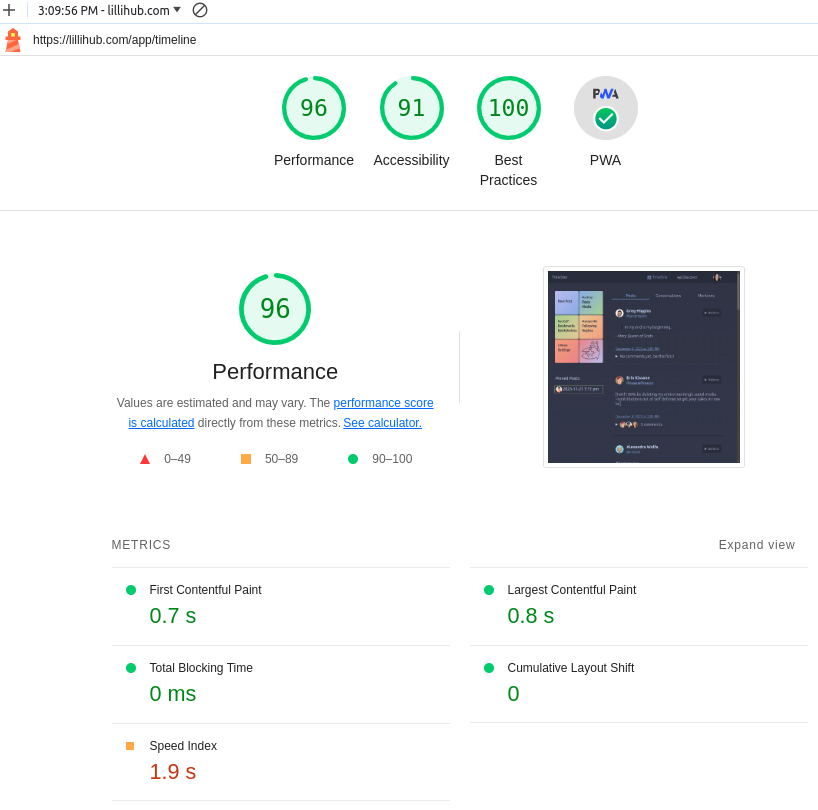
Oh hey.. double update day for 🐸 Lillihub. Is that a checkmark I see on PWA? I believe it is 🤩
Super minimal right now, but you should be able to “install” Lillihub if your device supports it. Hopefully it works for IPhone users. Let me know if it doesn’t
- 🦄 #meta-jots
-
Quick 🐸 Lillihub, a Micro.blog web client, update:
- Dark Theme can be enabled. Turn it on under “Settings”
- Bug fix: videos not showing.
- Limit the # of comments streamed to 25 for performance. Configure the default under “Settings”. The “View Post” action still displays all.
-
Dev Diary 0009 - Week of November 27th
🛡️ 🛡️ #code -
This week I spent most of my time playing around with my blog theme. I realized I’ve been using Micro.blog for over a year now and I wanted to make some fixes to my blog theme.
Step one: group by year
There are several places in my blog that I wanted to group things by year. Photos being the …
- 🧞 #meta-jots
-
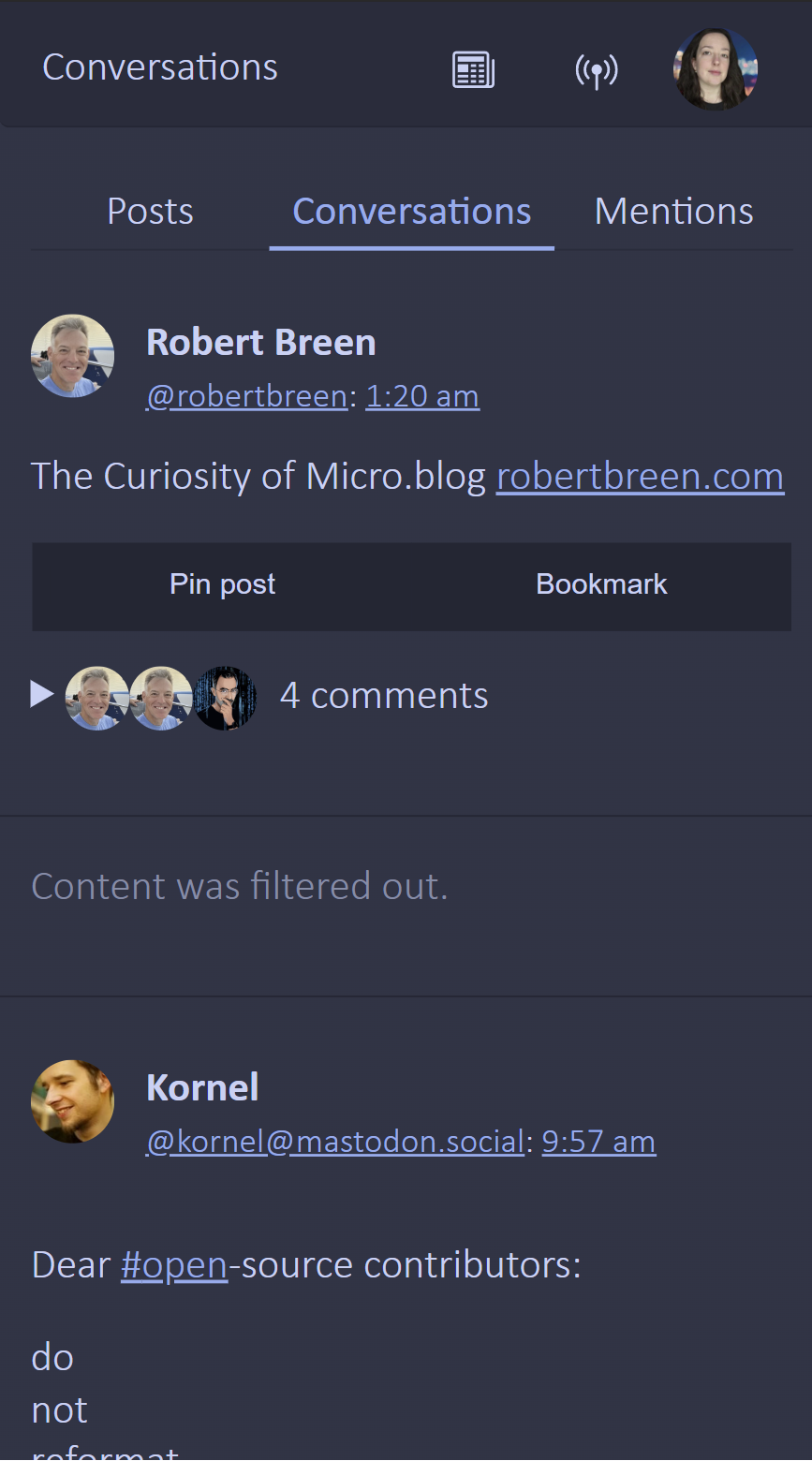
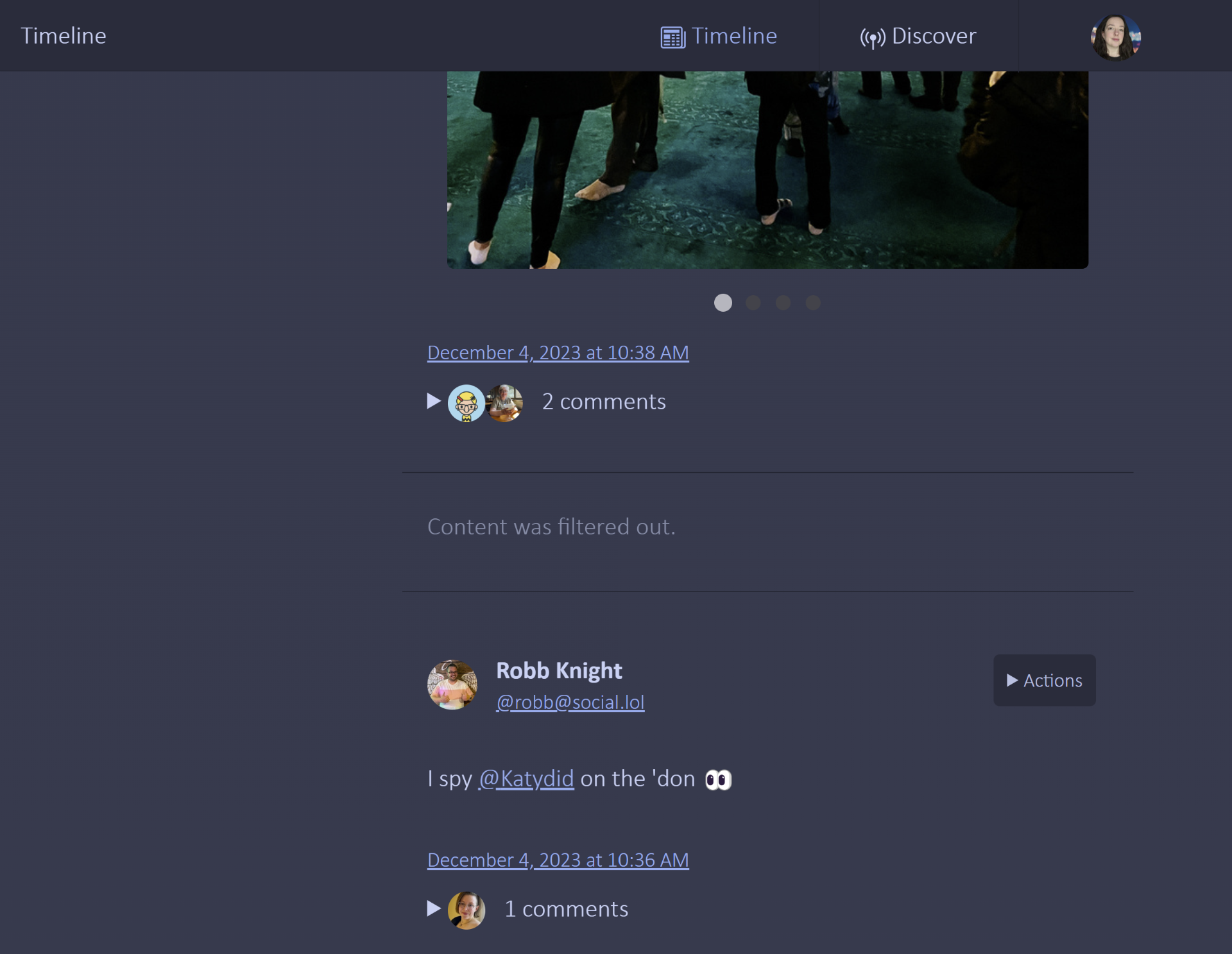
Did you know you can filter content out of the Micro.blog timeline and comments using the 🐸 Lillihub client? Go to “Settings” and save a list of terms. Note: the list is saved on the browser so if you are using Lillihub on multiple devices you will need to configure it on each device.
-
Dev Diary 008 - Week of November 20th
👻 👻 #code -
Whew... These last couple of months have been rough. This update is pretty short. I hosted Thanksgiving at my house this year so I wrapped up most dev related items by Wednesday.
Lillihub
I put out an update before signing off on Wednesday. It included some small fixes and photo swiping on a …
- 🗡️ #meta-jots
-
Lillihub Update 🐸:
- Photos now swipe on both large and small screens.
- Post titles now show, when they exist, on the “My Blog” -> “Posts” area.
- Better date display (when JavaScript enabled)
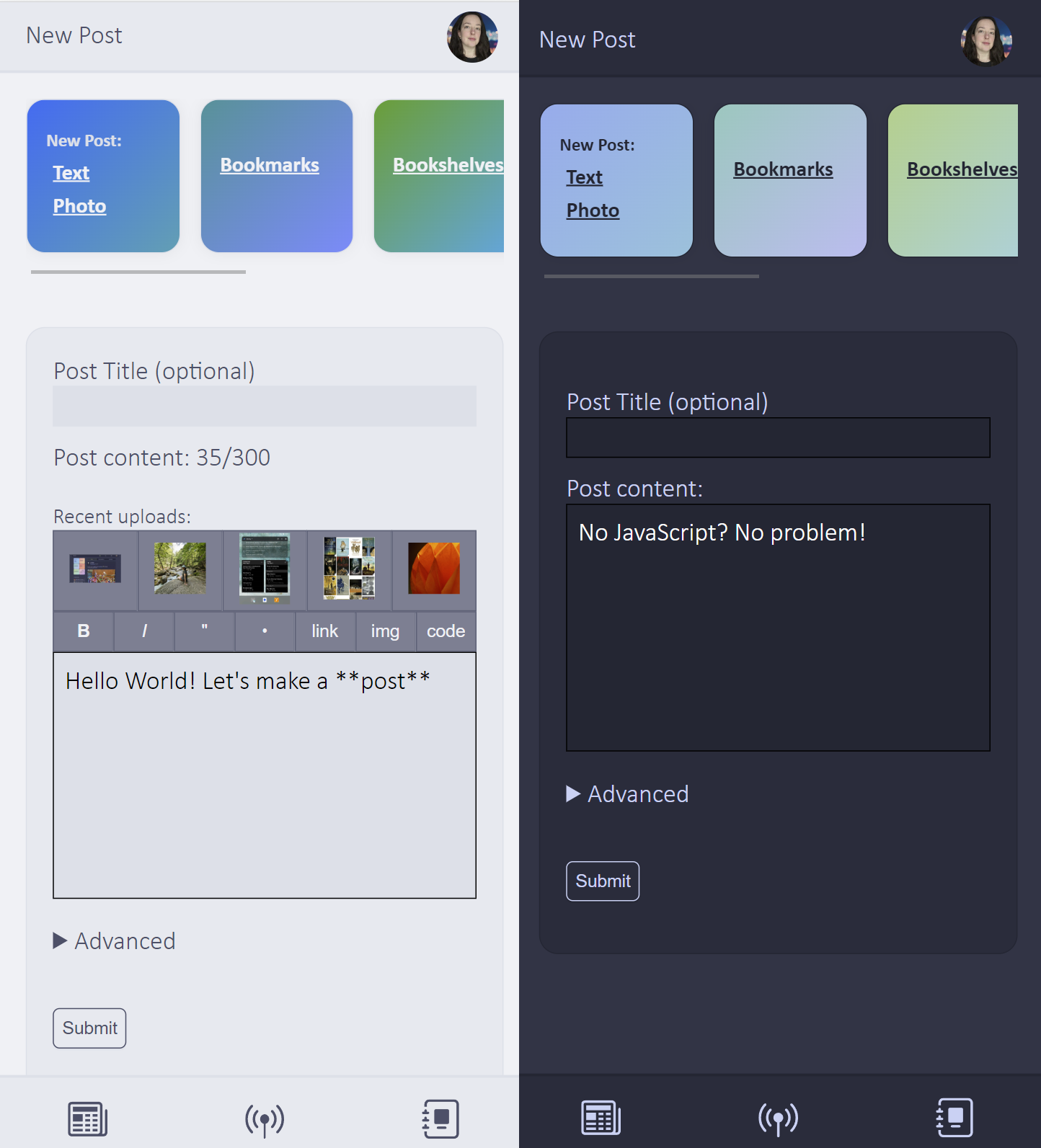
- Tagmoji list is now on the “New Post” page.
-
Dev Diary 007 - Week of November 13th
🌝 🌝 #tai chi 🌝 #code -
Remember how I said, everything back to normal? That lasted all of Monday morning. Then I got the call from school that my daughter hurt her knee... getting a pencil. We are still running around trying to figure it out (Whew, thankfully it's not Lyme disease). Then my son messed up his …
Photos