Lillihub

- 🧭 #meta-jots
-
I’ve been using some shoelace web components in my Lillihub project. However, I am not using npm, or using a build step, and I don’t want external links. I just want a source file without a bunch of imports. Luckily I found this command line tool for compiling a node.js module. 😎
-
Dev Diary 0013 - End of January through February
🧟 🧟 #code -
Life has been hectic. Like I mentioned back in December, I’m juggling two close family members with health issues. My mother-in-law survived the surgery, has gone through rehab, and is now back at her house (edit: and since I started writing this draft, back to the hospital). She requires a …
- 💎 #meta-jots
-
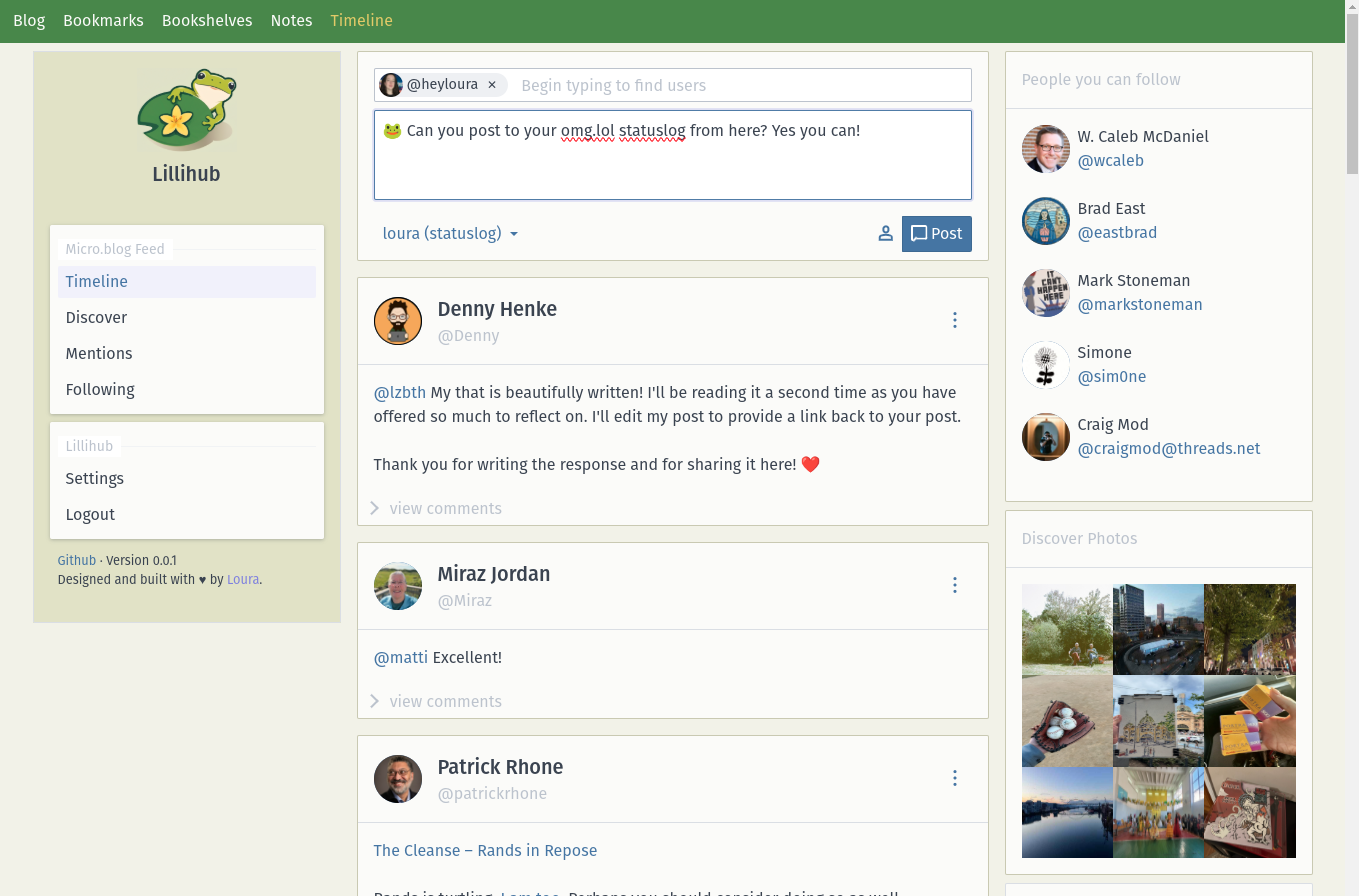
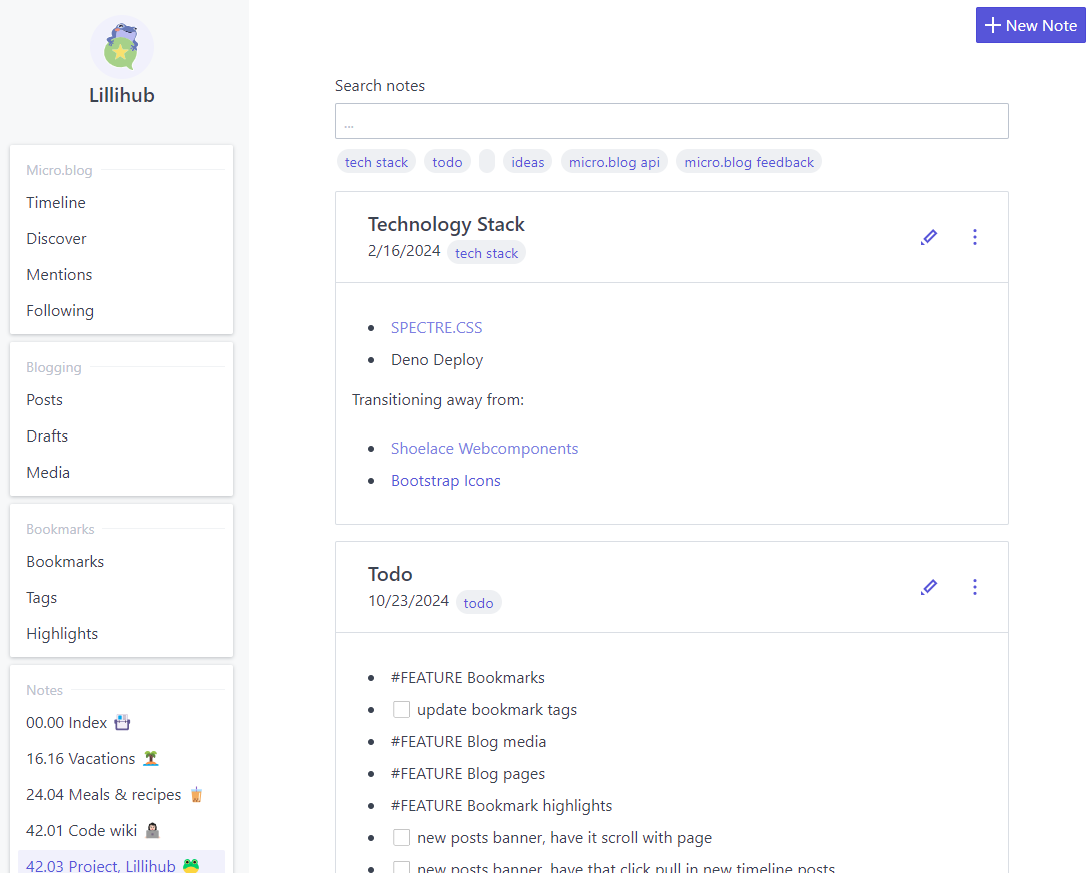
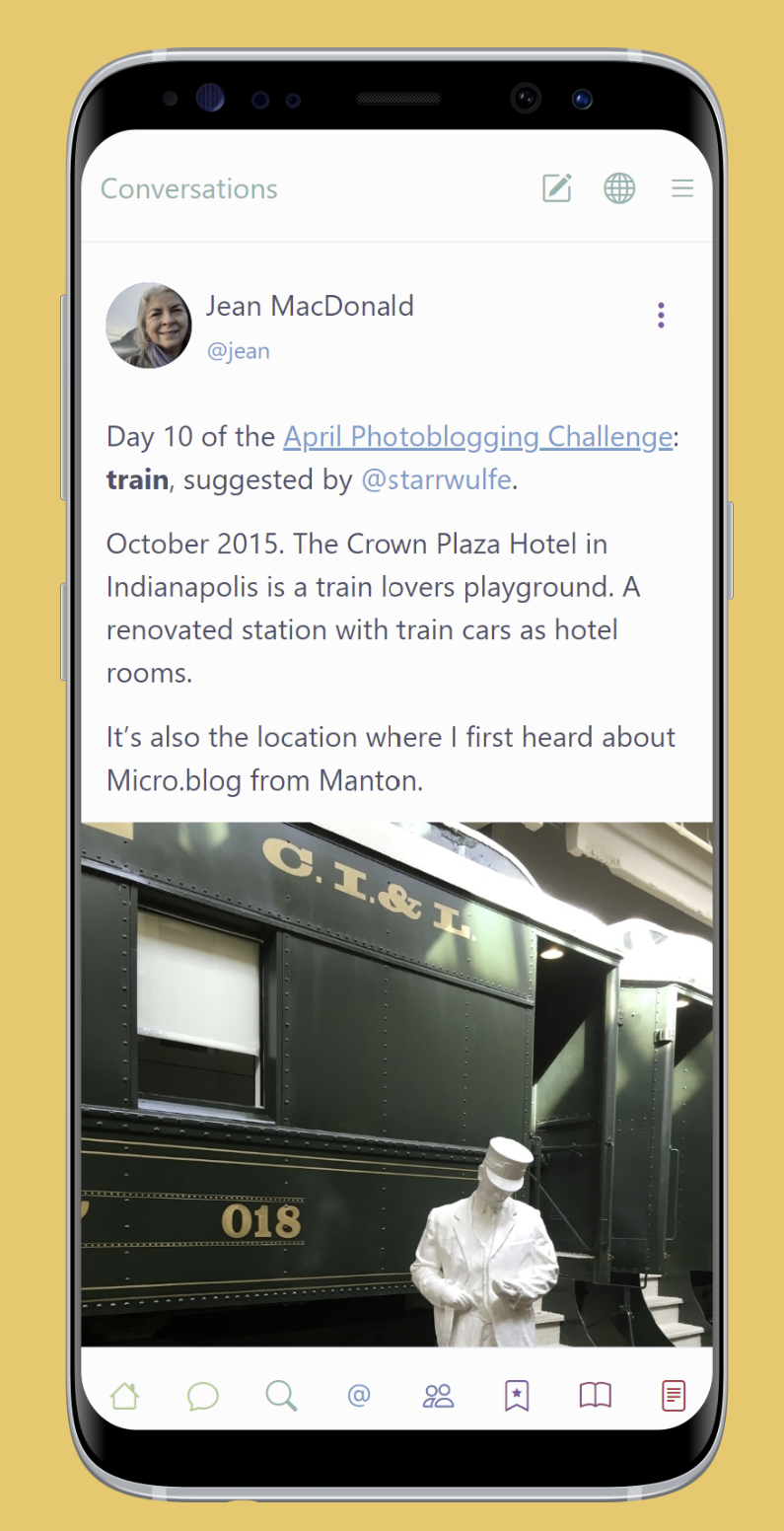
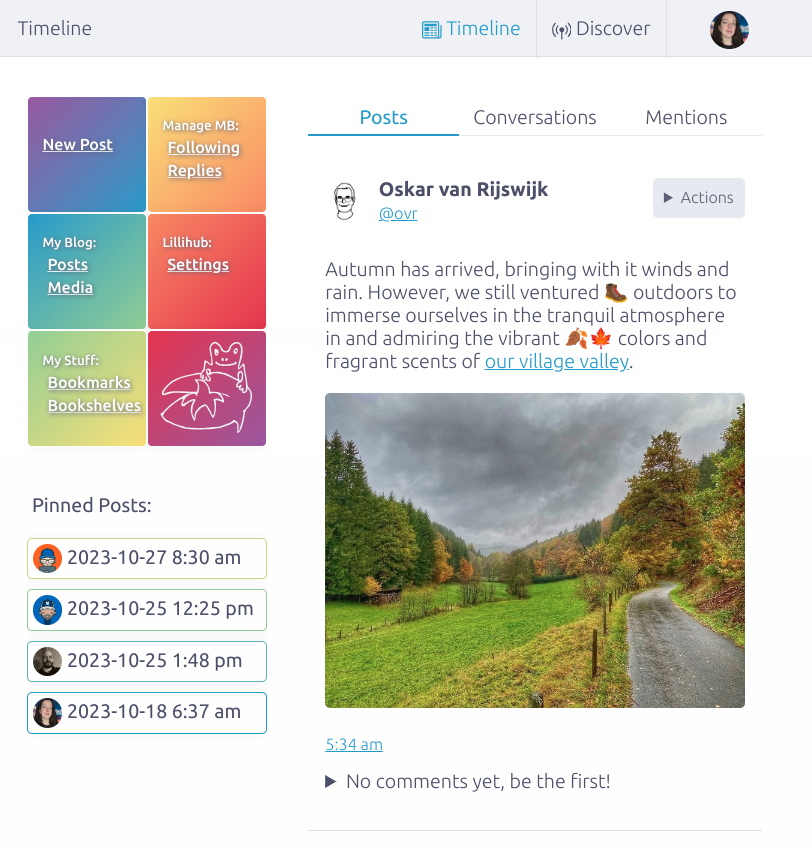
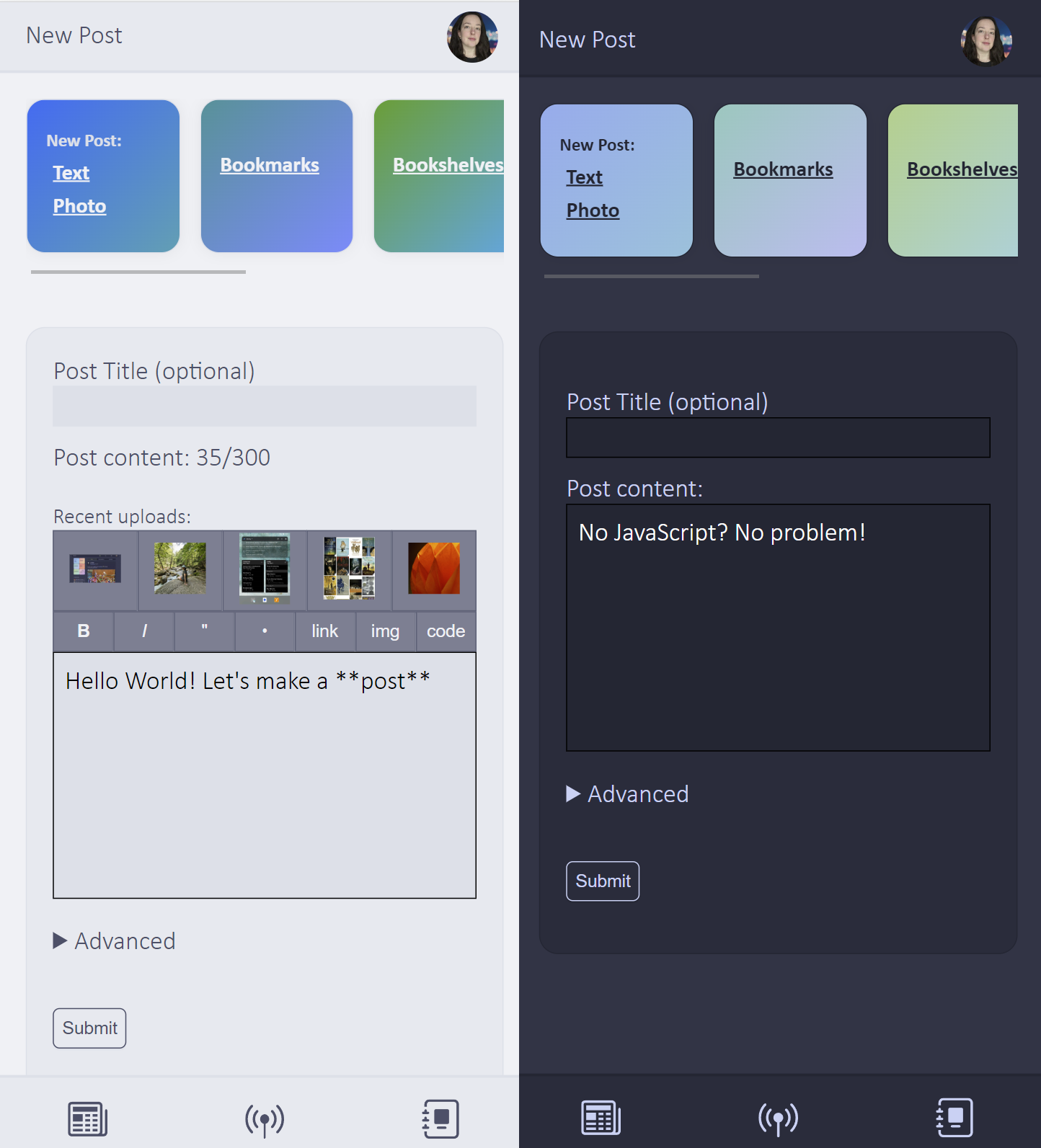
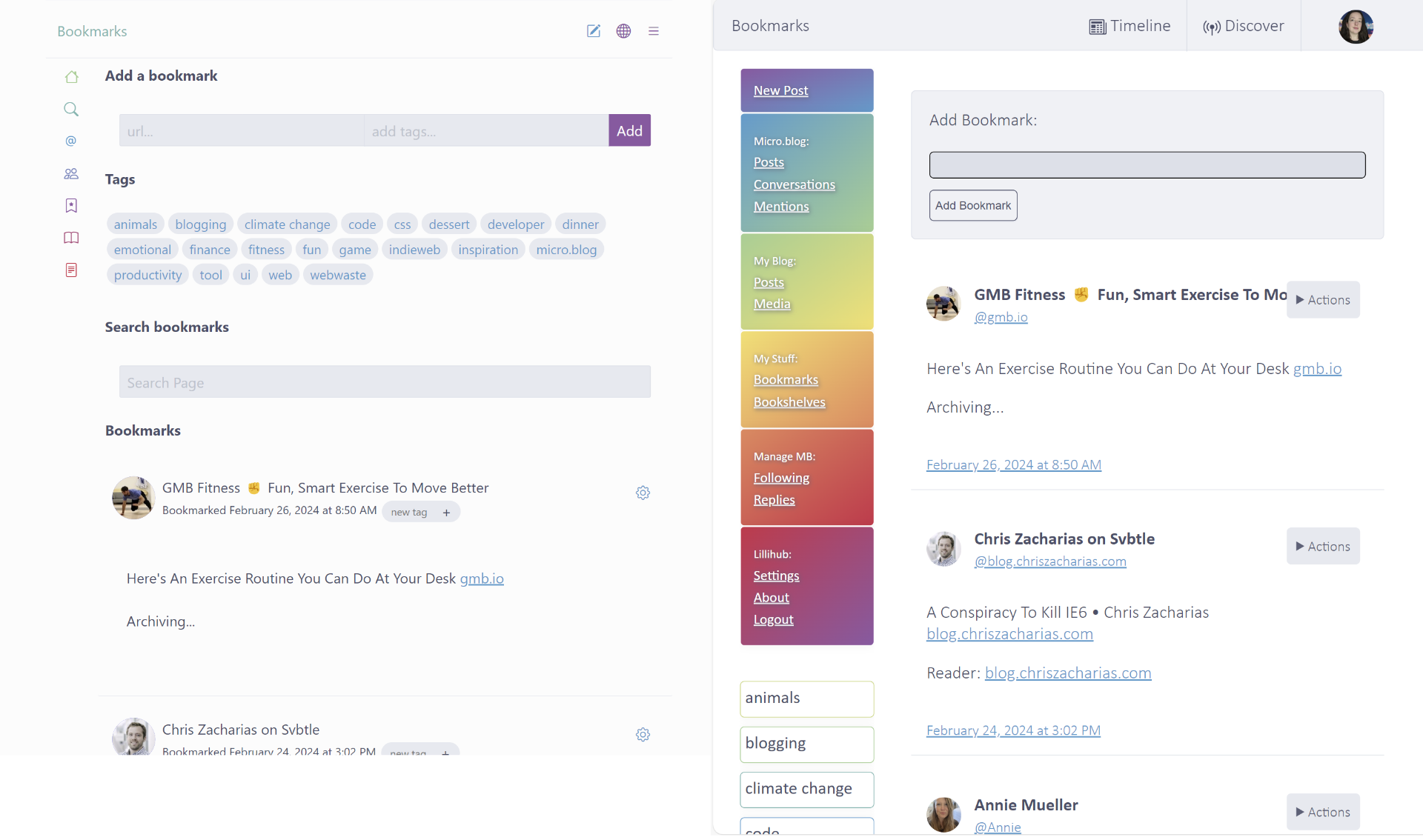
I’m thinking about making some design changes for Lillihub 🐸. I was playing around with this option (on the left) this weekend. It still has some color, but the UI is minimal. Nothing set in stone yet…
- 🤺 #meta-jots
-
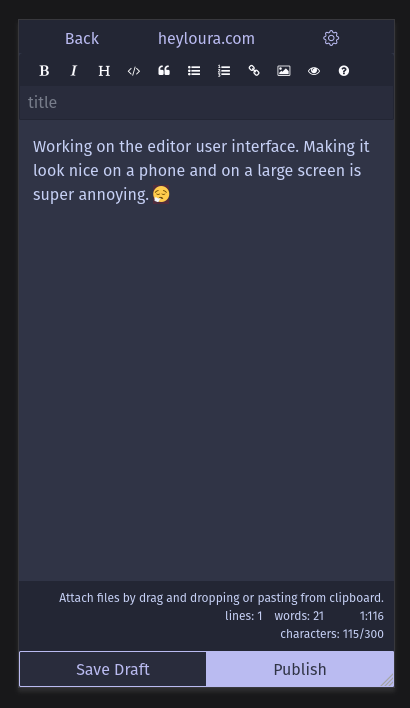
I have some free time this weekend for the first time in a while. Getting in some much needed Lillihub development time.
-
Dev Diary 0012: January 1st - 16th 2024
🐲 🐲 #code 🐲 #Fun & Games -
I’ve spent the last few weeks of the New Year, like a lot of others, reflecting on where I’ve been and where I want to go. So this update is a little more rambling than most.
Work
I want to never use Azure Dev Ops again. It is giving me such a headache. I still can’t get our …
- 👺 #meta-jots
-
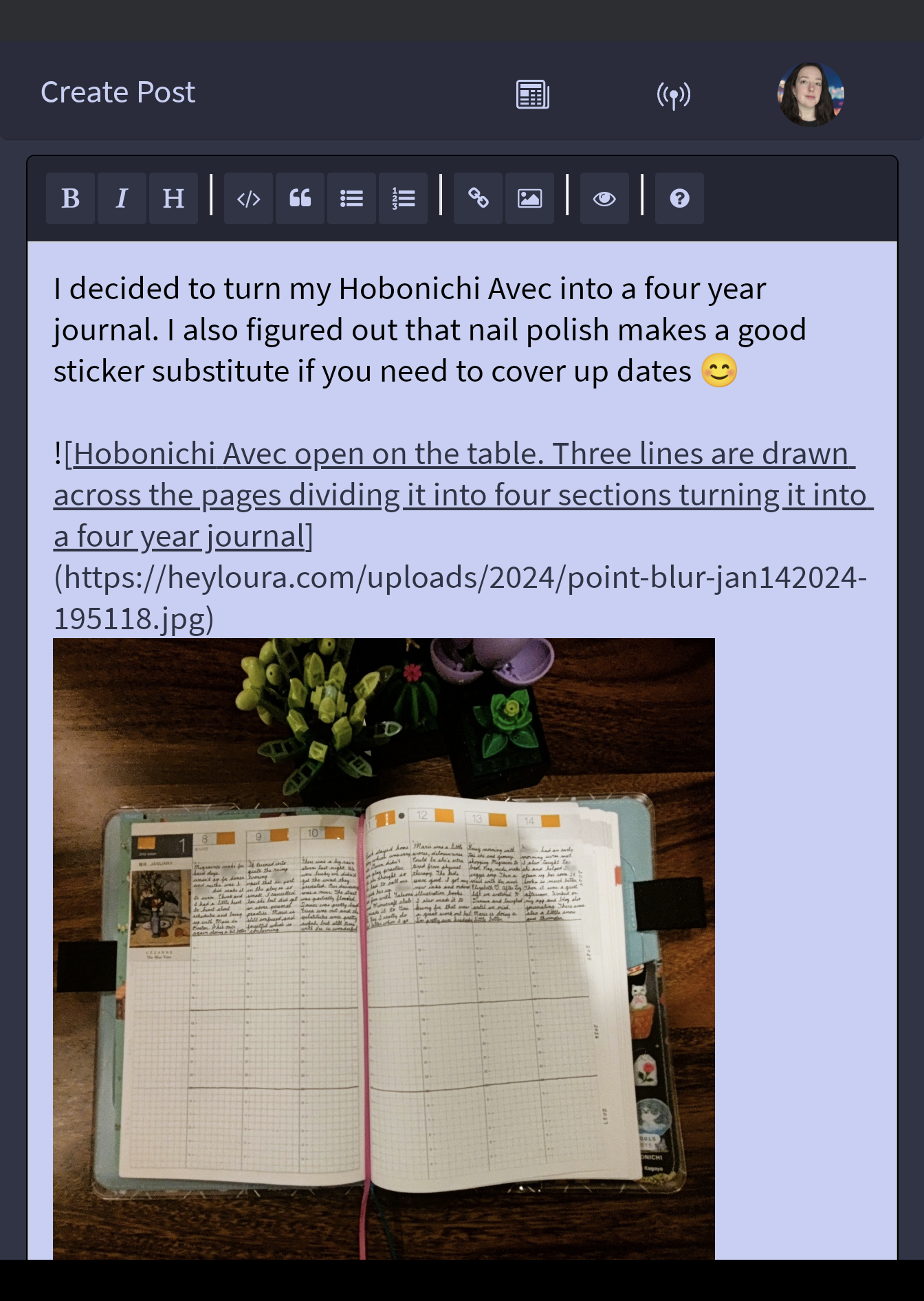
An fun 🐸 Lillihub update I put in yesterday. The editor now previews an image while you write. I find it helpful to see the image while writing alt descriptions 😊
- 👾 #meta-jots
-
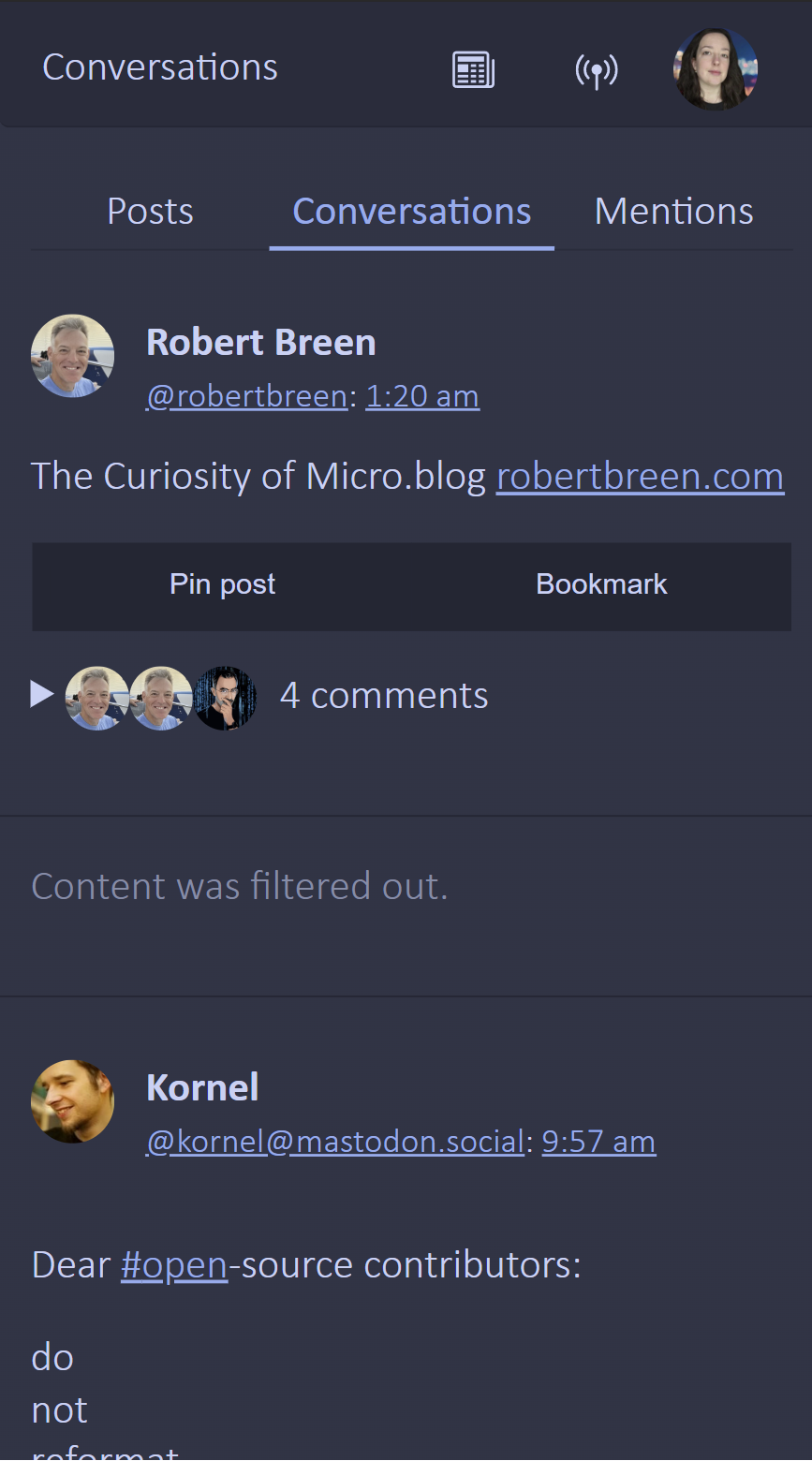
My favorite thing about my side project, Lillihub , is you don’t need JavaScript.
Besides the reply box not auto-clearing, the fancy markdown editor for posts (both which work with textareas), and photo swiping it’s not that noticable without it.
- 🧝 #meta-jots
-
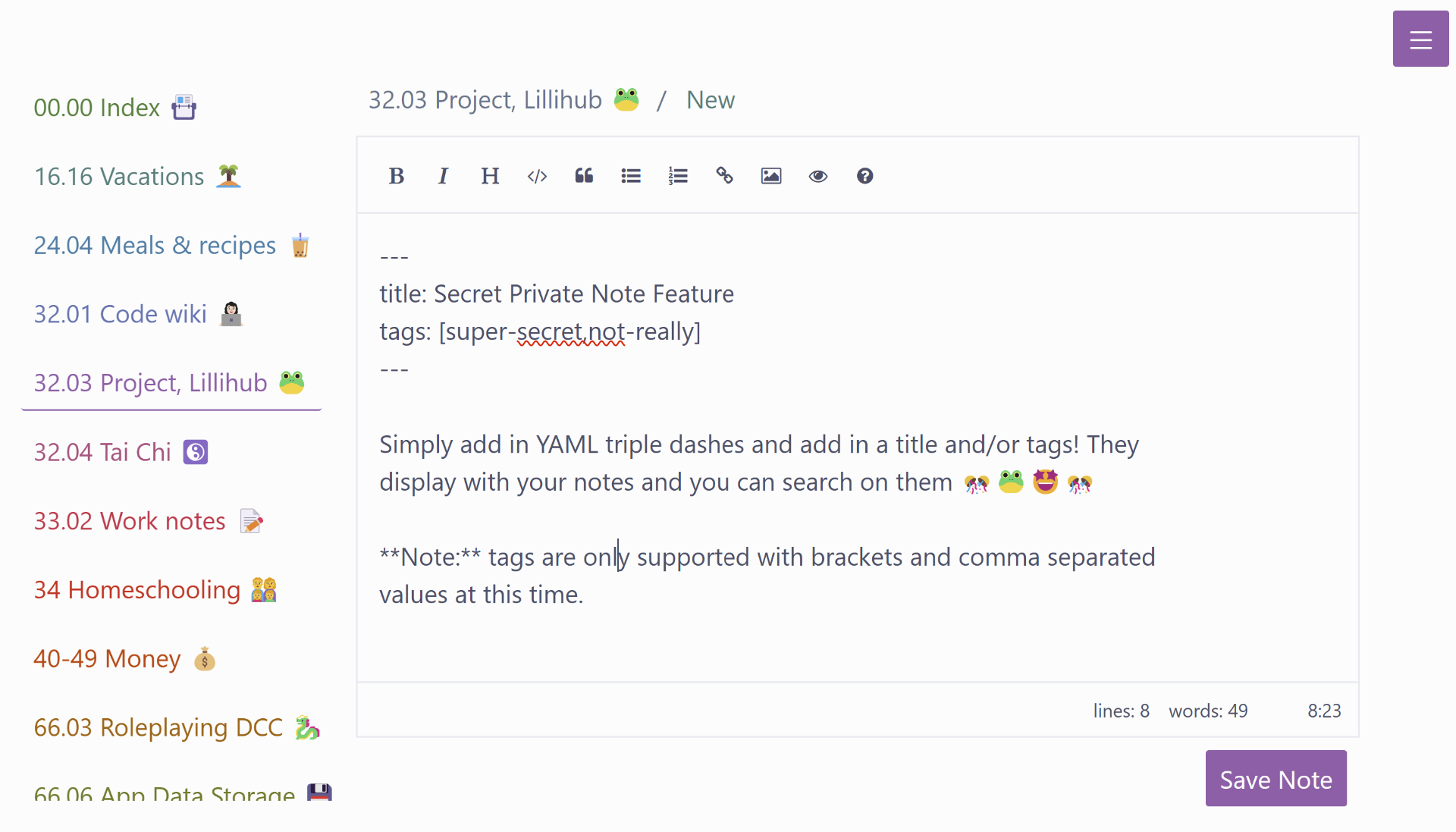
🐸 Lillihub update:
You will need to reset your settings.
Improvements:
- Editor previews images inline
- Editor supports browser spell check
- Login on homepage
- Added logout
Bugs:
- Editor drag/drop/copy images has been fixed
- Editor full screen dark mode fixed.
-
Dev Diary 0011 - December 11th - 30th
🪼 🪼 #code -
This month has been rough. It started with an unusual diagnosis for my daughters injured knee, the stress of the holidays, and my mother-in-law going from a routine procedure to a transfer to a larger city hospital to a surgery that ended precariously with complications. She’s still with us …
- 🌚 #meta-jots
-
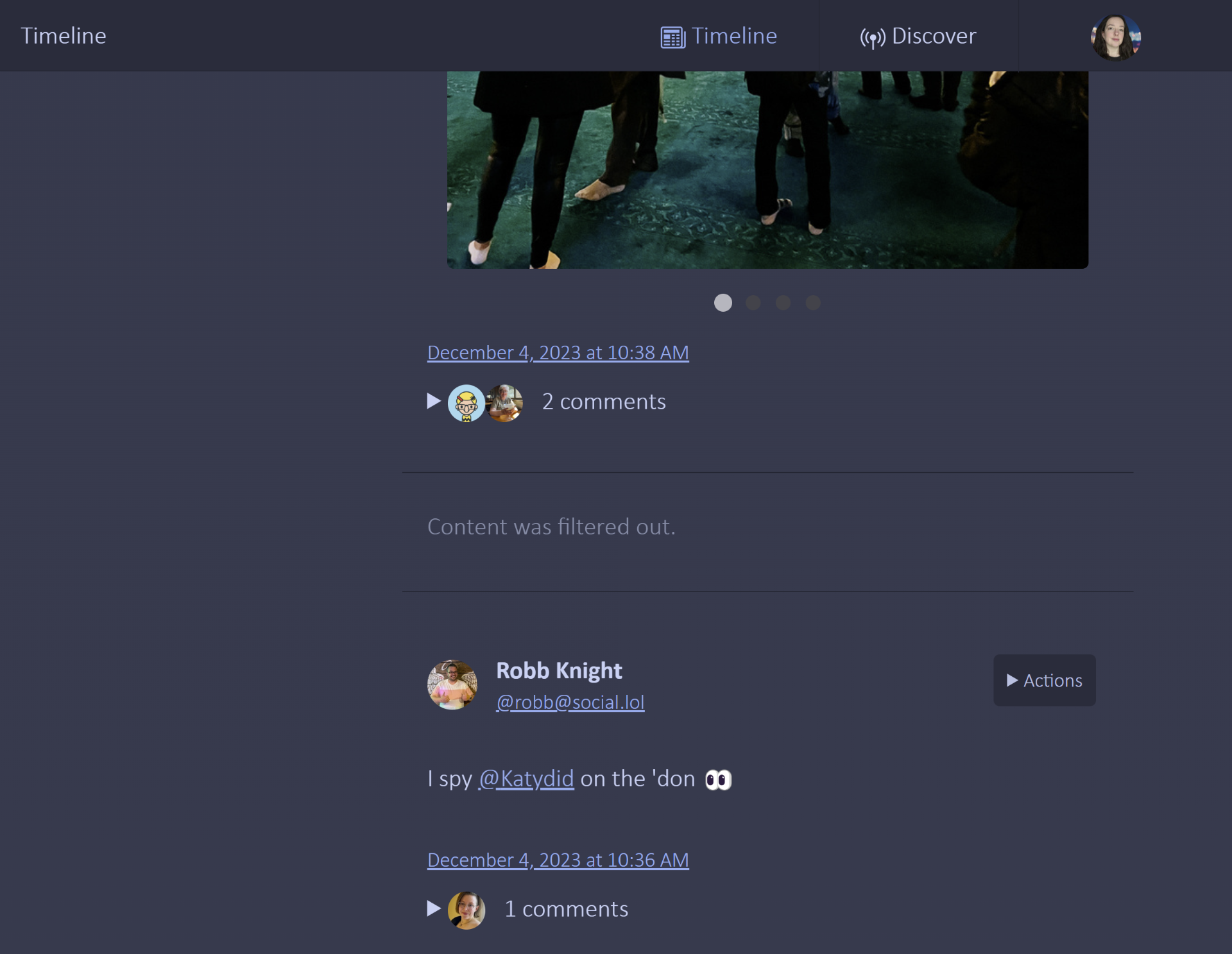
And this lovely test post should not crosspost from Lillihub
Photos